









Emily Long
Emily Long's Articles
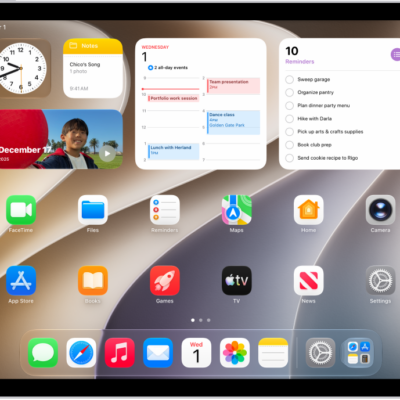
How to set up your Game Center profile in the Apple Games app on iPad
You can set up your Game Center profile in the Apple Games app on iPad, choose an avatar and nickname, and control who sees your activity.
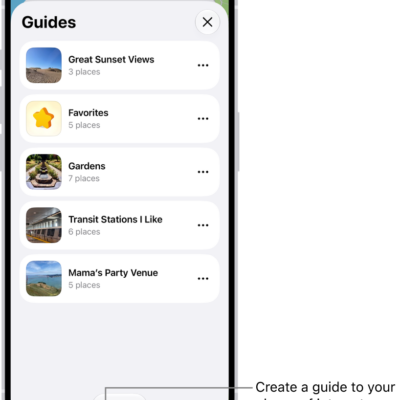
How to organize places with custom guides in Maps on iPad
You can organize places with custom guides in Maps on iPad, create and share guides, and add places to your Favorites guide.
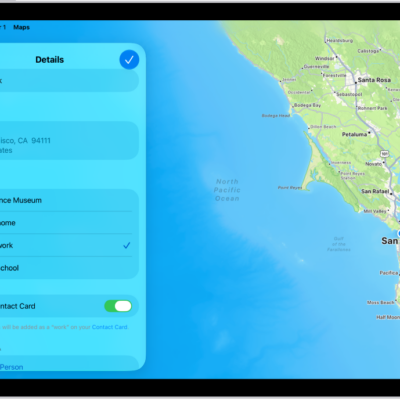
How to set your home, work, or school address in Maps on iPad
You can set your home, work, or school address in Maps on iPad for one-tap directions and traffic updates, and change or remove it.
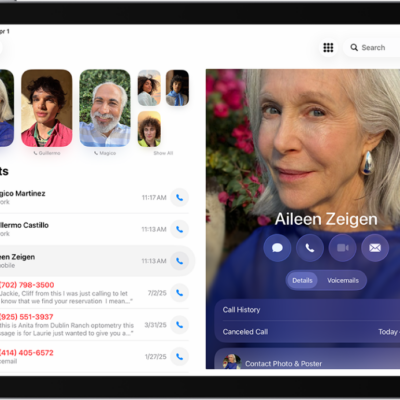
How to record and transcribe a call on iPad
You can record and transcribe a call on iPad, play a recorded call, view the transcript in Notes, and delete recordings.

How to make calls using Wi-Fi on iPad
You can make calls using Wi-Fi on iPad with Wi-Fi Calling when your cellular signal is low.
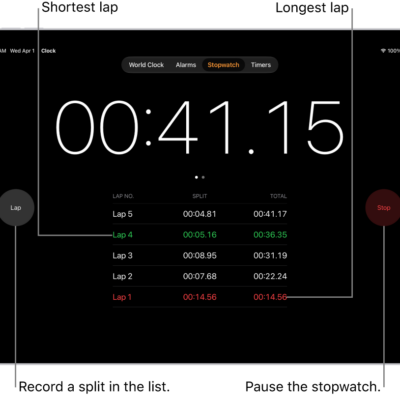
How to track time with the stopwatch in Clock on iPad
You can track time with the stopwatch in Clock on iPad to measure the duration of an event and record laps or splits.
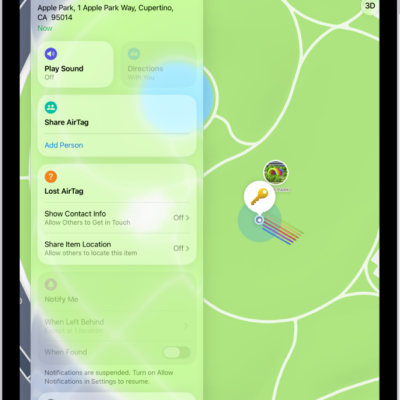
How to share location of a lost item in Find My on iPad
You can share the location of a lost item in Find My on iPad by creating a temporary webpage, like one for an airline.
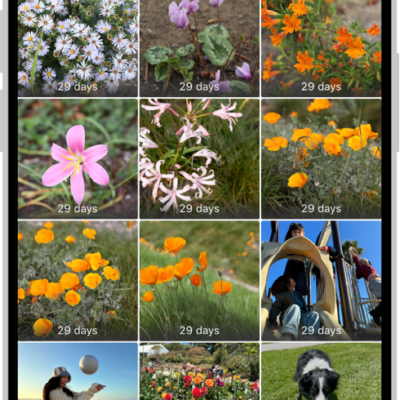
How to delete or hide photos and videos on iPad
You can delete or hide photos and videos on iPad, recover them from Recently Deleted, and unhide photos later.
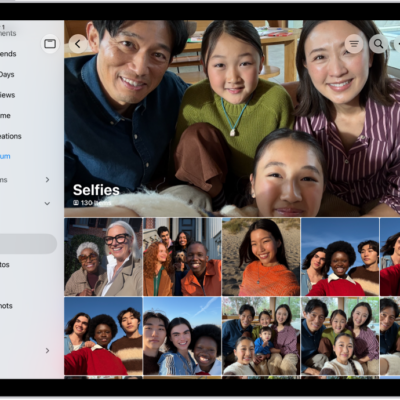
How to locate photos and videos by media type on iPad
You can locate photos and videos by media type on iPad, like Portrait mode photos or time-lapse videos, and reorder media types.
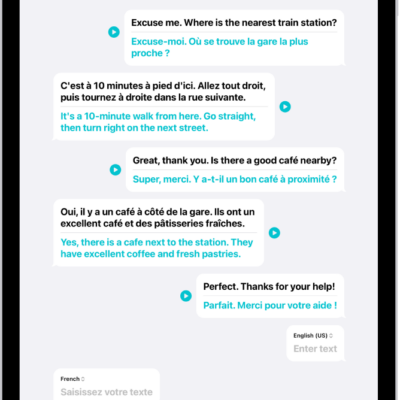
How to translate in-person conversations with iPad
You can translate in-person conversations with iPad in the Translate app, typing or speaking to see translated text in chat bubbles.