Got a tip for us?

Emily Long

Emily is a staff writer at GeeksModo, and is interested in all things Apple. This includes its best products such as the iPad, iPhone, Mac, AirPods, and Apple Watch. When she’s not tinkering with the latest Apple gear, you’ll find her watching movies, taking pictures on her Sony A7 and exploring the great outdoors.

Emily Long's Articles

The Camera screen showing a menu at a restaurant with text translated from Spanish to English.

How to use the camera in the Translate app on iPad

You can use the camera in the Translate app on iPad to translate text around you, or text in photos from your library.
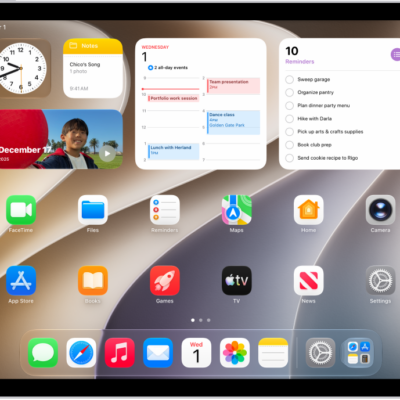
A screenshot showing an example of an iPad Home Screen.

How to open an app on iPad

You can open an app on iPad from the Dock, a Home Screen page, or App Library by tapping it.
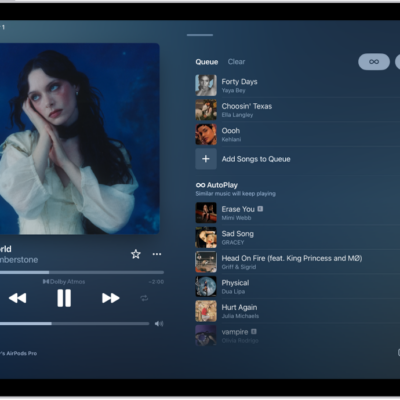
The Now Playing screen showing the queue with AutoPlay and AutoMix turned on. Similar songs appear below the songs in the album.

How to shuffle or repeat songs in Music on iPad

You can shuffle or repeat songs in Music on iPad, from your whole library to a single song, from the Now Playing screen.
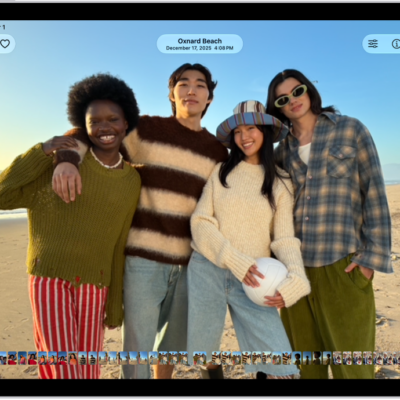
A photo is open in the Photos app and fills the center of the screen.

How to view, share, and print photos on iPad

You can view, share, and print photos on iPad in the Photos app, and keep them up to date across devices with iCloud Photos.
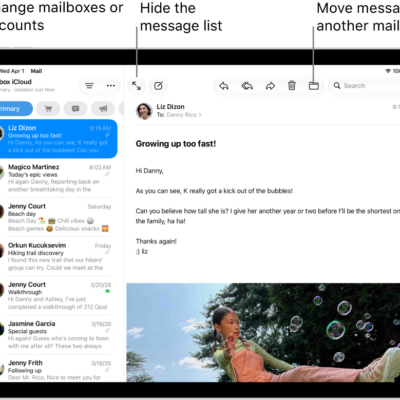
The Mail Inbox, with the list of emails on the left and an open email on the right.

How to automatically categorize incoming emails in Mail on iPad

You can automatically categorize incoming emails in Mail on iPad into Primary, Transactions, Updates, and Promotions, and change a sender's category.
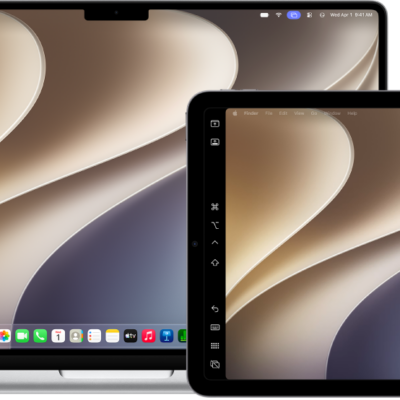
A MacBook Air and an iPad sitting side by side. Both screens show the Mac desktop with a purple Screen Mirroring icon in the menu bar.

How to use your iPad as a second display for your Mac

You can use your iPad as a second display for your Mac with Sidecar, extending your workspace across both screens.
A MacBook Air and an iPad sitting side by side. Both screens show the Mac desktop with a purple Screen Mirroring icon in the menu bar.

How to use one keyboard and mouse to control Mac and iPad

You can use one keyboard and mouse to control Mac and iPad with Universal Control, and work across up to three devices.
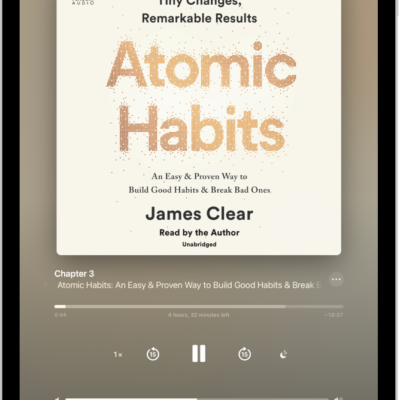
The audiobook player screen showing, from top to bottom, the audiobook cover, the name of the section that's playing, the playhead, pause button, and the skip forward and back buttons. At the bottom is the volume slider and below that are buttons for controlling playback speed, setting a sleep timer, choosing a playback destination, and viewing a list of the book's tracks.

How to listen to audiobooks in the Books app on iPad

You can listen to audiobooks in the Books app on iPad, adjust the volume, skip forward or back, and find supplemental PDFs.
The audiobook player screen showing, from top to bottom, the audiobook cover, the name of the section that's playing, the playhead, pause button, and the skip forward and back buttons. At the bottom is the volume slider and below that are buttons for controlling playback speed, setting a sleep timer, choosing a playback destination, and viewing a list of the book's tracks.

How to play audio from iPad on HomePod and other wireless speakers

You can play audio from iPad on HomePod and other wireless speakers, including multiple AirPlay 2-enabled devices at once.
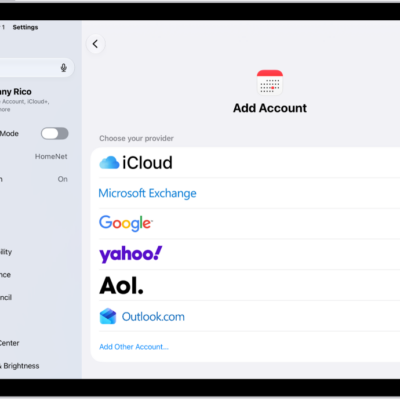
The add calendar account settings showing different calendar providers.

How to change your Calendar settings on iPad

You can change your Calendar settings on iPad, add iCloud, Google, Exchange, or Yahoo accounts, and choose a default calendar.