









Kevin Hollington
Kevin Hollington's Articles
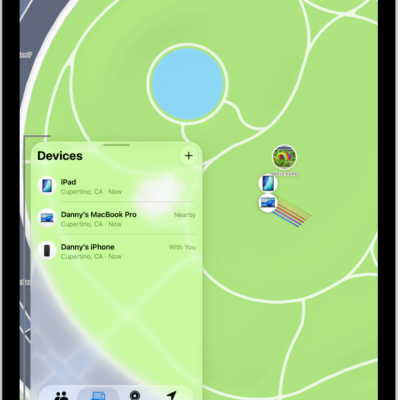
How to remove a device from Find My on iPad
You can remove a device from Find My on iPad, take it off your Devices list, or turn off Activation Lock on a device you sold.
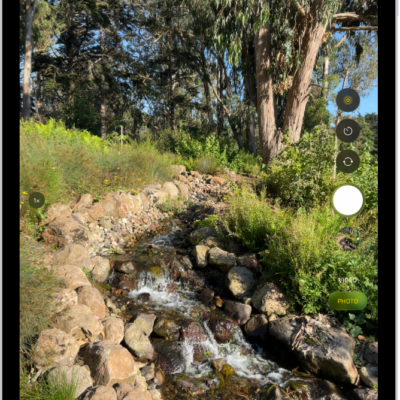
How to add content to an iCloud Shared Photo Library on iPad
You can add content to an iCloud Shared Photo Library on iPad by moving photos, saving from Camera, or sharing when members are nearby.
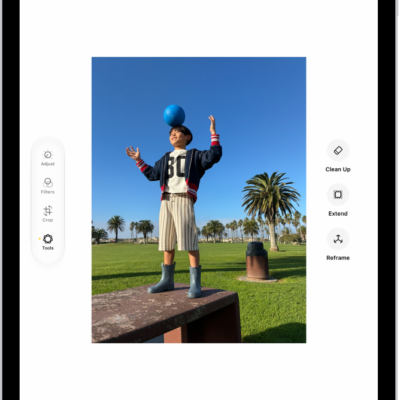
How to use Apple Intelligence to express yourself creatively on iPad
You can use Apple Intelligence to express yourself creatively on iPad, with photo editing tools, original images, Genmoji, and memory movies.

How to add backgrounds in Messages on iPad
You can add backgrounds in Messages on iPad, use a dynamic background or photo, create an original one, or revert to plain.
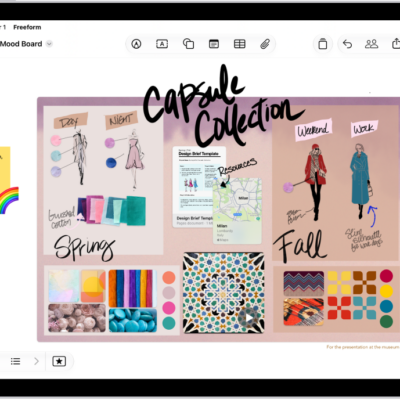
How to search your Freeform boards on iPad
You can search your Freeform boards on iPad for text in handwriting, sticky notes, text boxes, shapes, and filenames.
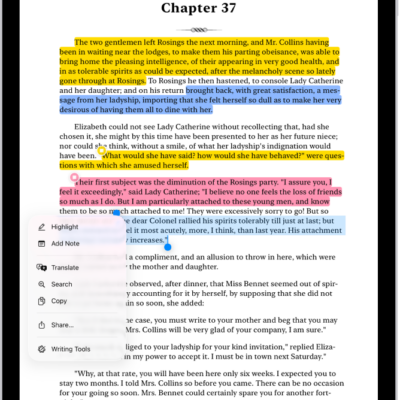
How to translate text in apps on iPad
You can translate text in apps on iPad such as Notes and Mail, and replace text you entered with a translation.
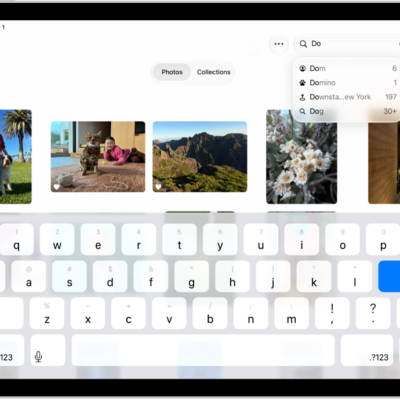
How to search for photos and videos on iPad
You can search for photos and videos on iPad by date, location, people, or description, and search by shared library participant.
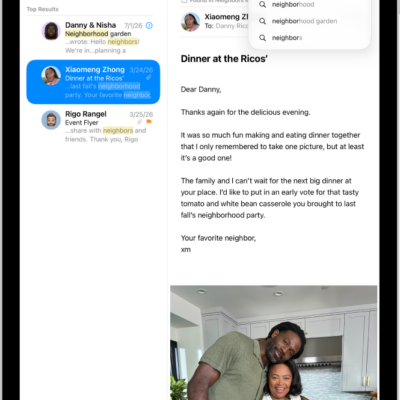
How to search for email in Mail on iPad
You can search for email in Mail on iPad by text, timeframe, or email attributes, with the most relevant messages at the top.

How to change your appearance in a FaceTime call on iPad
You can change your appearance in a FaceTime call on iPad with a Memoji or filter, and add a text label, stickers, or shapes.
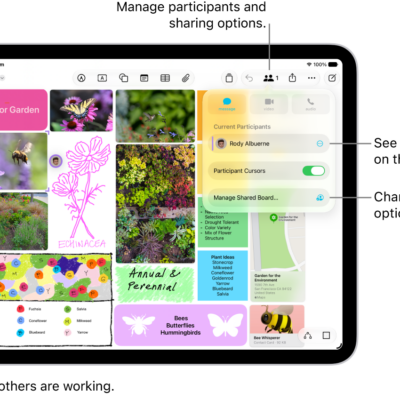
How to collaborate on a document in FaceTime on iPad
You can collaborate on a document in FaceTime on iPad, share it during a call, and see everyone's changes.