Got a tip for us?

Kevin Hollington

Kevin Hollington is a seasoned tech journalist based in Los Angeles with a penchant for all things Apple. He started writing about Apple products in 2007 and it’s been a love affair ever since. He has spent over a decade testing and writing about iPhones, iPads, Macs, and other Apple products. In his spare time, he likes nothing more than catching up with the latest news and sports podcasts on the beach.

Kevin Hollington's Articles

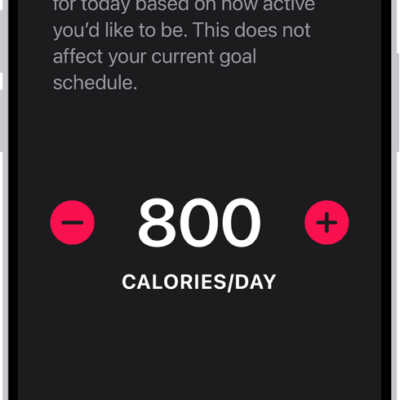
The Fitness Move Goal Schedule screen showing buttons to increase or decrease the Move goal by the day of the week.

How to adjust your Activity ring goals in Fitness on iPhone

You can change your Activity ring goals in Fitness on iPhone, set a different goal for each day of the week, and pause your rings.
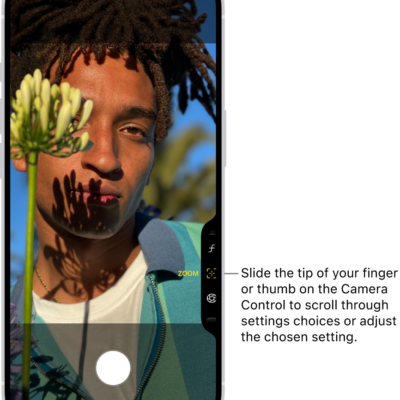
The Camera Control menu is open in Camera. The Zoom control is selected.

How to use the Camera Control on iPhone

You can use the Camera Control to open Camera, take photos and videos, and adjust camera settings on supported iPhone models.
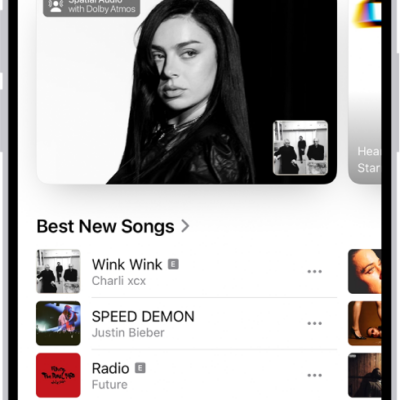
The New tab showing a new album at the top. You can swipe left to see more featured music and videos. The Best New Songs section appears below. You can swipe up on the screen to explore new and recommended music.

How to find new music with Apple Music on iPhone

You can find new music on iPhone, from new releases and expert playlists to upcoming concerts if you subscribe to Apple Music.
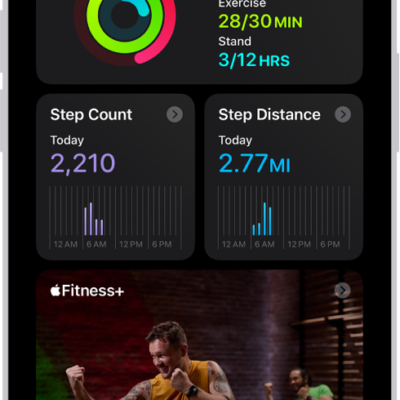
The Summary screen in Fitness, showing the Activity Rings, Step Count, Step Distance, and Trends areas.

How to see your activity summary in Fitness on iPhone

You can see your daily activity, trends, and awards in Fitness on iPhone, and add, edit, move, or delete the metrics in your summary.
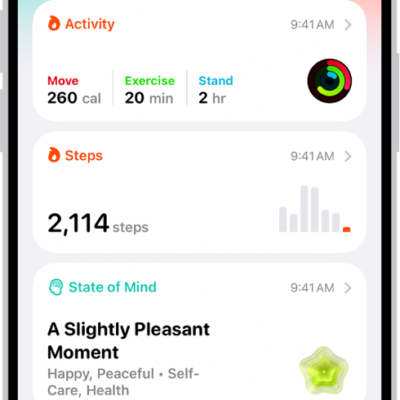
The Summary screen in Health. Information about activity, sleep score, state of mind, and medications appears below Pinned.

How to view your data in Health on iPhone

You can view your health and fitness data in one place in Health on iPhone, pin categories, and see highlights and trends.
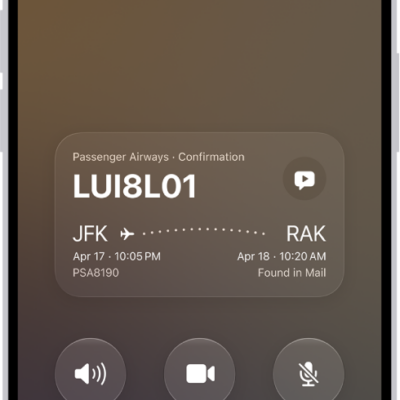
The call screen, showing a Call Context card with a flight confirmation.

How to share screens during a phone call on iPhone

You can share your screen, ask to see someone else's, and use SharePlay to watch or listen together during a phone call on iPhone.
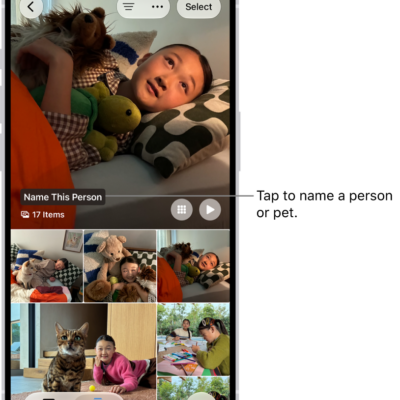
The People & Pets collection in the Photos app. Groups appear at the top, and people and pets are listed below.

How to hide people, memories, and holidays in Photos on iPhone

You can have Photos on iPhone show certain people, days, and holidays less often in memories and featured photos, or turn memories off.
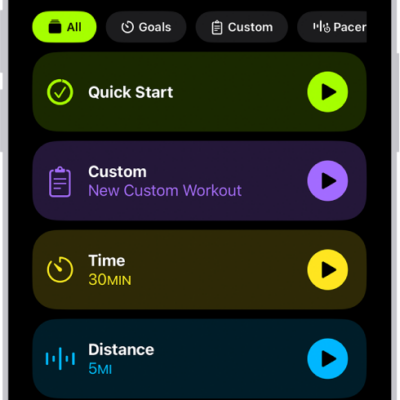
The Fitness Workout screen showing details for an Outdoor Run workout. Below Outdoor Run are options to choose media and set up Workout Buddy. In the center, from top to bottom, are options to start a workout, a custom workout, a pacer workout, and workouts with distance and calorie goals.

How to use Workout Buddy in Fitness on iPhone

You can use Workout Buddy in Fitness on iPhone with Apple Intelligence for encouragement and progress insights during runs, walks, and rides.
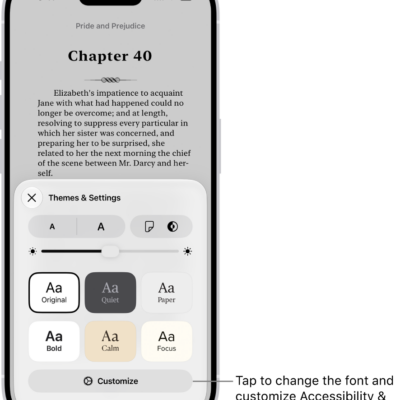
A page of a book in the Books app. The Themes & Settings options show controls for font size, scrolling view, page turn style, brightness, and font styles.

How to read PDF documents in the Books app on iPhone

You can save PDFs from Mail, Messages, and other apps to the Books app on iPhone, then share, print, or mark them up.
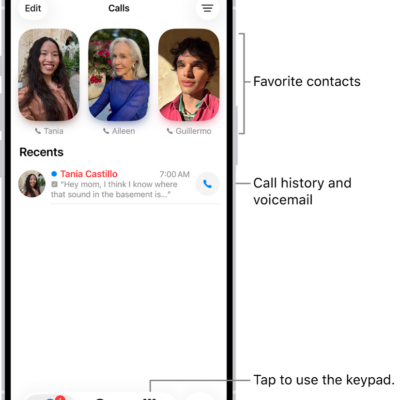
The Calls tab in the Phone app in Unified layout. Favorite contacts appear at the top. Below the Favorites is a list of recent calls and voicemail. Buttons to view the Calls, Contacts, and Keypad tabs appear at the bottom. The Search button is in the bottom-right corner.

How to use contacts from the Phone app on iPhone

You can call contacts from the Phone app on iPhone, add VIPs to Favorites, save recent callers, and automate dialing an extension.