








Moses Johnson
Moses Johnson's Articles
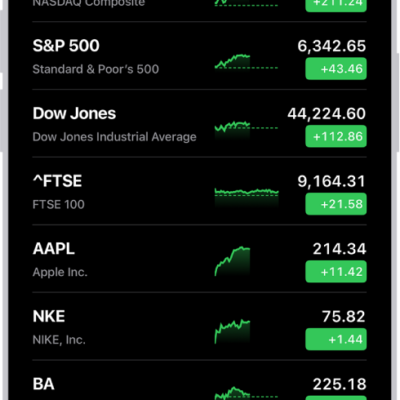
How to use a Stocks widget on your iPhone
You can add a Stocks widget to your iPhone Home Screen to check stocks at a glance, in the size and display you choose.
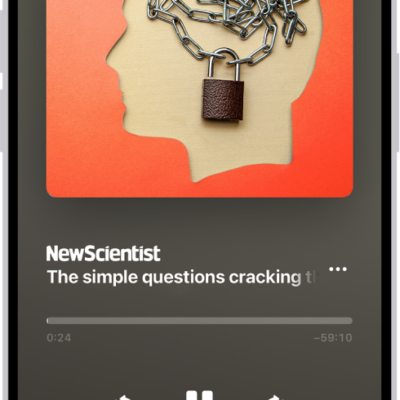
How to listen to News stories in News on iPhone
You can listen to audio stories in News on iPhone, add them to Up Next, and find them in Podcasts too if you subscribe to Apple News+.
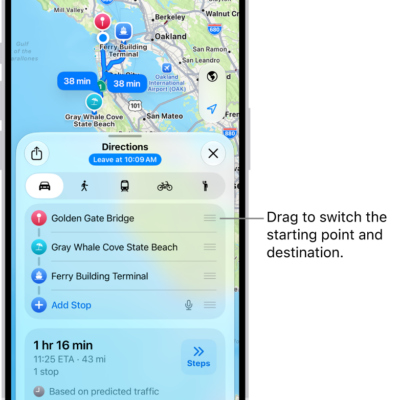
How to get weather info in Maps on iPhone
You can see the weather and air quality for the area shown in Maps on iPhone, and open the hourly forecast from the map.
How to adjust CarPlay accessibility settings for vision
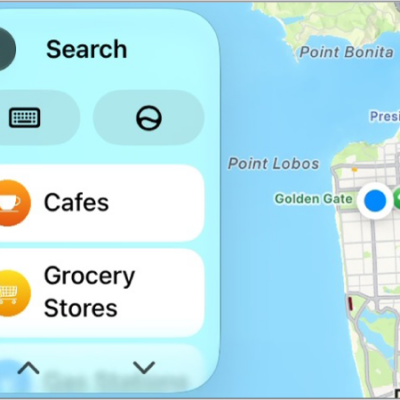
You can change CarPlay accessibility settings for vision, including color filters, grayscale, text size, bold text, and Voice Control.
How to show transcriptions for Intercom messages from HomePod on iPhone
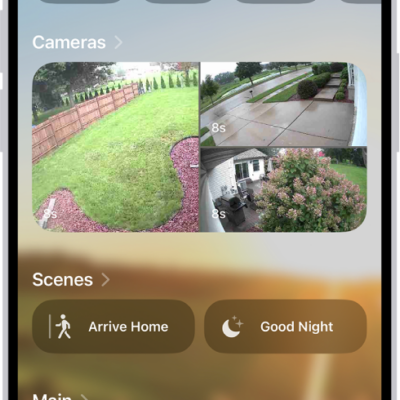
You can show transcriptions for Intercom messages from HomePod on iPhone by turning on Show Audio Transcriptions.
How to add diagrams to a Freeform board on iPhone
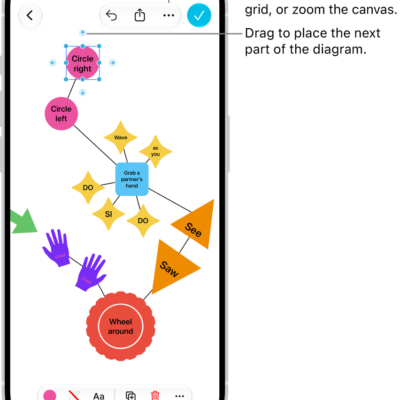
You can build a diagram on a Freeform board on iPhone using shapes and connector lines, then change how the items connect.
How Apple Intelligence protects your privacy on iPhone
You can rely on Apple Intelligence on iPhone to protect your privacy with on-device processing and Private Cloud Compute, and create a report of its requests.

How to clear your reading history in News on iPhone
You can clear your reading history and recommendation data in the News app on iPhone, on every device signed in to your Apple Account.
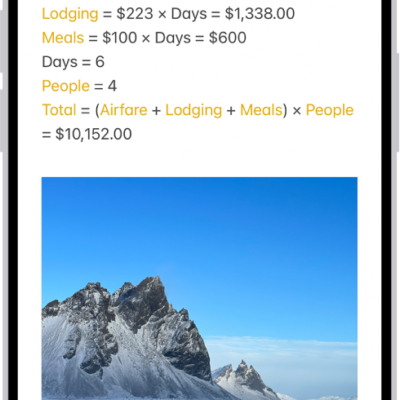
How to enter formulas and equations in Notes on iPhone
You can solve equations, assign variables, and plot graphs, typed or handwritten, as soon as you add an equal sign with math in Notes on iPhone.
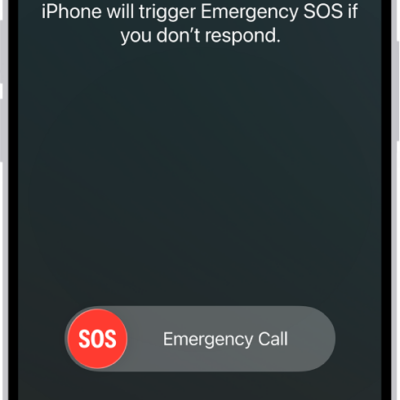
How to manage Crash Detection on iPhone 14 or later
You can manage Crash Detection on iPhone 14 or later, which can call emergency services and notify your emergency contacts after a severe car crash.