









Moses Johnson
Moses Johnson's Articles
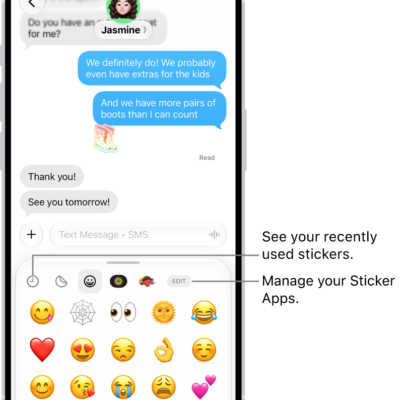
How to add emoji, Memoji, and stickers with the iPhone keyboard
You can add emoji, Memoji, and stickers with the iPhone keyboard, and make your own stickers from photos or create and edit Memoji.
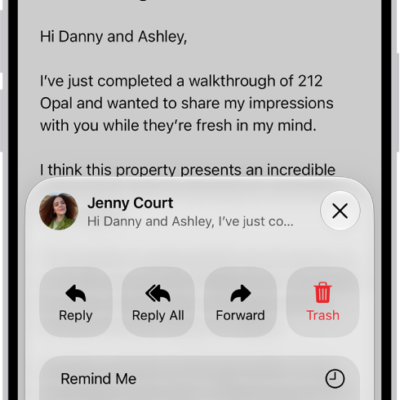
How to print an email or attachment in Mail on iPhone
You can print an email, an attachment, or a picture from the Mail app on iPhone.
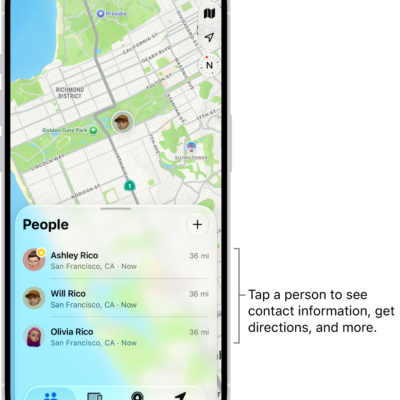
How to get notified when a friend’s location changes in Find My on iPhone
You can get a notification in Find My on iPhone when a friend arrives at a location, leaves it, or isn't there.
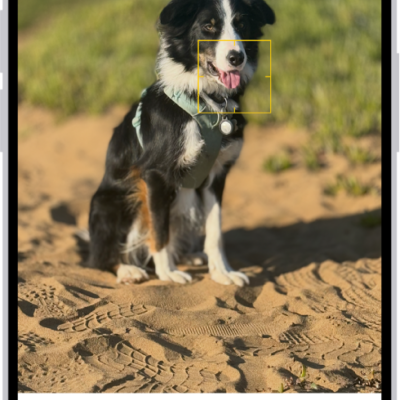
How to edit Portrait mode photos on iPhone
You can change the lighting, background blur, and focus point of Portrait mode photos on iPhone, and turn some regular photos into portraits.
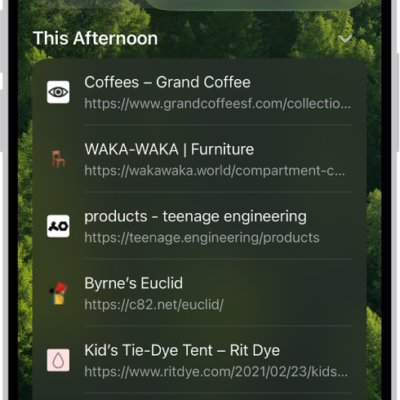
How to clear your cache and cookies on iPhone
You can clear your cache and cookies on iPhone by clearing your Safari browsing history and data, for a timeframe you choose.

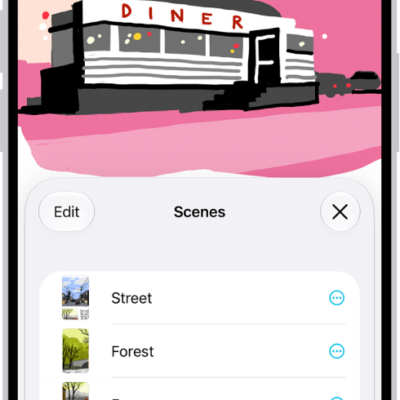
How to create and use scenes in Home on iPhone
You can create scenes in the Home app on iPhone that set several accessories at once, like lights, music, drapes, and thermostat.
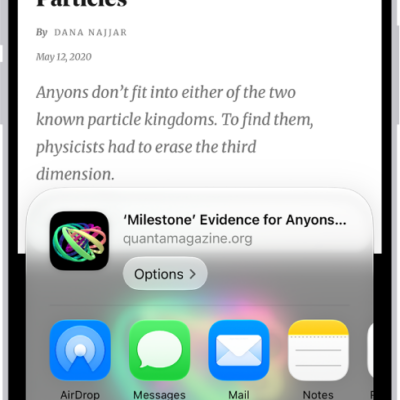
How to save webpages to read later in Safari on iPhone
You can save webpages to your Reading List in Safari on iPhone to read later, even offline, and save them to iCloud automatically.
How to search your Freeform boards on iPhone
You can search your Freeform boards on iPhone for text in handwriting, sticky notes, text boxes, shapes, and filenames.
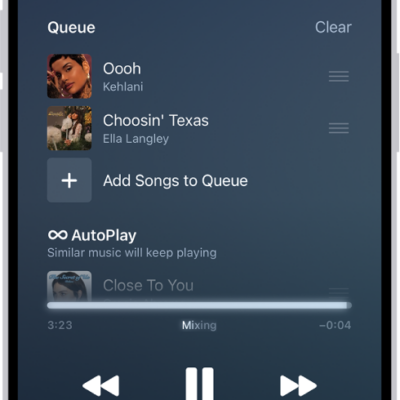
How to queue up your music on iPhone
You can use the queue in Music on iPhone to see upcoming songs, add and reorder music, use AutoPlay, and see what you recently played.
How to translate text in apps on iPhone
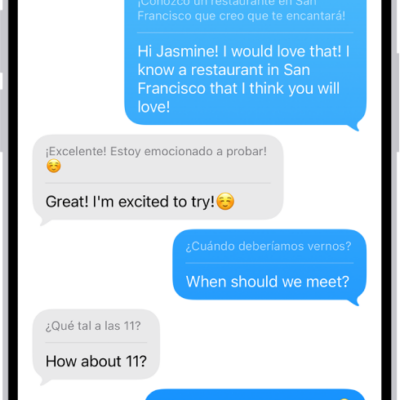
You can translate selected text in apps like Notes and Mail on iPhone, and replace what you typed with a translation.