








Moses Johnson
Moses Johnson's Articles
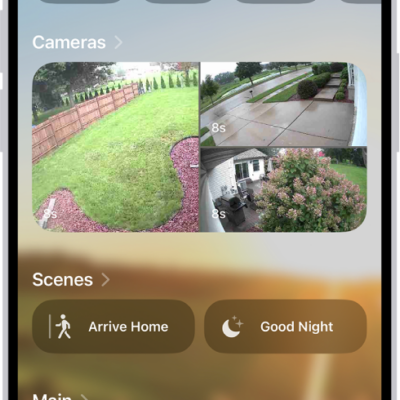
How to invite others to control accessories in your home on iPhone
You can invite residents to control your home accessories in the Home app on iPhone, or give guests scheduled access to doors and locks.
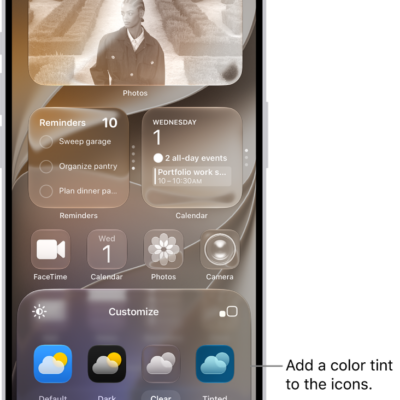
How to customize apps and widgets on the iPhone Home Screen
You can customize app icons and widgets on your iPhone Home Screen: make them larger, tint them, or switch to a dark or clear look.
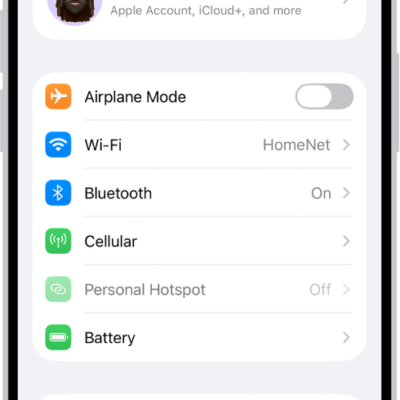
How to make calls using Wi-Fi on iPhone
You can turn on Wi-Fi Calling on iPhone to make and receive calls over a Wi-Fi network when your cellular signal is low.
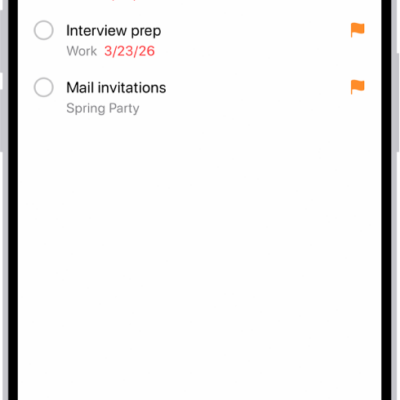
How to use Smart Lists in Reminders on iPhone
You can use Smart Lists in Reminders on iPhone to filter items by tags, dates, locations, flags, and priority, or convert a list.
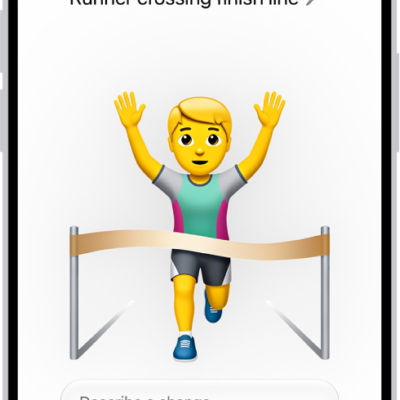
How to create your own emoji with Genmoji on iPhone
You can create Genmoji on iPhone from a description, existing emoji, or a photo, and use them in messages with Apple Intelligence.
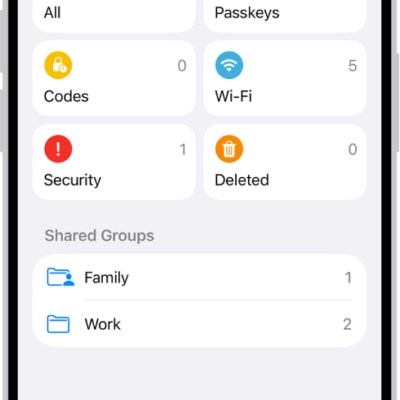
How to share passwords and passkeys with people you trust on iPhone
You can create a shared password group on iPhone to share passwords, passkeys, and Sign in with Apple credentials with people you trust.
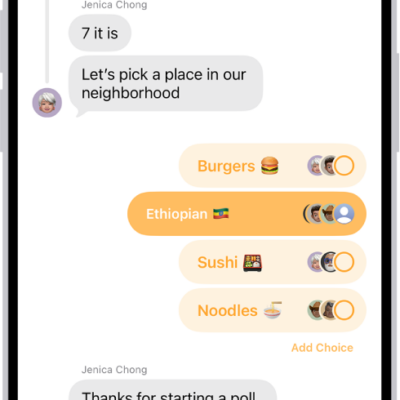
How to poll people in Messages on iPhone
You can start a poll in any iMessage conversation on iPhone, add options, vote, and check the results, or let Apple Intelligence suggest one.
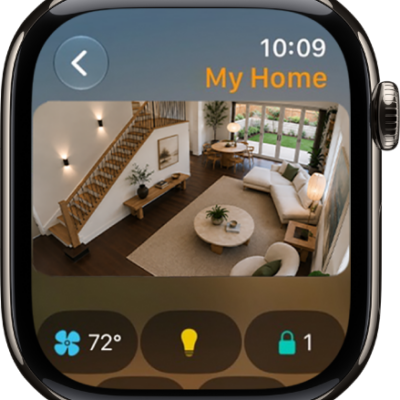
How to control your home with Apple Watch
You can control your home with Apple Watch, use accessories and scenes, send intercom messages, and view your HomeKit Secure Video cameras.

How to import and export photos and videos on iPhone
You can import photos and videos to iPhone from a camera, SD card, or another device, and export originals to an external drive.

How to set up iPhone 18 Pro and iPhone 18 Pro Max
setting up a new iPhone 18 Pro is simple. Here’s how to do it.