







Moses Johnson
Moses Johnson's Articles
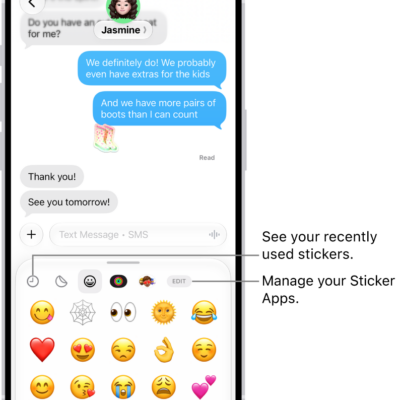
How to send stickers in Messages on iPhone
You can send stickers in Messages on iPhone, place them on a conversation, and create and save Live Stickers.
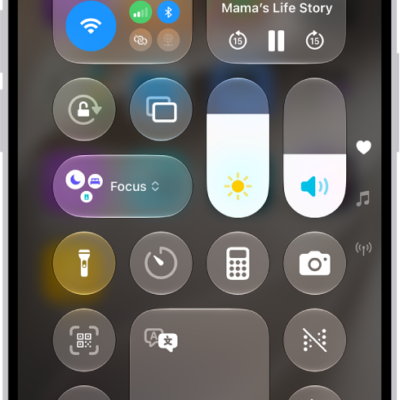
How to take a screen recording on iPhone
You can make a screen recording on iPhone from Control Center, add audio with the microphone, and review your recordings.
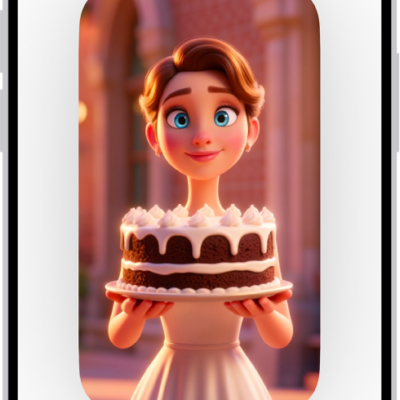
How to create original images with Image Playground on iPhone
You can create original images in the Image Playground app on iPhone from descriptions, photos, and people in your library with Apple Intelligence.
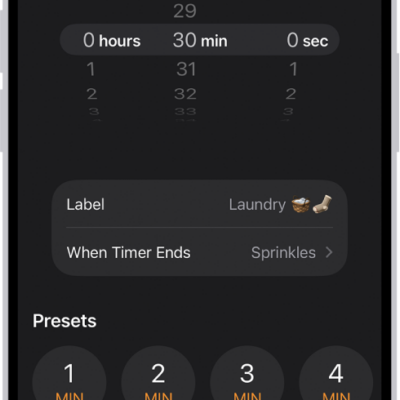
How to set timers in Clock on iPhone
You can set timers in the Clock app on iPhone, name them, choose a sound, run several at once, and stop audio or video playing.
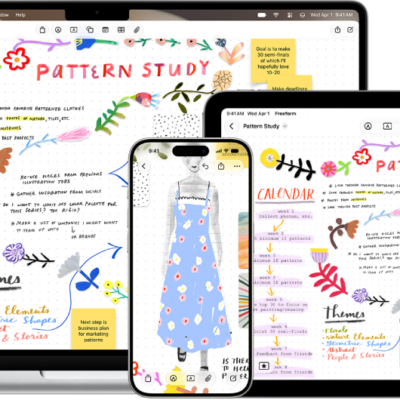
How to organize your Freeform boards in folders on iPhone
You can organize Freeform boards into folders on iPhone, create subfolders, rename folders, and move boards in and out.
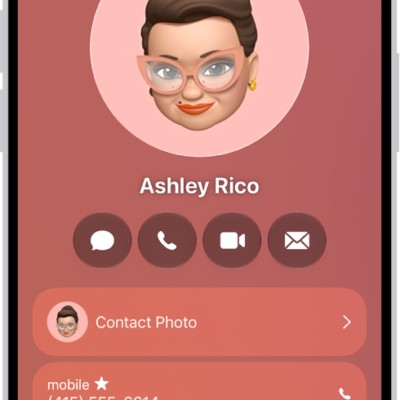
How to add and use contact information on iPhone
You can create, find, share, and delete contacts in the Contacts app on iPhone, and reach anyone with a message, call, or email.
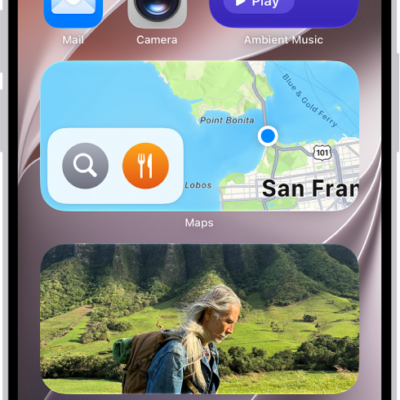
How to add a Mail widget to your iPhone Home Screen
You can add a Mail widget to your iPhone Home Screen and choose which mailbox it shows, like unread email or messages from your VIPs.
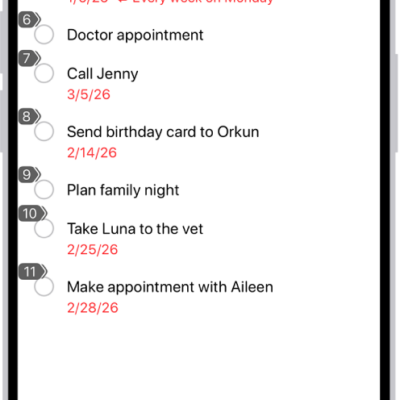
How to use Voice Control to interact with iPhone
You can speak commands to tap, swipe, dictate, and edit text, and describe items in your own words with Voice Control on iPhone.

How to save a video frame as a photo on iPhone
You can save any frame of a video as a photo in the Photos app on iPhone.
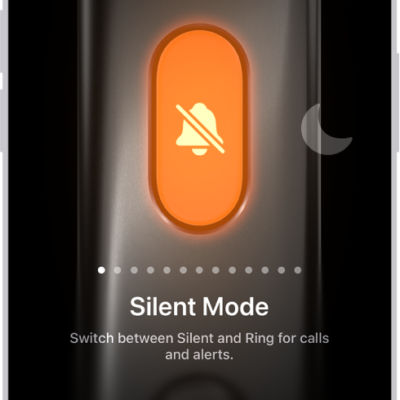
How to use and customize the Action button on iPhone
You can choose what the Action button does when you press it, and change it any time in Settings on supported iPhone models.