Got a tip for us?

Stacey Butler

Stacey is a senior staff writer at GeeksModo and has been writing about Apple for nearly a decade. She covers all things Apple for GeeksModo, including iPhones, iPads and Mac. Based in Honolulu, Hawaii, Stacey is often found hiking precarious landscapes or tinkering with a camera.

Stacey Butler's Articles

A preview of a website followed by a list of possible actions: Open, Open in New Tab, Open in Tab Group, Download Linked File, and Add to Reading List.

How to browse the web using Safari on iPhone

You can browse and preview webpages in Safari on iPhone, translate pages, and keep your tabs and bookmarks in sync across your devices.
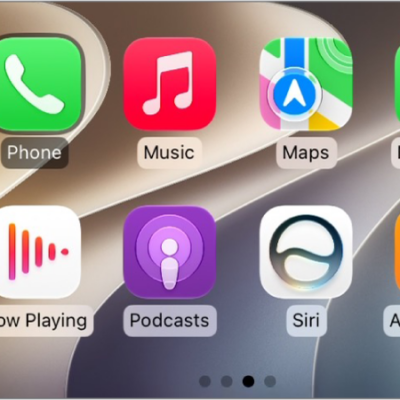
The CarPlay Home Screen showing Maps, Music, and Messages in the sidebar. To the right is a collection of other app icons.

How to use your vehicle’s built-in controls to control CarPlay

You can control CarPlay with your vehicle's touchscreen, rotary knob, or touchpad, and with Siri.
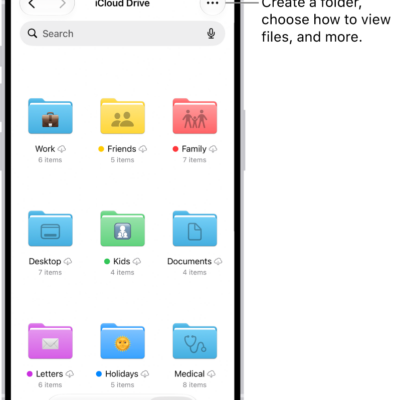
The Files app showing the files and folders in your iCloud Drive. The More menu has options for Selecting items, creating a new folder, Scan Documents, and Connect to Server. Below that are options to view items on the screen as Icons or a List. At the bottom are sort options for Name, Kind, Date, Size, and Tags followed by View Options.

How to modify files and folders in Files on iPhone

You can copy, move, share, delete, and customize files and folders in the Files app on iPhone, and switch between list and icon view.
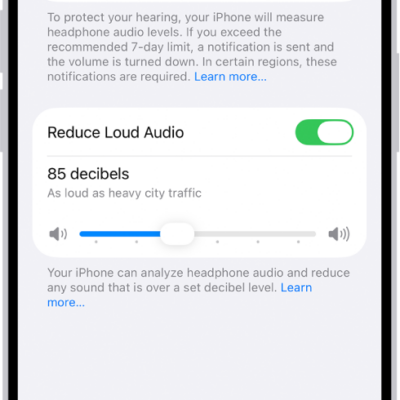
The Headphone Safety screen, showing the number of headphone notifications sent in the last 6 months, the Reduce Loud Audio option, a slider for changing the maximum decibel level, and the selected decibel limit of 85 decibels.

How to use hearing health features in Health on iPhone

You can take a Hearing Test with AirPods Pro 2 and iPhone to see an audiogram of how loud sounds need to be for you to hear them.
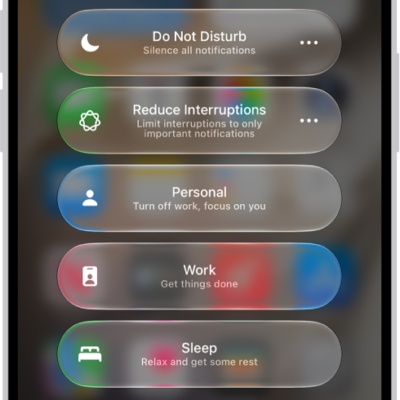
Control Center showing the Focus options, with buttons for setting the duration of the Focus options.

How to turn your Sleep Focus on or off on iPhone

You can turn your Sleep Focus on or off in Control Center on iPhone, or turn it off for all your sleep schedules.
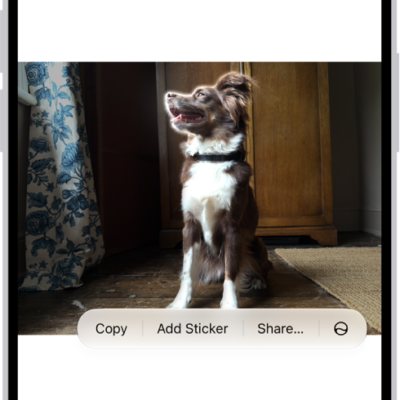
The Photos app is open to a photo of a dog. The dog is selected, and the option Add Sticker is available in the menu above.

How to make stickers from your photos on iPhone

You can make stickers and animated stickers from the subjects of your photos and Live Photos on iPhone, then use them in messages and notes.
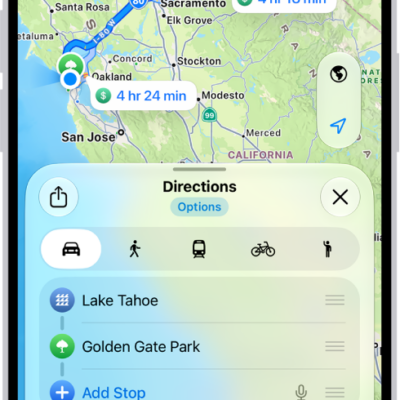
An iPhone showing a map with several driving route options to the same destination. Each route shows the estimated time and distance, and a Go button to start turn-by-turn directions. Color coding on each route indicates traffic conditions.

How to share your estimated time of arrival in Maps on iPhone

You can share your ETA in Maps on iPhone while you drive, cycle, or walk, and it updates automatically if you're delayed.
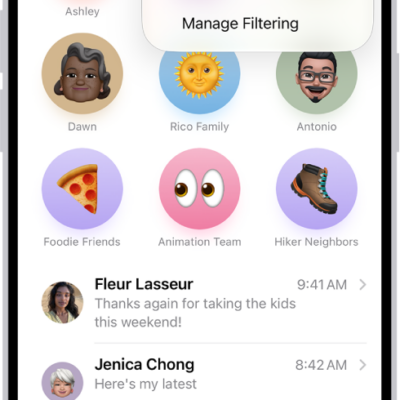
A conversation list in Messages. All messages are shown, because no filter is selected in the Filter menu.

How to report spam and block senders in Messages on iPhone

You can report spam in Messages on iPhone, recover messages wrongly marked as spam, and block specific people or numbers.
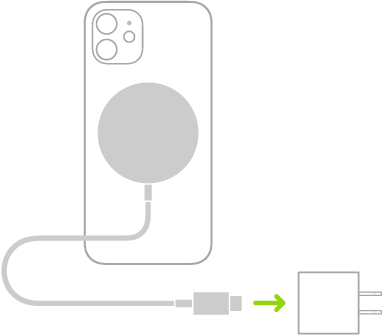
An illustration showing one end of MagSafe Charger attached to the back of iPhone and the other end connecting to a power adapter.

How to charge iPhone with MagSafe chargers and battery packs

You can snap MagSafe chargers and battery packs to the back of supported iPhone models for fast wireless charging, and charge AirPods too.
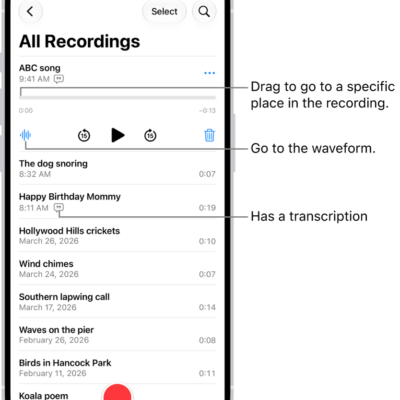
The Voice Memos list screen with a selected recording at the top. The recording timeline has a playhead, which you can drag to go to a specific place in the recording. The play controls are below the timeline.

How to search for or rename a recording in Voice Memos on iPhone

You can search for a recording in Voice Memos on iPhone, even by words in its transcript, and rename any recording.