Got a tip for us?

Tyler Stephen

I'm Tyler Stephen, from the US state of Maine. I have a life-long passion for technology, and in addition to writing here, I am also on the editorial team of AppleVis.com. I've been totally blind from birth and thus rely on screenreading software like VoiceOver on Apple products and NVDA on Windows. I have been a Mac user since 2005 and an iOS user since 2010, in addition to also having used Windows, Linux, and Chrome OS. On this site and elsewhere, I hope to write pieces that educate and entertain people, as well as bring attention to the accessibility or inaccessibility of various technologies. You can find me on mastodon at mastodon.applevis.com/@tyler.

Tyler Stephen's Articles

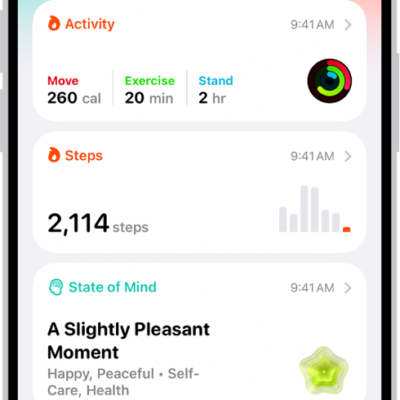
The Summary screen in Health. Information about activity, sleep score, state of mind, and medications appears below Pinned.

Where Health app data comes from on iPhone

You can keep Health data from iPhone, Apple Watch, and other apps and devices in the Health app, plus data you add yourself.
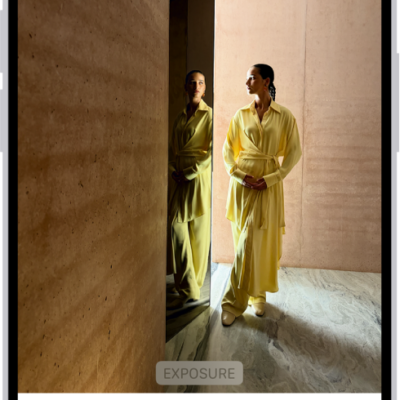
On iPhone, a phot is being edited in the Photos app. The Adjust button is selected, and a slider is available below the Exposure setting to adjust its level. The Cancel button is in the top-left corner of the screen and the Done button is in the top-right corner.

How to undo and revert photo edits on iPhone

You can undo and redo changes while editing a photo or video on iPhone, and revert to the original after saving.
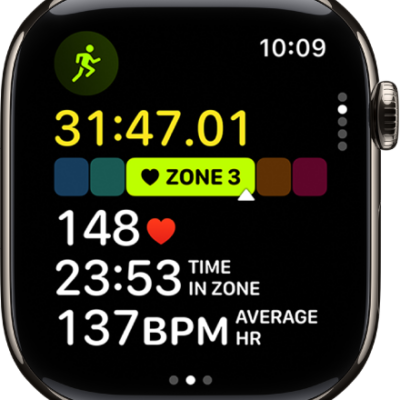
A running workout in progress shows the workout's elapsed time, the zone you're currently in, heart rate, time in zone, and average heart rate.

How to combine multiple workouts on Apple Watch

You can combine multiple workouts on Apple Watch into a single workout, or create a multisport workout with running, cycling, and swimming.
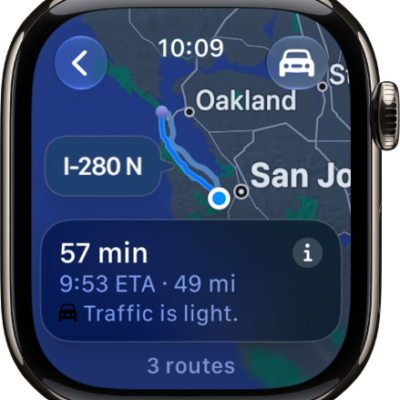
The Maps app showing an overview of driving directions. The first leg of the trip is shown at the bottom.

How to get directions in Maps on Apple Watch

You can get directions in Maps on Apple Watch for driving, walking, cycling, and transit, follow turn alerts, and mark a location with a pin.
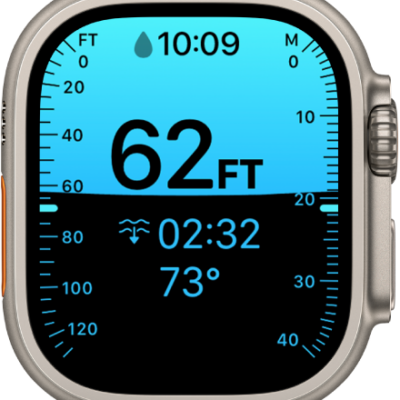
A Depth screen on Apple Watch Ultra, showing the current depth, elapsed time, and water temperature.

How to log your underwater activity with the Depth app on Apple Watch

You can log your underwater activity with the Depth app on Apple Watch, see dive summaries, and review your dive history in Fitness.

The iCloud settings screen showing the iCloud storage meter and a list of features—including Photos, iCloud Drive, and iCloud Backup—that can be used with iCloud.

How to restore Apple Watch from a backup

You can restore Apple Watch from a backup on your paired iPhone, since watch backups are included in your iPhone's iCloud or computer backups.
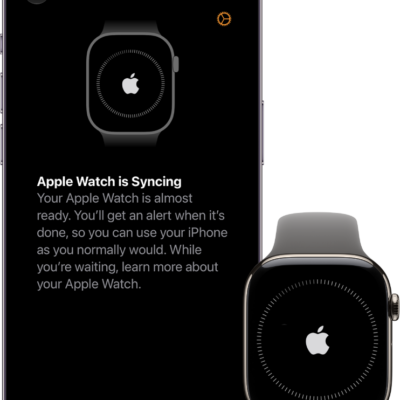
An iPhone and Apple Watch, side by side. The iPhone screen shows "Apple Watch is Syncing." The Apple Watch shows syncing progress.

How to set up Apple Watch using VoiceOver

You can set up Apple Watch using VoiceOver, pair it with your iPhone, and follow spoken prompts to complete setup.
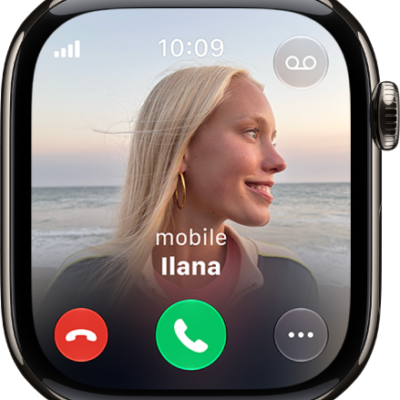
The Phone app showing an incoming call. The End Call button is at the bottom left. The Answer button is at the bottom center.

How to accept or decline incoming calls on Apple Watch

You can answer or decline phone and FaceTime calls on Apple Watch, send calls to voicemail, use Call Screening, and listen to voicemail.
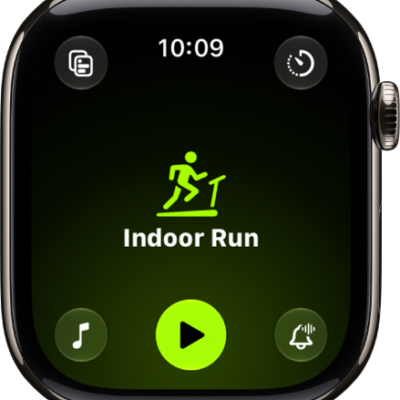
The Workout screen with the Outdoor Run workout highlighted.

How to start a workout on Apple Watch

You can start a workout on Apple Watch, from HIIT and Outdoor Run to strength training, and pause, mark segments, and check your progress.
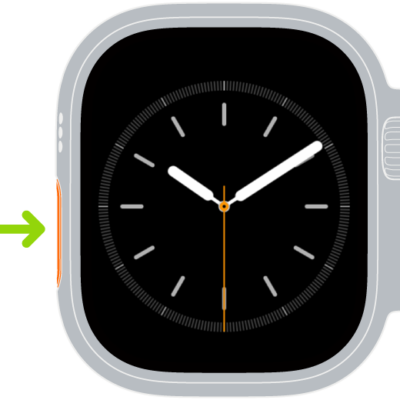
Illustration of Apple Watch with an arrow pointing to the Action button on the left side.

How to use the Action button on Apple Watch Ultra models

You can use the Action button on Apple Watch Ultra models to start a workout, mark a waypoint, or begin a dive, and change its function.