Got a tip for us?

Tyler Stephen

I'm Tyler Stephen, from the US state of Maine. I have a life-long passion for technology, and in addition to writing here, I am also on the editorial team of AppleVis.com. I've been totally blind from birth and thus rely on screenreading software like VoiceOver on Apple products and NVDA on Windows. I have been a Mac user since 2005 and an iOS user since 2010, in addition to also having used Windows, Linux, and Chrome OS. On this site and elsewhere, I hope to write pieces that educate and entertain people, as well as bring attention to the accessibility or inaccessibility of various technologies. You can find me on mastodon at mastodon.applevis.com/@tyler.

Tyler Stephen's Articles

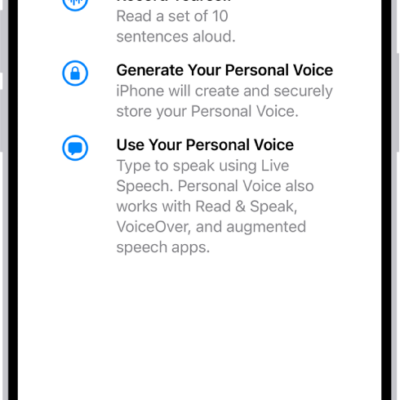
An iPhone with information about how to create a Personal Voice.

How to type to speak using Live Speech on Apple Watch

You can type to speak using Live Speech on Apple Watch, in person or on calls, and use your Personal Voice.
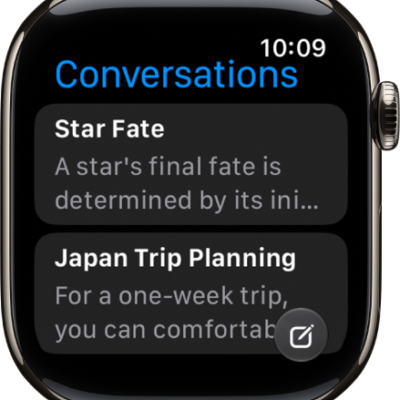
The Siri app showing two conversations. A button to start a new conversation appears at the bottom of the screen.

How to use accessibility features with Siri on Apple Watch

You can use accessibility features with Siri on Apple Watch, set how long Siri waits for you to finish speaking, and type to Siri.
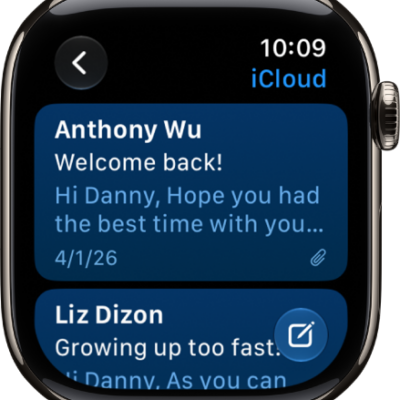
An inbox in the Mail app showing two emails. The back button is at the top-left and the compose button is at the bottom-right.

How to read and write mail on Apple Watch

You can read and write mail on Apple Watch, send quick replies, archive, flag, or delete messages, and change Mail settings.
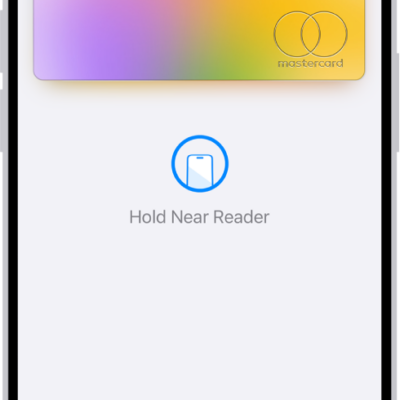
A credit card in Wallet is ready to make a contactless payment.

How to make purchases with Apple Pay on Apple Watch

You can make purchases with Apple Pay on Apple Watch at contactless terminals, online, and in apps, and set your default card.
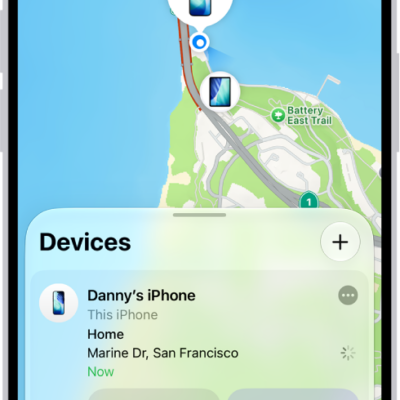
The Find My screen showing two devices at home.

How to protect a lost Apple Watch

You can protect a lost Apple Watch by locating it in Find My, marking it as lost, erasing it, and removing payment cards.
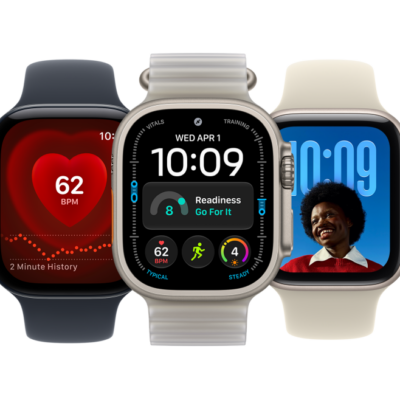
From left to right, an Apple Watch showing the Heart Rate app, an Apple Watch Ultra showing the Modular Ultra watch face, and an Apple Watch showing the Photos watch face.

How to set up Handwashing on Apple Watch

You can set up Handwashing on Apple Watch to get a 20-second timer when you wash your hands, and see your average times in Health.
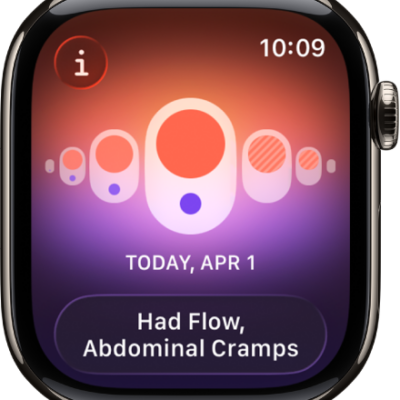
A screen in the Cycle Tracking app showing a logged period with logged symptoms at the bottom of the screen.

How to use Cycle Tracking on Apple Watch

You can use Cycle Tracking on Apple Watch to log your period and symptoms, and get predictions for your next period and fertile window.
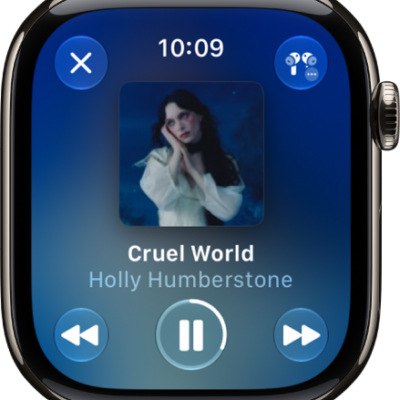
The Now Playing screen in the Music app. Album art is in the middle, the song title and artist are below. At the bottom of the screen are the Previous, Play/Pause, and Next buttons. The More Options button is at the top right. The Back button is at the top left.

How to play music on Apple Watch

You can play music on Apple Watch from your library or Apple Music, control playback, shuffle or repeat, and play on another device.
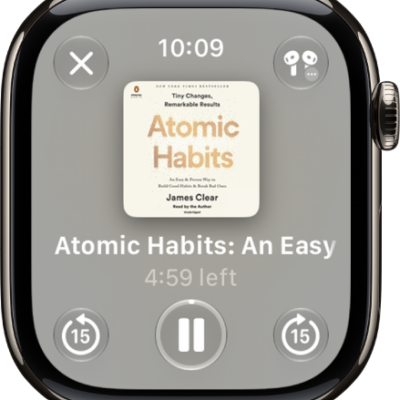
The Play screen for an audiobook. The Close button is at the top left, the More button at the top right, the skip back 15 seconds button at the bottom left, the Play/Pause button at the bottom middle, and the skip ahead 15 seconds button at the bottom right. In the middle is the book art, chapter number, and remaining time in the chapter.

How to listen to audiobooks on Apple Watch

You can listen to audiobooks on Apple Watch, stream them from your Apple Books library, or download them for offline listening.
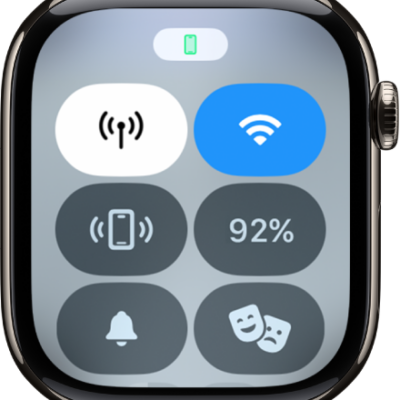
Control Center with the Cellular button at the top left.

How to use a Dual SIM iPhone with Apple Watch

You can use a Dual SIM iPhone with Apple Watch to set up multiple cellular plans, switch between them, and receive calls from both lines.