Got a tip for us?

Tyler Stephen

I'm Tyler Stephen, from the US state of Maine. I have a life-long passion for technology, and in addition to writing here, I am also on the editorial team of AppleVis.com. I've been totally blind from birth and thus rely on screenreading software like VoiceOver on Apple products and NVDA on Windows. I have been a Mac user since 2005 and an iOS user since 2010, in addition to also having used Windows, Linux, and Chrome OS. On this site and elsewhere, I hope to write pieces that educate and entertain people, as well as bring attention to the accessibility or inaccessibility of various technologies. You can find me on mastodon at mastodon.applevis.com/@tyler.

Tyler Stephen's Articles

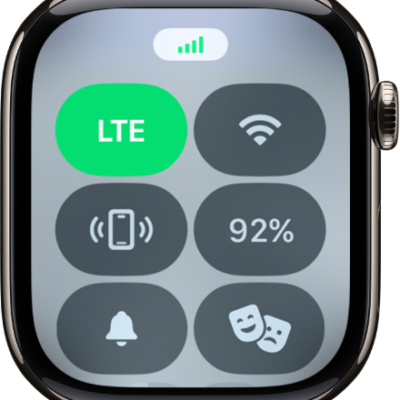
Control Center with the Cellular button at the top left.

How to set up and use cellular service on Apple Watch

You can set up and use cellular service on Apple Watch to make calls, reply to messages, and stream music without your iPhone or Wi-Fi.
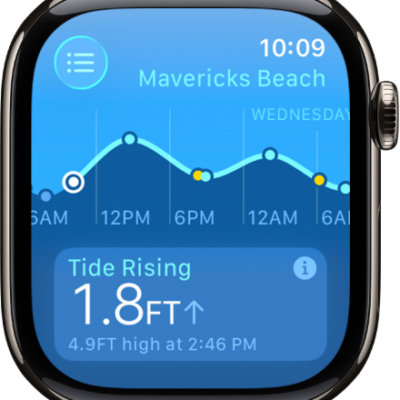
A screen in the Tides app showing tide information for a location.

How to use Tides on Apple Watch

You can use Tides on Apple Watch to check tidal conditions over 7 days, add and remove locations, and view details like swell.
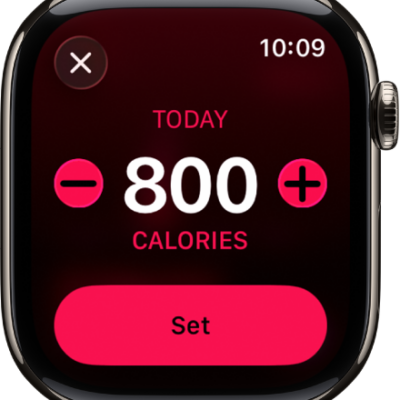
The Change Goals screen showing buttons to increase or decrease the Move goal.

How to adjust your Activity ring goals on Apple Watch

You can adjust your Activity ring goals on Apple Watch, customize them by day of the week, and pause your rings at any time.
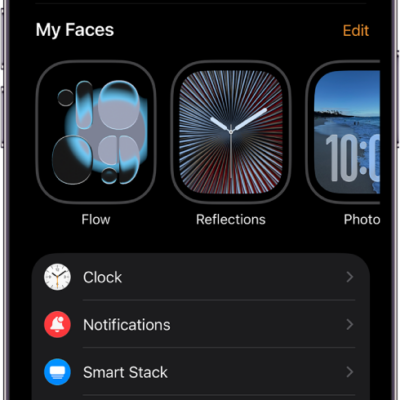
The Apple Watch app on iPhone open to the My Watch screen, which shows your watch faces near the top and settings below. There are three tabs at the bottom of the Apple Watch app screen: the left tab is My Watch, where you go for Apple Watch settings; next is the Face Gallery, where you can explore available watch faces and complications; then Discover, where you can learn more about Apple Watch.

How to view app settings and storage on Apple Watch

You can view app settings and storage on Apple Watch, change settings for apps, set Screen Time restrictions, and check storage used by apps.
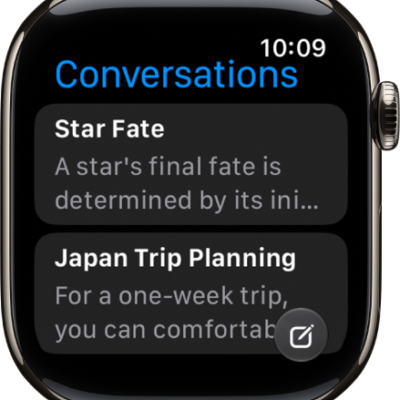
The Siri app showing two conversations. A button to start a new conversation appears at the bottom of the screen.

How to use the Siri app on Apple Watch

You can use the Siri app on Apple Watch with Siri AI to keep your conversations in one place, continue them, and pin or delete them.
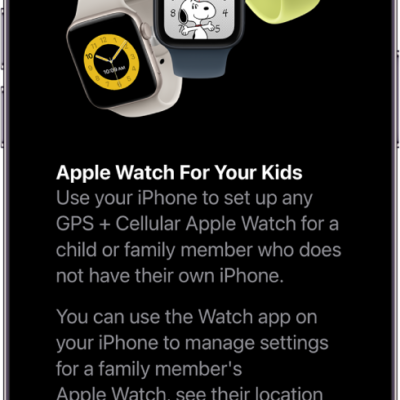
An iPhone showing setup details for Apple Watch For Your Kids.

How to use Apple Watch For Your Kids

You can use Apple Watch For Your Kids to set up a cellular Apple Watch for a child or family member without their own iPhone.
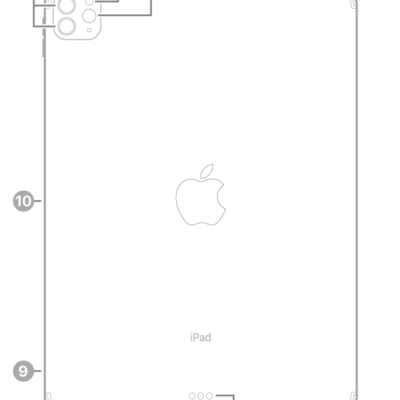
The back view of iPad Pro with callouts to the rear cameras and flash at the top left, Smart Connector and USB-C connector at the bottom center, the SIM tray (Wi-Fi + Cellular) at the bottom left, and the magnetic connector for Apple Pencil on the left.

How to clean the nano-texture glass on iPad Pro with the Apple Polishing Cloth

You can clean the nano-texture glass on iPad Pro 11-inch and 13-inch (M4 and M5) models with the included Apple Polishing Cloth.
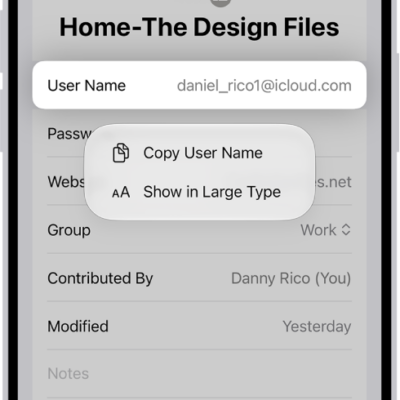
An account screen showing the user name highlighted, with options to Copy User Name and Show in Large Type.

How to show user names and passwords in large text on iPhone

You can show a user name, password, or verification code in large text from the Passwords app on iPhone.
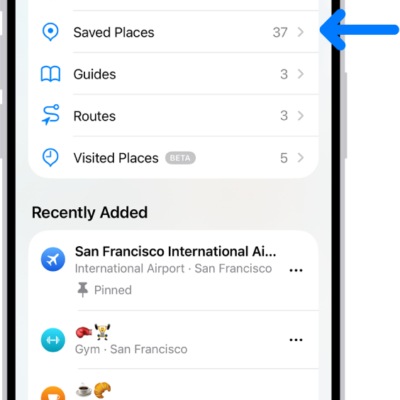
The Places screen in Maps, which shows a list of place categories like Pinned, Saved Places, and Guides. Below this, a Recently Added section lists viewed locations.

How to rate places and add photos in Maps on iPhone

You can add ratings and photos for places in Maps on iPhone to help other users, share photos publicly, and edit them later.
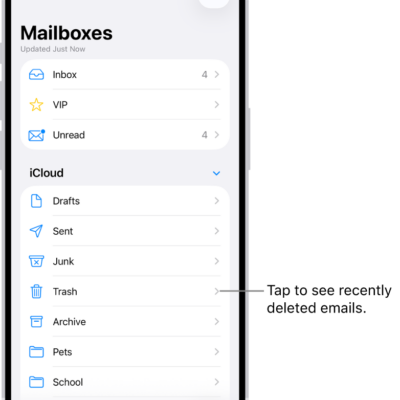
The Mailboxes screen. Below iCloud, mailboxes are listed from top to bottom, including the Trash mailbox. Tap it to see recently deleted messages.

How to delete and recover emails in Mail on iPhone

You can delete or archive emails in Mail on iPhone, recover deleted messages, and turn off the deletion confirmation.