Got a tip for us?

Tyler Stephen

I'm Tyler Stephen, from the US state of Maine. I have a life-long passion for technology, and in addition to writing here, I am also on the editorial team of AppleVis.com. I've been totally blind from birth and thus rely on screenreading software like VoiceOver on Apple products and NVDA on Windows. I have been a Mac user since 2005 and an iOS user since 2010, in addition to also having used Windows, Linux, and Chrome OS. On this site and elsewhere, I hope to write pieces that educate and entertain people, as well as bring attention to the accessibility or inaccessibility of various technologies. You can find me on mastodon at mastodon.applevis.com/@tyler.

Tyler Stephen's Articles

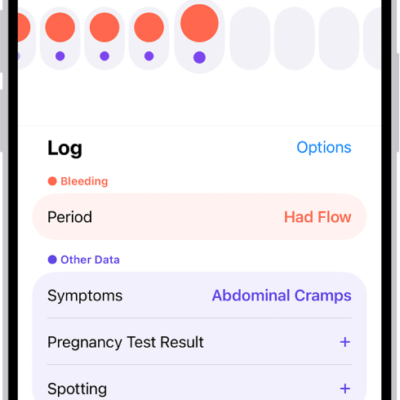
The Cycle Tracking screen showing the timeline for a week at the top of the screen. Solid red circles and purple dots mark the first 5 days on the timeline. Below the timeline are options to add information about periods, symptoms, and more.

How to log menstrual cycle information in Health on iPhone

You can set up cycle tracking in Health on iPhone and log your menstrual cycle to get period and fertile window predictions.
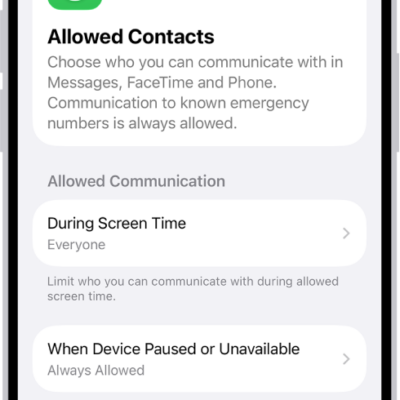
The Allowed Contacts screen in Screen Time showing communication allowed during Screen Time and when devices are paused.

How to choose who you can communicate with at certain times with Screen Time on iPhone

You can use Screen Time on iPhone to allow or block calls, FaceTime calls, and messages from certain contacts at all times or during set periods.
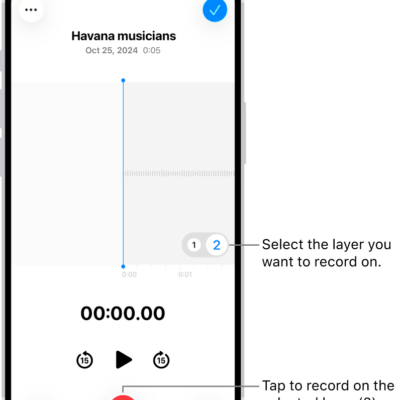
The screen for recording a second layer in Voice Memos.

How to add a second layer to a Voice Memos recording on iPhone

You can add a vocal layer to a Voice Memos recording, then mix or separate the layers or move them into Logic Pro on supported iPhone models.
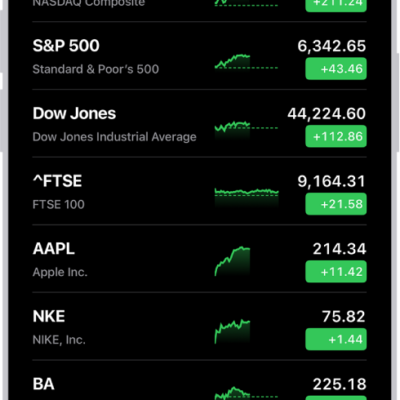
A watchlist in the Stocks app showing a list of different stocks. Each stock in the list displays, from left to right, the stock symbol and name, a performance chart, the stock price, and price change. At the top right is the search button. At the bottom of the screen is Business News.

How to check stocks on iPhone

You can use the Stocks app on iPhone to check prices and market activity, manage your watchlists, and view charts, details, and news.
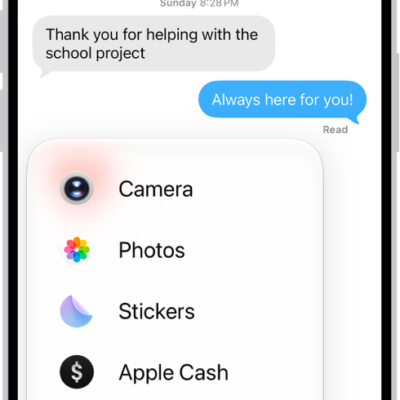
A list of features that appears after tapping the Add button in a Messages conversation.

How to take and edit photos or videos in Messages on iPhone

You can take and edit photos and videos in Messages on iPhone, add effects and markup, and send smaller previews for speed.
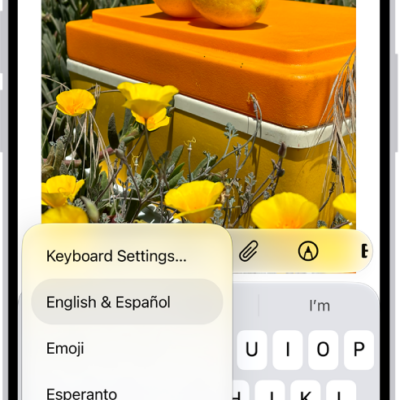
The Keyboard Settings menu is open, and shows multiple keyboard options: English & Spanish, Emoji, and Keyboard Feedback.

How to add or change keyboards on iPhone

You can add, remove, reorder, and switch keyboards on iPhone, type in two languages with a bilingual keyboard, and choose alternative layouts.
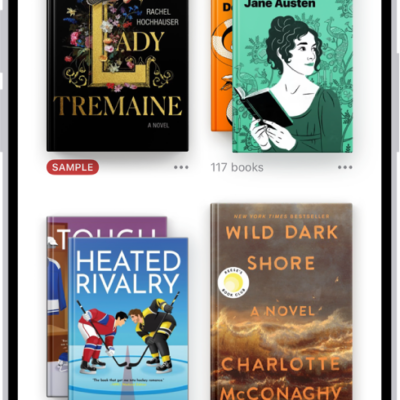
The Library screen in the Books app. At the top of the screen is the Collections button. In the middle of the screen are book covers. At the bottom of the screen are, from left to right, the Home, Library, Book Store, Audiobooks, and Search tabs. The Library tab is selected.

How to access books on other Apple devices in the Books app on iPhone

You can sync your books, audiobooks, reading position, notes, and collections between the Books app on iPhone and your other Apple devices.
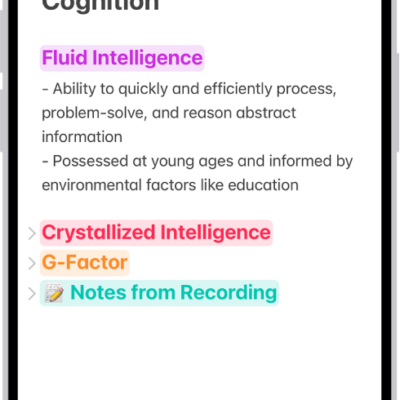
A note in the Notes app, with collapsible headings at the top of the screen.

How to lock your notes on iPhone

You can lock notes on iPhone with your device passcode or a custom password, and open them with Face ID or Touch ID.
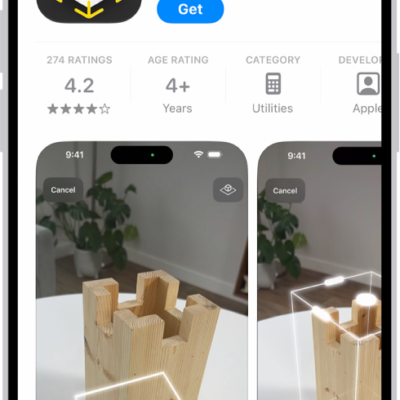
The information page for an app in the App Store. The page shows the Get button, ratings, age ratings, the developer, screenshots, and more. At the bottom, from left to right, are the following buttons: Today, Games, Apps, Arcade, and Search.

How to restore purchased and deleted items to iPhone

You can redownload App Store, Book Store, Apple TV, and iTunes Store purchases on iPhone, and recover recently deleted email, photos, and notes.
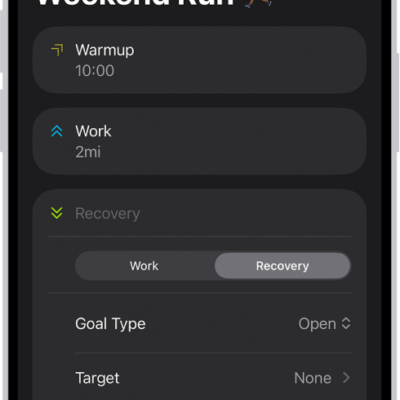
The Fitness Custom Workout screen showing warmup, work, and recovery intervals. At the bottom of the screen are buttons to add a step, repeat an interval, and reorder intervals.

How to customize a workout in Fitness on iPhone

You can create a custom workout in Fitness on iPhone with warmups, intervals, cooldowns, goals, and pace, and it syncs to your Apple Watch.