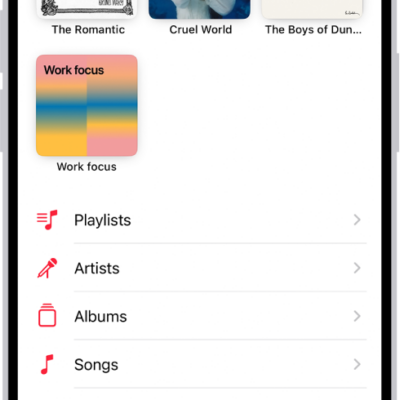
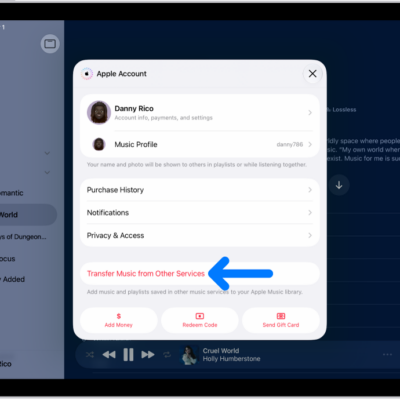
When you add music to your Apple Watch, you can listen to it wherever you go, even when you don’t have your iPhone with you.
You can add specific playlists and albums using the Apple Watch app on your iPhone. If you’re an Apple Music subscriber, you can also add music with the Music app directly on your Apple Watch.
And subscribers don’t have to choose specific music at all. Music you’ve recently listened to is added automatically, and if you haven’t listened to anything, music recommended by Apple Music is added. Music is added when your watch is near your iPhone, and music you want to listen to on your Apple Watch, like music that motivates you during a workout, can go in its own playlist.
Add music using your iPhone
- Start the Apple Watch app on your iPhone.
- Tap My Watch, tap Apps, and then tap Music.
- Below Playlists & Albums, tap Add Music.
- Go to albums and playlists you want to sync to your Apple Watch and then tap the Add List button to add them to the Playlists & Albums queue.
Apple Watch adds music when it’s near your iPhone.
Quick tip: In the Music app on your iPhone, you can create playlists specifically for the music you want on your Apple Watch, like songs that motivate you during a workout.
Add music using your Apple Watch
As an Apple Music subscriber, you can add music right from your Apple Watch.
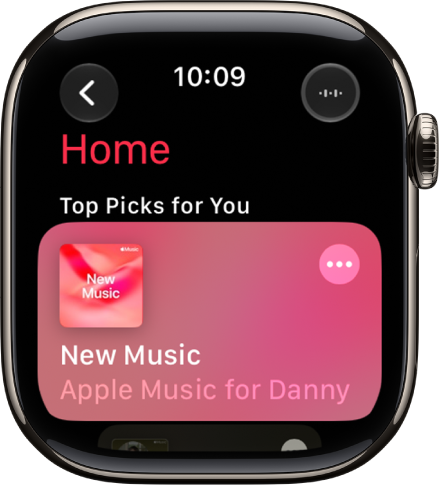
- Start the Music app on your Apple Watch.
-
On the Home screen, go to the music you want to add.
Or, from the Home screen, tap the Back button, tap Search, then enter what you’re looking for.
-
Tap a playlist or album and tap the More Options button. Tap Add to Library.
A message confirms that the item was added.
Note: You can stream music you add to Apple Watch when you have an internet connection. To play music when you’re not connected to the internet, you must first download it.
- To download the music to Apple Watch, tap the More Options button again and tap Download.
Note: Downloading music uses more of your Apple Watch’s charge than normal when it isn’t connected to power.
See also