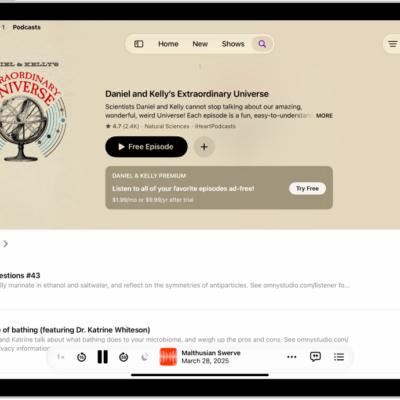
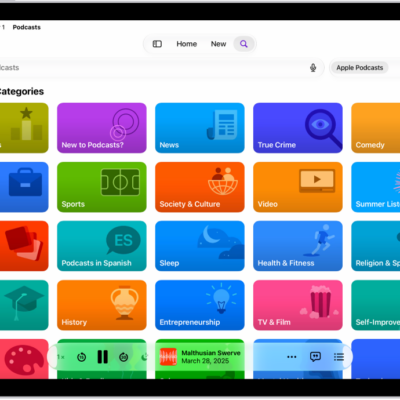
In the Podcasts app, you can listen to content from Apple Music, Apple News+, and eligible third-party subscription apps. If you subscribed through the App Store, the connection happens on its own, as long as the app offers content in Podcasts. Once it’s connected, you can play its subscriber-only shows.
Note: Not all apps offer content that’s available in Podcasts.
Eligible app subscriptions connect to Podcasts automatically when the app offers content in Podcasts and you subscribed through the App Store.
If you subscribed using another method, do the following:
- Open the Podcasts app on your iPad.
- Search or browse for a channel with an eligible subscription.
- On the Channel page, tap the Already a Subscriber link and then follow the instructions to connect your app subscription.
After an app subscription is connected, its channel shows up in your library, and all its subscriber-only shows and episodes play in Podcasts.
See also
Tag: Podcasts