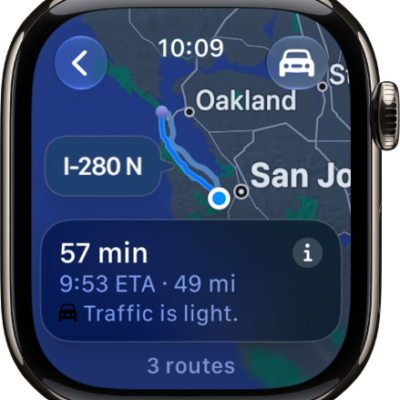
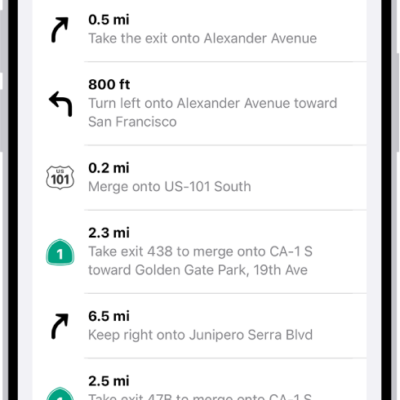
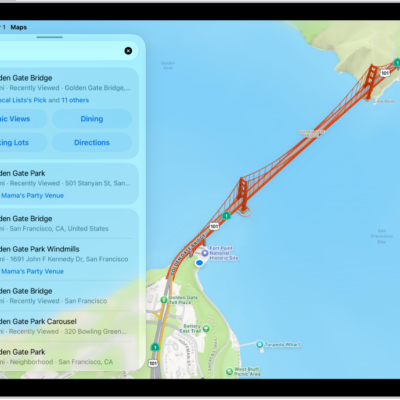
Use Maps to explore points of interest around you, search for a nearby place or service, find hiking trails, see recent locations, and browse curated guides.
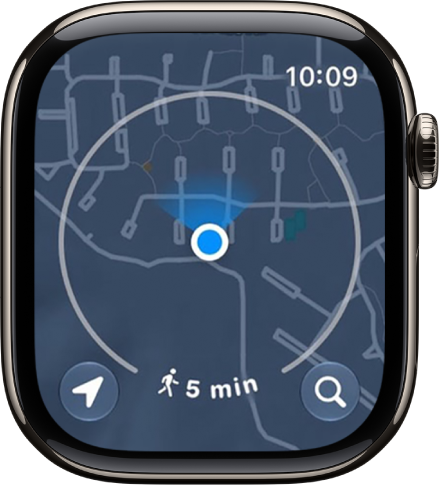
The map displays a circle that shows the area you can walk within a few minutes, and you change the radius by turning the Digital Crown. You can search by name, too, and change the radius unit to time or distance.
Here’s how to find places in Maps on Apple Watch.
Note: Location services have to be on before you can use Maps. On Apple Watch, go to Settings, then tap Privacy & Security, tap Location Services, and turn on location services.
Explore the surroundings within your walking radius
-
Open the Maps app on your Apple Watch.
The map displays a circle that encompasses the area you can walk within a few minutes.
-
Do any of the following:
- Change the radius: Turn the Digital Crown.
- Change the radius unit: Touch and hold the map and scroll down. Choose Time or Distance.
Search the map or find a nearby service
- Open the Maps app on your Apple Watch.
-
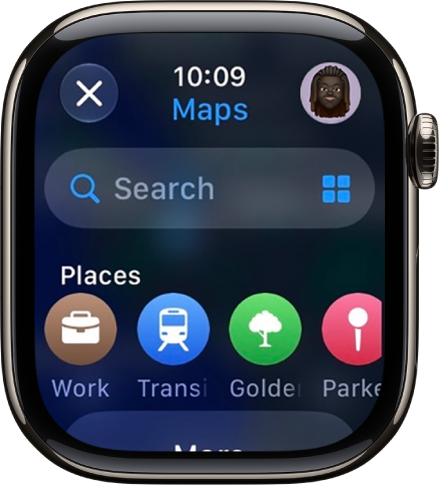
Tap the Search button and then do one of the following:
-
Search by name: Tap Search and then enter what you’re looking for.
-
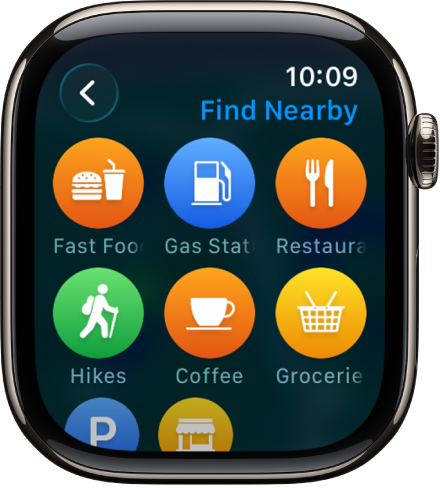
Browse by category: Tap the Search Places button, then tap a category such as Restaurants or Parking.
-
Search by name: Tap Search and then enter what you’re looking for.
Find hiking trails
You can find trails in the U.S. and check each one’s length, elevation, and distance from your current location.
- Open the Maps app on your Apple Watch.
- Tap the Search button. Enter “trails” to find trails near you or near another spot on the map. Trailheads appear as green dots.
- Turn the Digital Crown to browse trails, then tap a result for details.
See recent locations
- Open the Maps app on your Apple Watch.
- Tap the Search button and scroll down to Recents. Then tap a location.
View a guide
Guides help you discover someplace new. They’re curated collections of hidden gems, restaurants, and attractions in cities around the world.
Note: Guides aren’t available in all countries or regions.
- Set up and save a guide on your iPhone.
- Go to the Maps app on your Apple Watch, tap the Search button, and scroll down to the guide you added.
- Get directions in Maps on Apple Watch
- Use offline maps on Apple Watch
- Use Siri for your daily routine