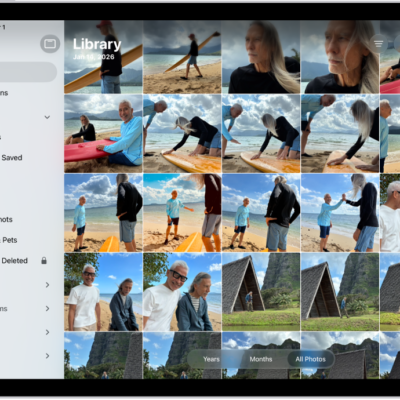
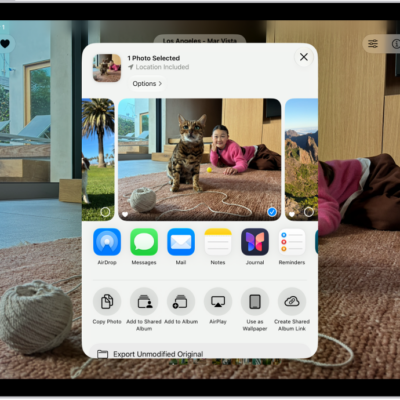
You can find all the photos and videos you saved from other apps—like Messages, Safari, and Mail—in the Recently Saved collection. Photos and videos that were sent to you using AirDrop also appear here.
You can also sort your library by Recently Added, and see the photos you saved today in the Saved Today collection. The Recently Viewed and Recently Shared collections can help, too, and you can find receipts, QR codes, recently edited photos, and more.
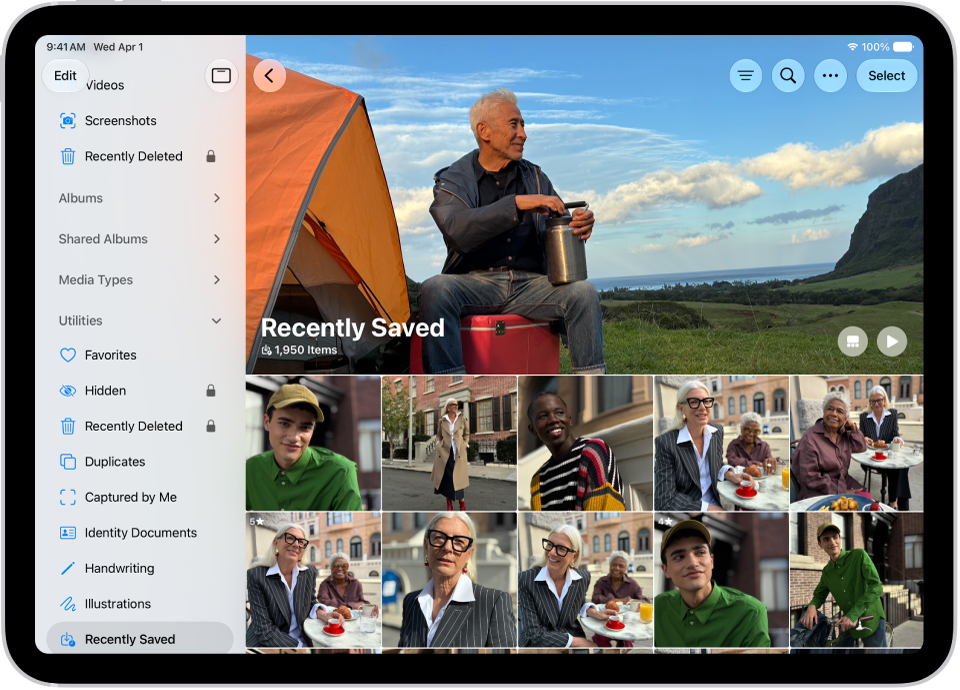
- Start the Photos app on your iPad.
-
Do any of the following:
-
Tap Collections, then tap the Recently Saved collection below Pinned.
Tip: You can also find the Recently Saved collection below Utilities along with the Recently Viewed and Recently Shared collections.
- Tap Library, tap the Sort and Filter button, then tap Sort by Recently Added.
-
Tap Collections, then tap the Recently Saved collection below Pinned.
Quick tip: For the photos you saved today, tap Collections, and then tap the Saved Today collection below Recent Days.
See also
- Find receipts, QR codes, recently edited photos, and more on iPad
- Locate photos and videos by media type on iPad
- Back up and sync your photos and videos with iCloud
Tag: Photos