How to keep the screen off when you use VoiceOver on iPhone
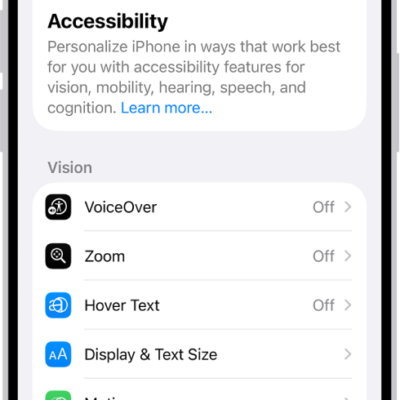
If you use VoiceOver on iPhone, and don’t need to see what’s on the screen, you can turn on the screen curtain. It improves battery life and helps maintain privacy. And even though the display is off, your iPhone stays active.
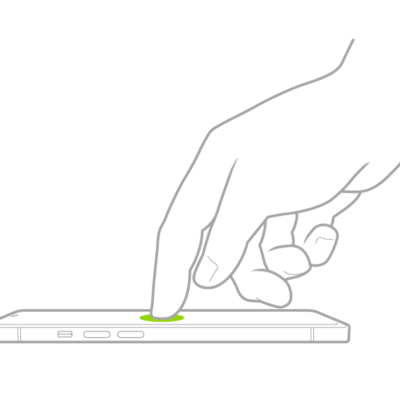
With VoiceOver on, triple-tap with three fingers to turn the screen curtain on or off. If both VoiceOver and the Zoom feature are turned on, quadruple-tap with three fingers.
Read Next
You can use VoiceOver in built-in iPhone apps like Safari and Maps, and VoiceOver Recognition describes images and screen elements.
You can write characters with your finger, enter your passcode silently, and open apps with handwriting mode in VoiceOver on iPhone.
You can customize VoiceOver gestures and keyboard shortcuts on iPhone, see the gestures for each command, and turn on Magic Tap.