









GeeksModo Story Archive - October 2026
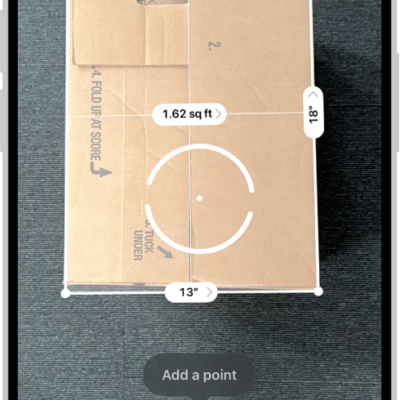
How to view and save measurements on iPhone
You can save a list of measurements from the Measure app, with screenshots, to share and view later on supported iPhone models.
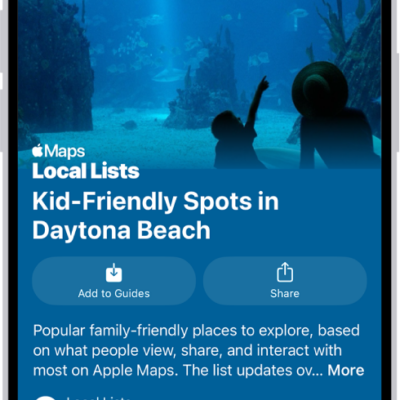
How to explore places with guides in Maps on iPhone
You can browse guides in Maps on iPhone to find great places to eat, shop, and explore, by city, interest, or publisher.

How to control your home remotely with iPhone
You can control your Home accessories from anywhere with iPhone once you have a home hub, such as Apple TV 4K or HomePod.
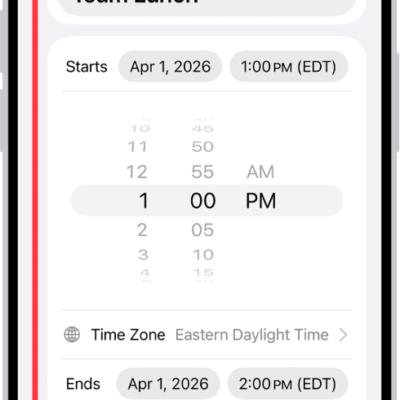
How to schedule or display events in a different time zone in Calendar on iPhone
You can schedule an event in a different time zone in Calendar on iPhone, or always show your calendar in one specific time zone.
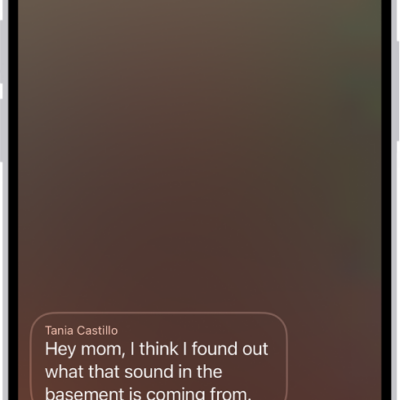
How to check your voicemail on iPhone
You can play, share, delete, and read transcripts of voicemail messages in the Phone app on iPhone, even without Visual Voicemail.
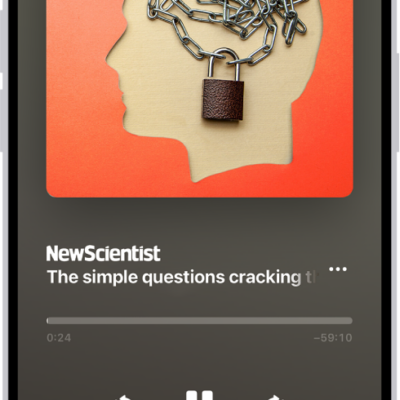
How to listen to News stories in News on iPhone
You can listen to audio stories in News on iPhone, add them to Up Next, and find them in Podcasts too if you subscribe to Apple News+.
How to view Live Activities in the Dynamic Island on iPhone
You can check alerts and Live Activities in the Dynamic Island, then expand, collapse, or switch them on supported iPhone models.
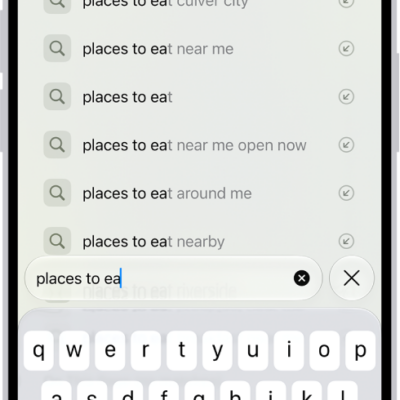
How to search for websites in Safari on iPhone
You can search the web in Safari on iPhone, search within a webpage, see your favorites while you search, and choose a search engine.
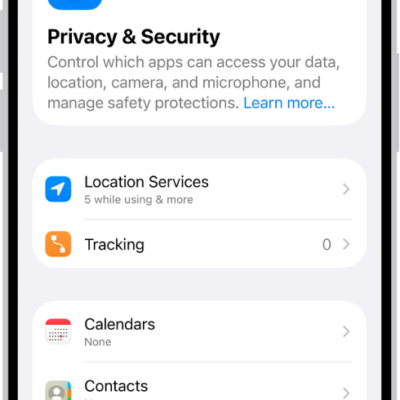
How to use Stolen Device Protection on iPhone
You can use Stolen Device Protection on iPhone to require Face ID or Touch ID, and a Security Delay, for sensitive changes if someone knows your passcode.
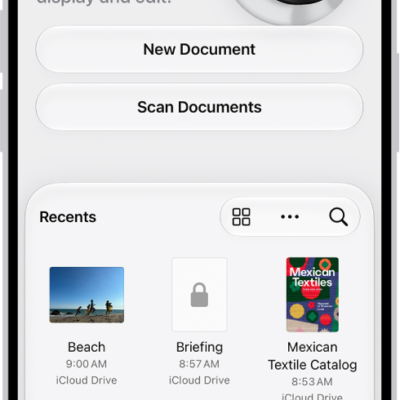
How to get started with Preview on iPhone
You can use the Preview app on iPhone to fill out and sign PDF forms, scan documents into PDFs, and edit PDFs and images.