









GeeksModo Story Archive - October 2026
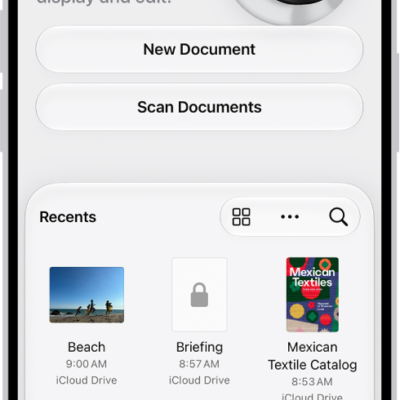
How to export or compress PDFs and images in Preview on iPhone
You can export a PDF or image in Preview on iPhone as HEIC, JPEG, PDF, PNG, or TIFF, and compress it to a smaller file.

How to use Face Recognition in Home on iPhone
You can use Face Recognition in Home on iPhone with a HomeKit Secure Video camera or doorbell to get notified when people you've tagged are in view.

How to control your home from CarPlay
You can use Siri or Siri suggestions in CarPlay to control Apple Home accessories, such as garage doors, lights, and door locks.
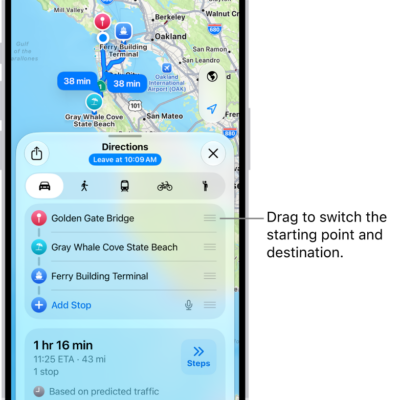
How to get weather info in Maps on iPhone
You can see the weather and air quality for the area shown in Maps on iPhone, and open the hourly forecast from the map.
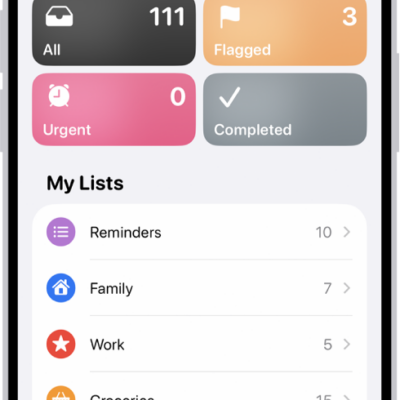
How to work with templates in Reminders on iPhone
You can save a Reminders list as a template on iPhone to reuse it, make new lists from it, and share templates with others.
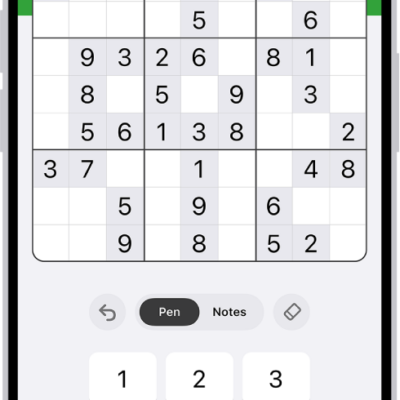
How to solve sudoku puzzles in News on iPhone
You can solve new sudoku puzzles in News on iPhone every day, in easy, moderate, and challenging levels if you subscribe to Apple News+.
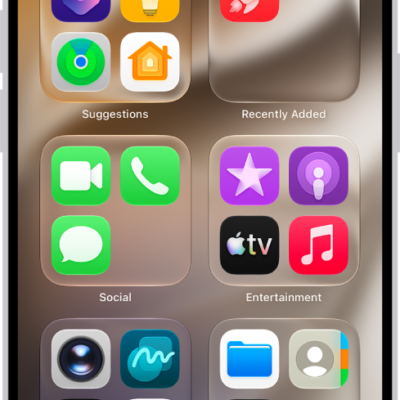
How to lock or hide an app on iPhone
You can lock an app on iPhone so it needs Face ID, Touch ID, or your passcode, or hide it in a locked Hidden folder in App Library.
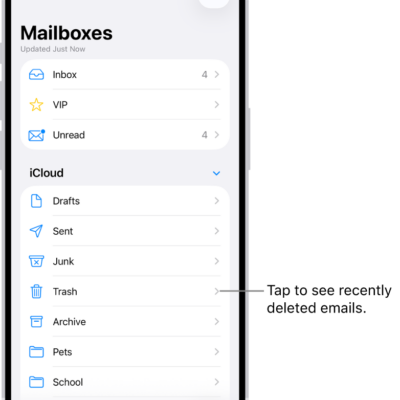
How to automatically clean up your iCloud Mail inbox on iPhone
You can use iCloud Mail Cleanup on iPhone to delete older messages, set cleanup recommendations, and unsubscribe from mailing lists in bulk.
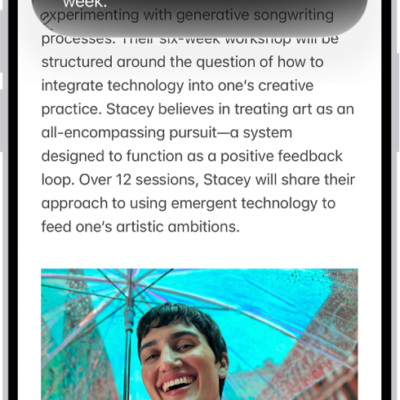
How to use Apple Intelligence to communicate with ease on iPhone
You can write with Siri, translate across languages, and see relevant information during calls with Apple Intelligence on iPhone.

How to view and delete your call history on iPhone
You can view your call history on iPhone, filter it, see call details, and delete one call or all recent calls.