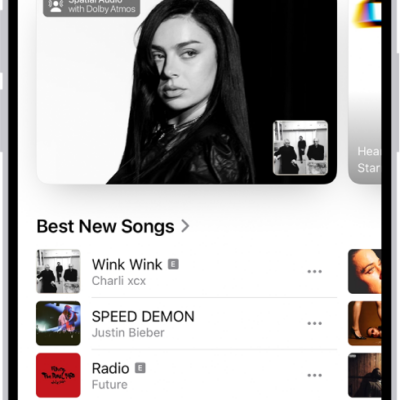
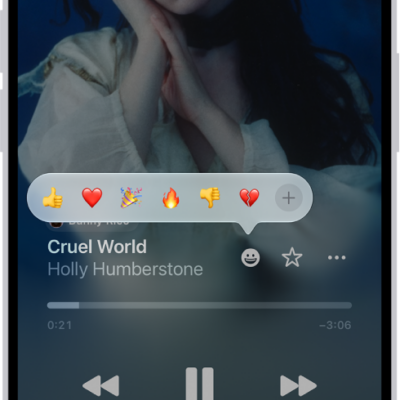
Apple Music is an ad-free streaming music service that lets you play millions of songs and your music library. As a subscriber, you can listen any time, online or off, and create your own playlists, stream and download lossless and Dolby Atmos music, get personalized recommendations, follow artists, and more.
You can subscribe to Apple Music or to Apple One, which includes Apple Music and other services. You can also share Apple Music with family members, and change or cancel your subscription.
Note: Apple Music, Apple One, lossless, and Dolby Atmos aren’t available in all countries or regions.
Subscribe to Apple Music
- Start the Music app on your iPhone.
- Follow the onscreen instructions to subscribe to Apple Music.
If you don’t subscribe to Apple Music when you first open the Music app, you can subscribe later—go to Settings > Apps > Music, then tap Join Apple Music.
As a new subscriber, you can start a trial and cancel at any time. End your Apple Music subscription, though, and you can no longer stream Apple Music songs or play the Apple Music songs you downloaded.
Qualified students can purchase a student subscription at a discounted price.
Share Apple Music with family members
Subscribe to Apple Music, or to Apple One Family or Apple One Premier, and Family Sharing lets you share Apple Music with up to five other family members. Once your family is set up, its members don’t have to do anything. They’ll find Apple Music available the first time they open the Music app after your subscription starts.
When you already subscribe and then join a family group that has Apple Music, Apple One Family, or Apple One Premier, your subscription isn’t renewed on your next billing date. You use the group’s subscription instead. Join a family group that doesn’t subscribe, and the group uses yours.
Note: If you want to stop sharing Apple Music with a family group, either cancel the subscription, leave a Family Sharing group, or remove a member from the Family Sharing group.
Change or cancel your Apple Music subscription
- Start the Music app on your iPhone.
- Tap the My Account button or your profile picture.
- Tap Your Name and tap Subscriptions. Then follow the onscreen instructions.
Apple Music subscribers can also use the Ambient Music widget to play music from a playlist.