Apple Watch provides several features that can help keep you safe and assist in a variety of emergency situations.
Check In can automatically notify a friend when you’ve arrived at a destination, and a Medical ID shows important medical information on your Lock Screen. There’s also Fall Detection, Crash Detection, the siren on Apple Watch Ultra, and satellite communication.
Check In
Check In can automatically notify a friend when your Apple Watch arrives at a destination, when a workout session ends, or after a specific period of time has passed. If you don’t successfully complete your check in, you choose what details they can see.
Use Check In to let friends know you’ve arrived
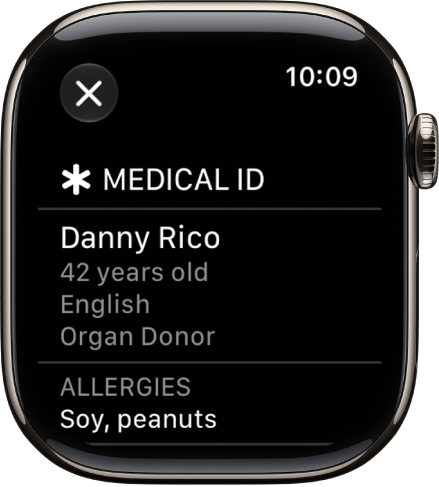
Medical ID
You can create a Medical ID that shows important medical information on the Lock Screen of your Apple Watch. In an emergency, those attending to you can see such details as your age, blood type, medical conditions, and any allergies you may have.
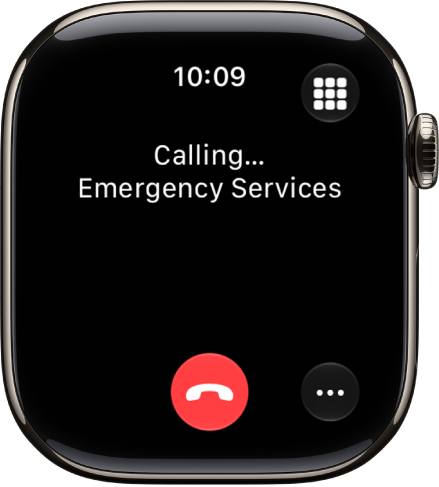
Contact emergency services
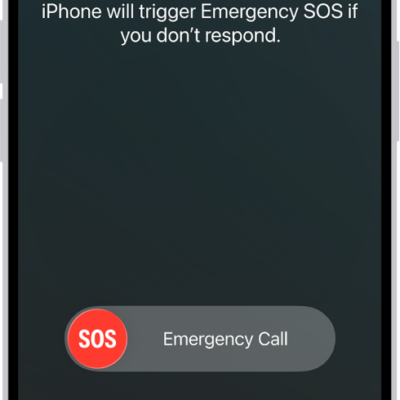
Press and hold the side button on Apple Watch to call emergency services or use Siri or Messages to make contact. Add emergency contacts to alert your friends and family to an emergency.
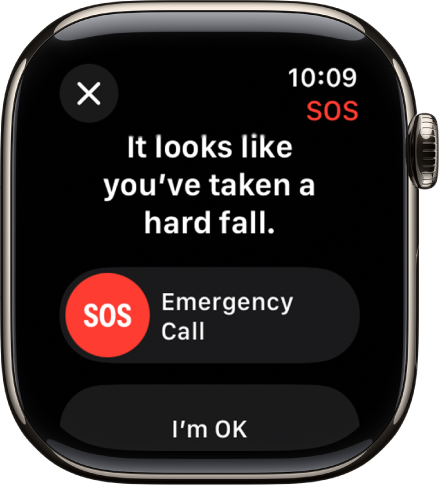
Fall Detection
With Fall Detection turned on, Apple Watch can help alert emergency services when a hard fall has been detected and notify your emergency contacts.
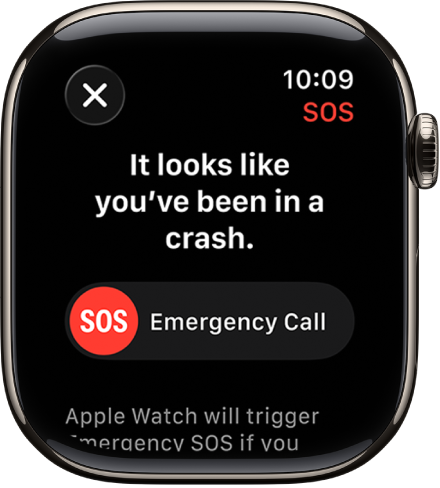
Crash Detection
With Crash Detection turned on, Apple Watch can help alert emergency services when a severe car crash has been detected and notify your emergency contacts.
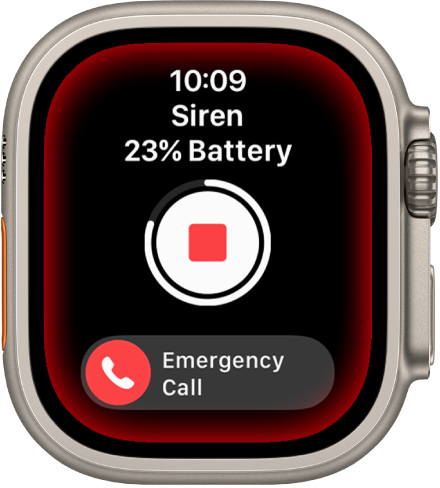
Siren
To try to attract help, Apple Watch Ultra models include a built-in siren that emits high-intensity sound patterns across a wide range of frequencies.
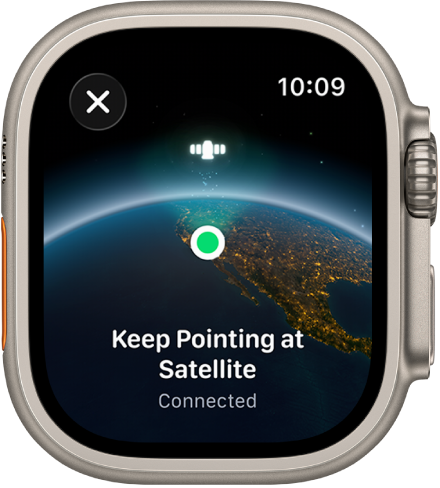
Communicate via satellite
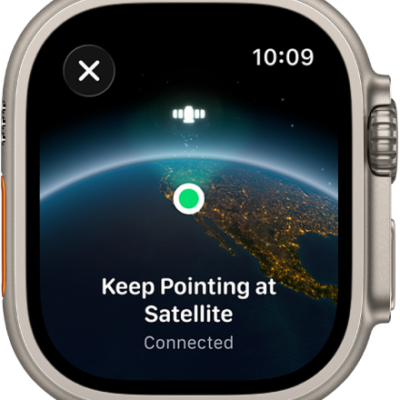
On supported Apple Watch Ultra models*, you can connect to a satellite to text emergency services, message friends and family, and share your location—all while you’re off the grid without cellular and Wi-Fi coverage.
Set up satellite communications
Per Apple, not all features are available in all areas and on all models.
*Satellite features aren’t available on Apple Watch Ultra 2 and earlier models, aren’t available in all countries and regions, and aren’t offered on models sold in certain countries and regions. Satellite features are free for 2 years after the activation of your Apple Watch Ultra. Messages and location sharing via satellite require an active carrier plan.
See also