With Fall Detection turned on, Apple Watch can help alert emergency services when a hard fall has been detected and notify your emergency contacts.
When it detects a hard fall, your watch taps your wrist, sounds an alarm, and displays an alert. You can have Fall Detection on at all times or only during workouts.
Note: Apple Watch cannot detect all falls. Your watch might detect high-impact activity as a fall and trigger Fall Detection.
If you use Emergency SOS, your emergency contacts won’t be automatically notified if the Messages app isn’t the selected text messaging app or is deleted.
How Fall Detection works
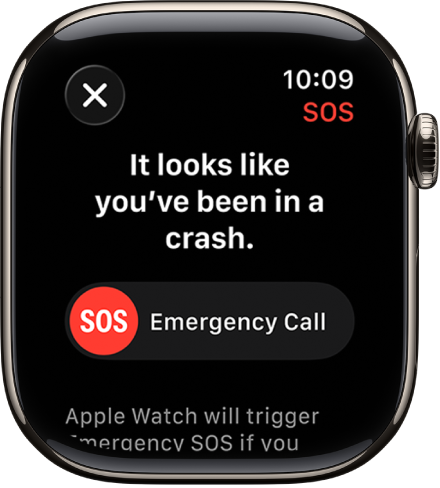
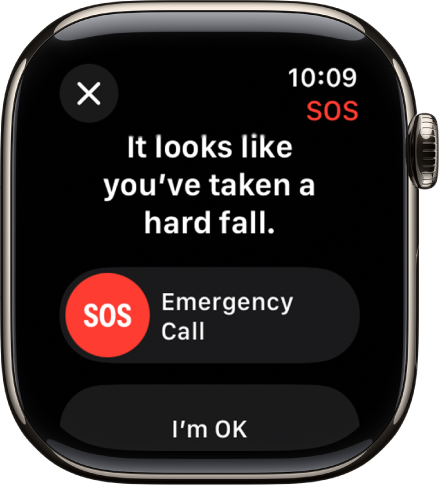
When your Apple Watch detects a hard fall, it taps your wrist, sounds an alarm, and displays an alert.
-
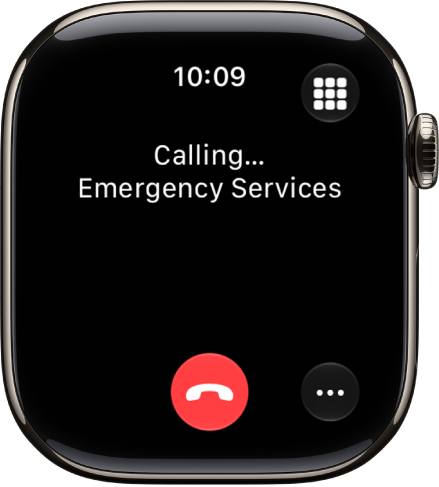
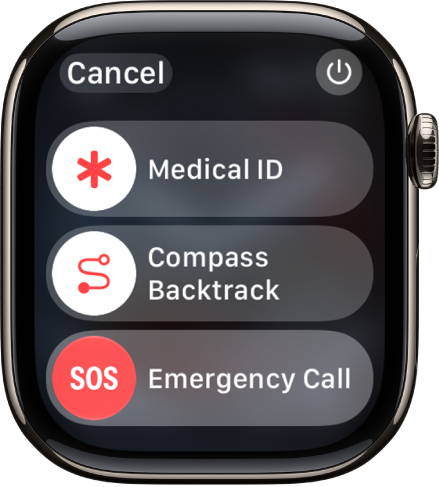
If you’re able to respond: If you don’t need help, tap I’m OK. If you need emergency services, drag the Emergency Call slider to the right. Your Apple Watch makes the call to emergency services and you can speak to a responder.
If you don’t need emergency services and the call has been made, don’t hang up. Wait until a responder answers, then explain that you don’t need help.
-
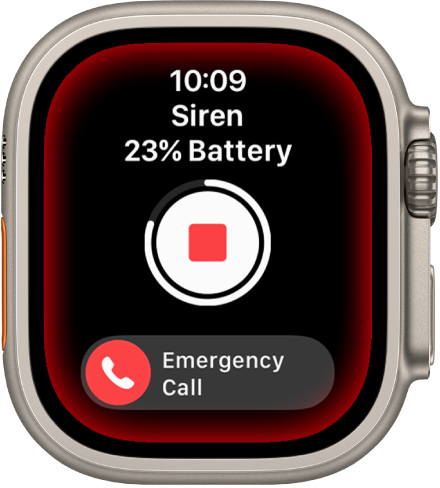
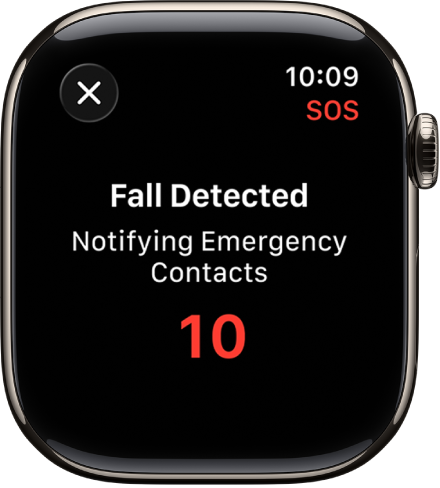
If you’re unresponsive: When Apple Watch detects that you’re immobile for about a minute, it begins a 30-second countdown, while tapping you on the wrist and sounding an alert. The alert gets louder, so that you or someone nearby can hear it. If you don’t want to call emergency services, tap Cancel.
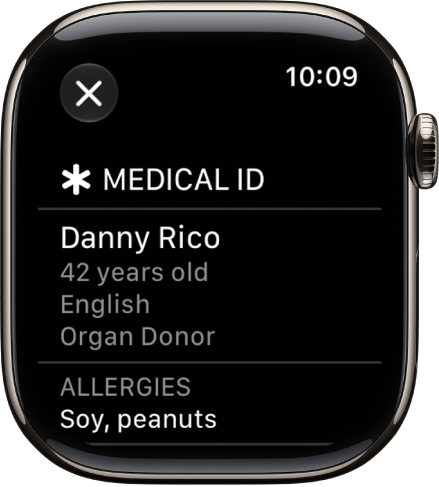
When the countdown ends, your Apple Watch automatically tries to contact emergency services. When the call connects, Apple Watch plays an audio message that informs emergency services that your watch detected a hard fall, and shares your current location as latitude and longitude coordinates. Your Medical ID is also shared with emergency services (if you turned on Share During Emergency Call for your Medical ID). The first time the message plays, the audio is at full volume, but then the volume is reduced so that you, or someone nearby, can talk to the responder. The message continues to play until you tap Stop Recorded Message or the call ends.
Note: To contact emergency services, your Apple Watch or nearby iPhone needs a cellular connection or Wi-Fi calling with an internet connection.
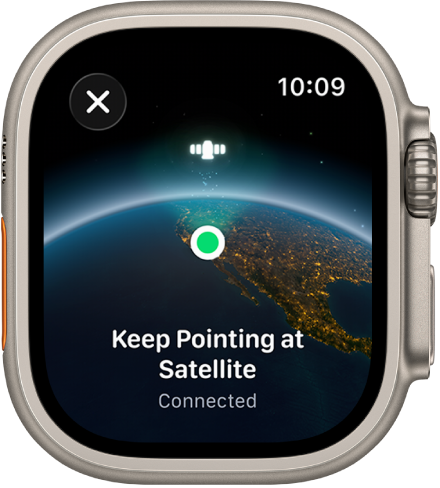
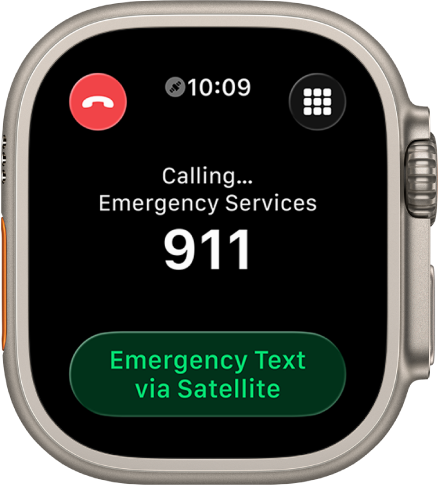
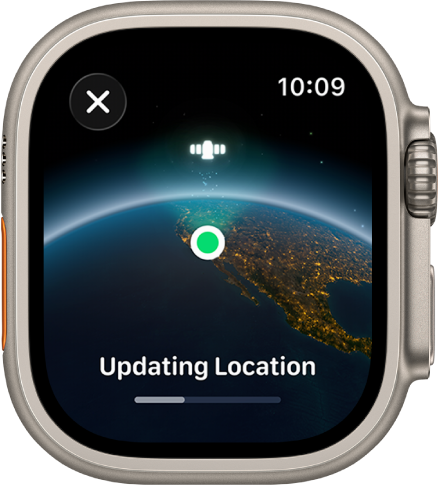
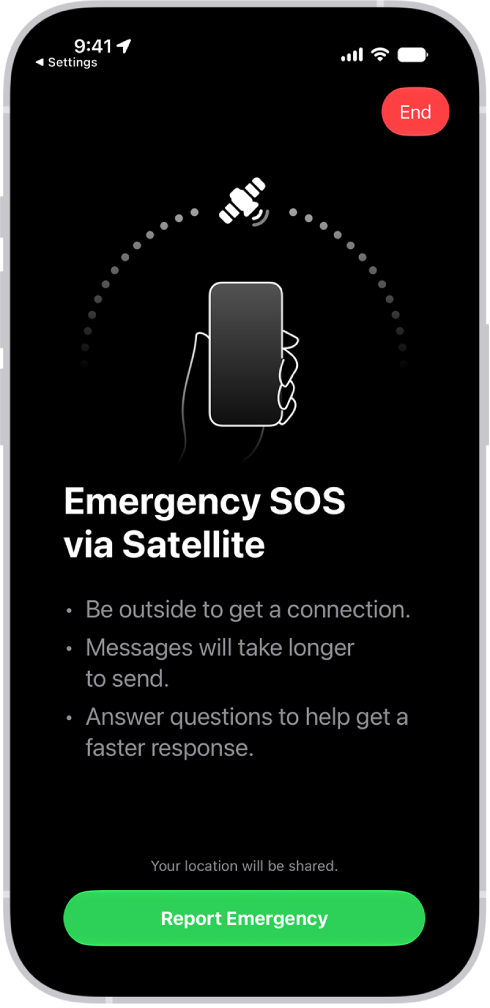
If you’re off the grid without cellular and Wi-Fi coverage, Apple Watch can try to contact emergency services via satellite. (Available on supported Apple Watch Ultra models* or other Apple Watch models paired with iPhone 14 or later.)
After the call ends, Apple Watch sends a message to your emergency contacts to tell them your location, and that your watch detected a hard fall and contacted emergency services.
Set up Fall Detection
- Open the Settings app on your Apple Watch.
-
Tap SOS, tap Fall Detection, and turn on Fall Detection.
You can also go to the Apple Watch app on your iPhone, tap My Watch, tap Emergency SOS, then turn on Fall Detection.
Note: If you turn off wrist detection, Apple Watch won’t automatically attempt to call emergency services even after it has detected a hard impact fall.
-
Choose Always on to have Fall Detection on at all times, or Only on during workouts to have Fall Detection on only when you’ve started a workout.
If you’re between age 18 and 55, and setting up a new Apple Watch with watchOS 8.1 or later, Fall Detection only during workouts is turned on automatically. If you upgrade your existing Apple Watch from an earlier version of watchOS, you must manually turn on the “Only on during workouts” feature.
- On your paired iPhone, open the Health app, set up your Medical ID with important health information and your emergency contacts. Then turn on Share During Emergency Call.
*Satellite features aren’t available on Apple Watch Ultra 2 and earlier models, aren’t available in all countries and regions, and aren’t offered on models sold in certain countries and regions. Satellite features are free for 2 years after the activation of your Apple Watch Ultra. Messages and location sharing via satellite require an active carrier plan.
See also