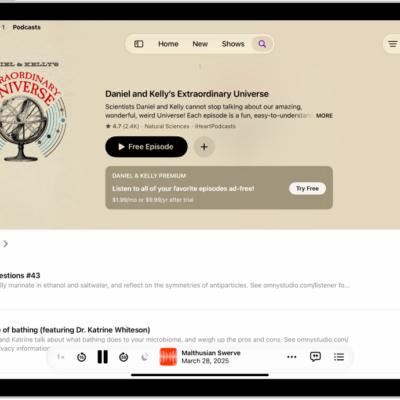
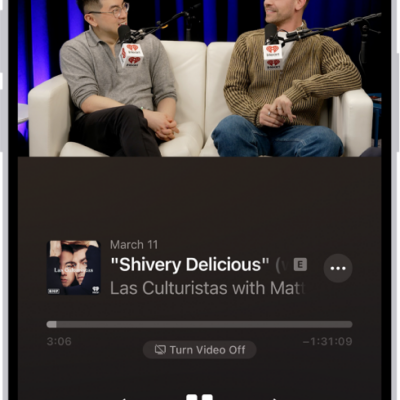
In the Podcasts app, you can subscribe to, change, cancel, and share your podcast subscriptions. Paid subscriptions allow you to support the shows you love, and they often include premium extras, early access to new episodes, or ad-free listening.
Subscribing to a show automatically follows it, too, and you can access it on your other Apple devices. A channel you subscribe to appears in the Channels section of your library, and you can share your subscriptions with up to five other family members.
Note: Not all subscriptions and channels are available in all countries, regions, or languages.
Subscribe to a show or channel
- Start the Podcasts app on your iPad.
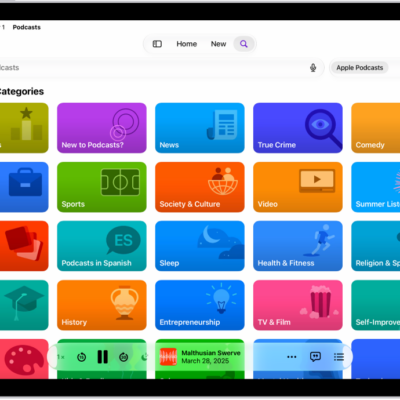
- Search or browse to find a show or channel.
- Select the show or channel you want to subscribe to.
- Tap the subscription button (if available).
Shows you’ve subscribed to or followed are available on your other Apple devices and in the Apple Podcasts app, too (when you subscribe to a show, you follow it automatically); see our guide, Follow your favorite podcasts. Once you subscribe to a channel or follow one of its shows, it shows up in the Channels section of your library.
Change or cancel your subscriptions
- Start the Podcasts app on your iPad.
- Choose Account > Account Settings in the menu bar.
- Tap Manage Subscriptions.
- Tap a subscription to change or cancel it.
Share Apple Podcasts subscriptions
You can share podcast channel subscriptions with up to five other family members when you use Family Sharing, and they automatically get access to the channels you subscribe to.
If you join a family group where a member subscribes to a show you already subscribe to, you switch to the group’s subscription, and yours doesn’t renew on your next billing date. A family group that doesn’t subscribe uses your subscription.
Note: A show subscription stays shared with your family group until you cancel the subscription or leave the Family Sharing group.
See also