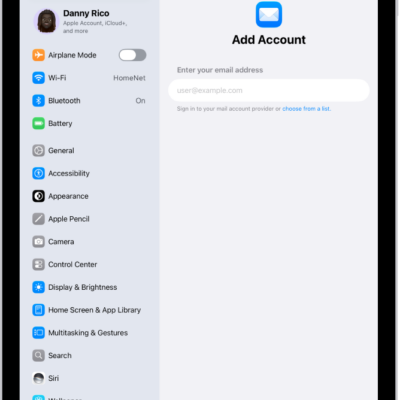
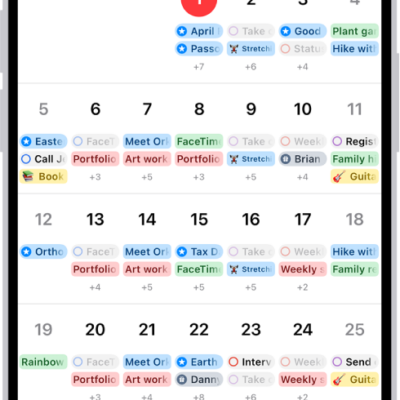
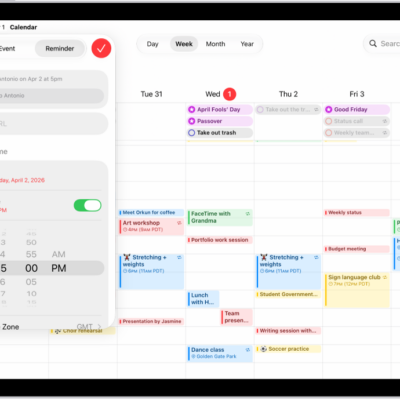
Use the Calendar app to track meetings, appointments, and reminders, all in one place. You can add calendar accounts from providers like iCloud, Google, or Microsoft Exchange, create events, add quick reminders alongside them, and sync your calendar across devices.
All your events in one place
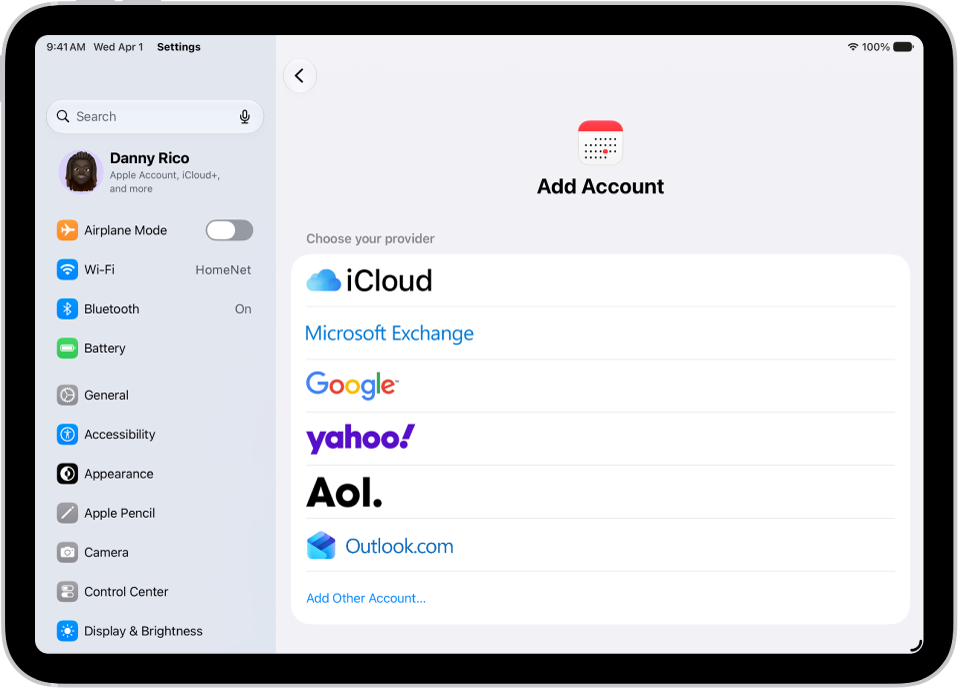
With Calendar, you can add multiple calendar accounts from providers like iCloud, Google, or Microsoft Exchange. To add an account, go to Settings > Apps > Calendar. Tap Calendar Accounts, then choose Add Account.
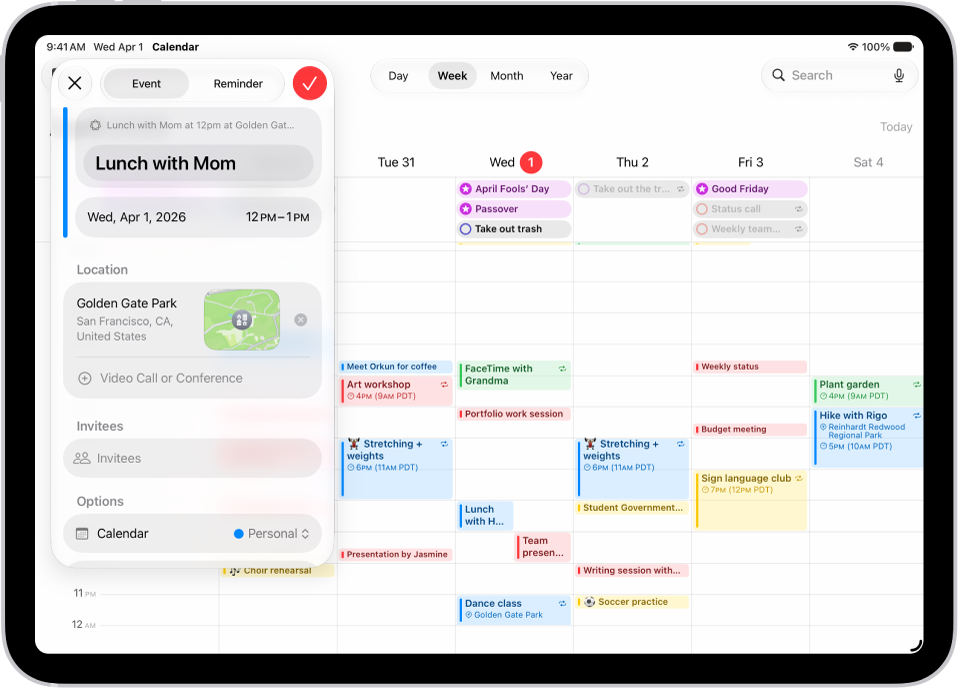
Create events
Create events to keep track of everything—from work meetings to family fun. Tap the Add button at the top of the screen, enter your details, then tap the Done button.
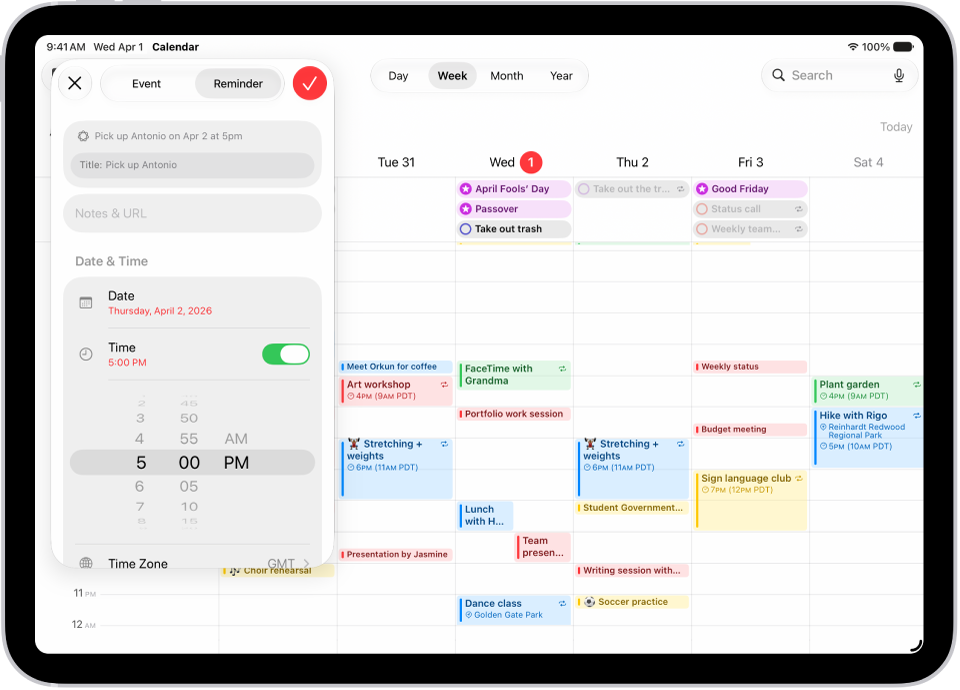
Add a quick reminder
Stay organized by adding reminders alongside your events. Tap the Add button at the top of the screen, then tap Reminder and enter a title. Tap Date to choose a date for the reminder, then tap the Done button.
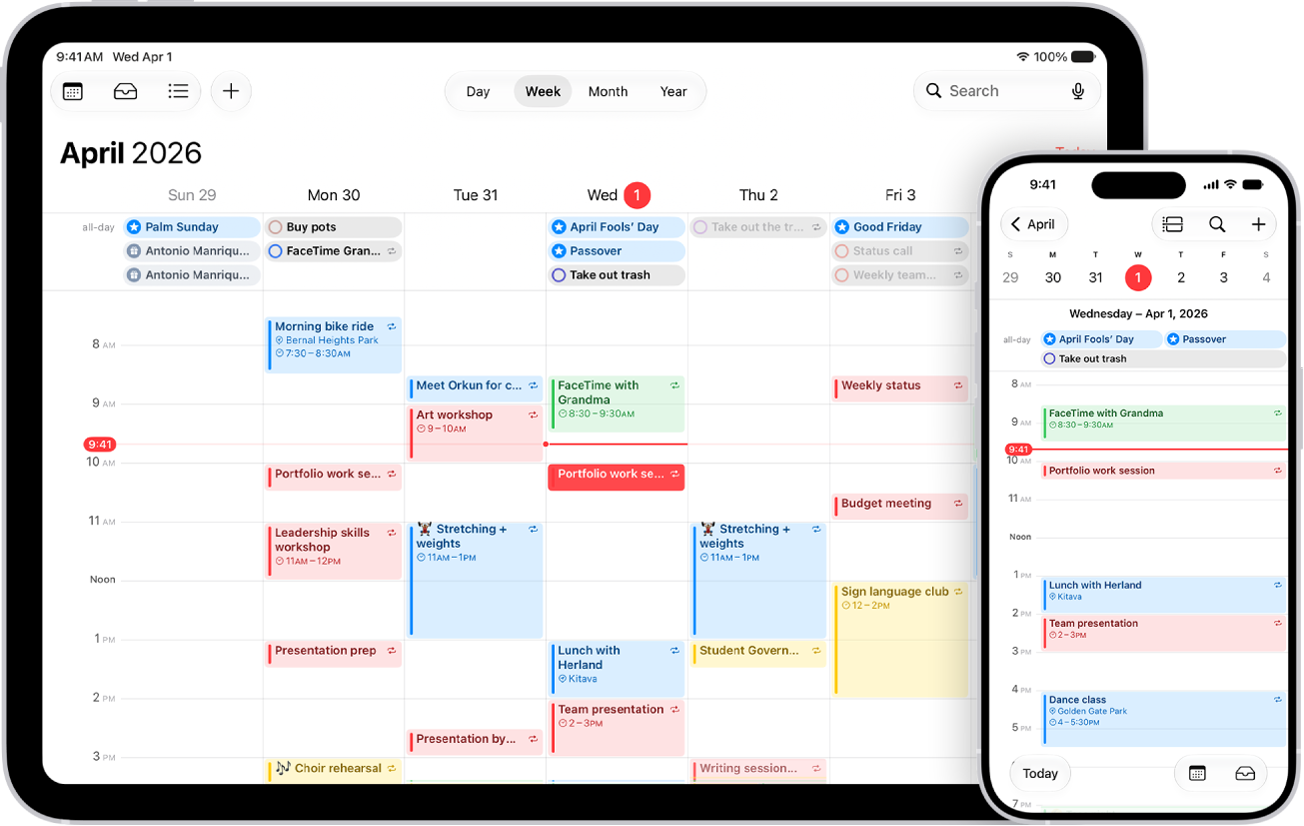
Sync your calendar across devices
You can use iCloud to keep your calendar information up to date on all your devices where you’re signed in to the same Apple Account. Go to Settings > [your name] > iCloud. Tap See All next to Saved to iCloud, then turn on Calendar.
These guides cover more of what Calendar can do:
- Change your Calendar settings on iPad
- Use reminders in Calendar on iPad
- Keep track of events in Calendar on iPad
- Change how you view events in Calendar on iPad
- Send invitations in Calendar on iPad