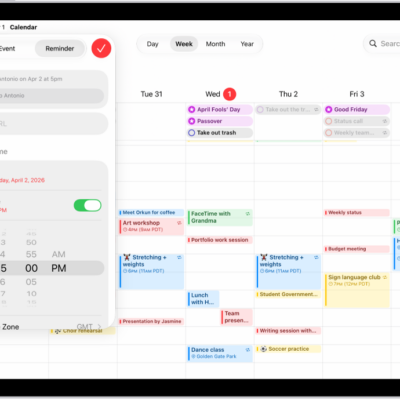
In the Calendar app, you can view one day, week, month, or year at a time, or view a list of upcoming events. You can zoom in or out on your calendar. You can also search for events and change your Calendar settings.
- Open the Calendar app on your iPad.
- Do any of the following:
- Zoom in or out: Tap Day, Week, Month, or Year at the top of the screen to zoom in or out on your calendar. In Week or Day view, pinch to zoom in or out.
- View upcoming events: Tap the List button to view upcoming events as a list.
See also
Tag: Calendar