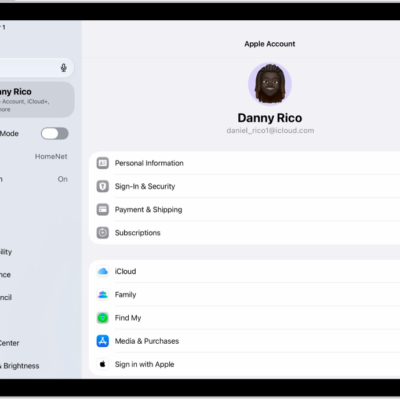
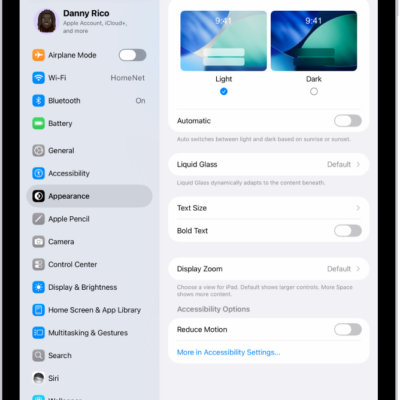
You can download fonts from the App Store app and use them in documents you create on iPad. You get an app containing fonts, then open the app to install them. You can manage your installed fonts later, too, and get other apps in the App Store.
Install fonts
- Open the App Store app on your iPad.
- Get an app containing fonts.
- Open the app to install the fonts.
Manage fonts
- Open the Settings app on your iPad.
- Tap General, then tap Fonts.
See also