In the Preview app, you can copy a PDF or image to the Clipboard, or create a duplicate file. You just open a PDF or image, then copy it or duplicate it. You can also share, annotate, export, or compress PDFs and images in Preview.
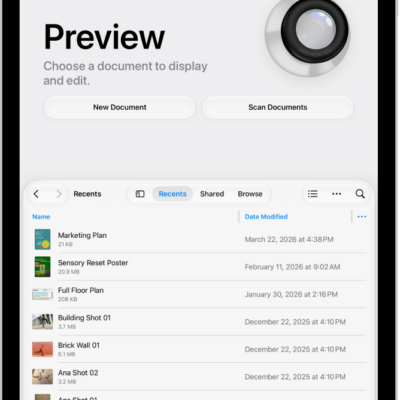
- Go to the Preview app on your iPad.
- Open a PDF or image.
- Do any of the following:
- Copy the PDF or image to the Clipboard: Tap the Share button and then tap Copy. See Share PDFs or images.
- Create a duplicate: Tap the Actions Menu button next to the filename. Tap Duplicate.
See also
- Manage PDFs and images in Preview on iPad
- Annotate a PDF or image in Preview on iPad
- Export or compress PDFs and images in Preview on iPad
Tag: Preview