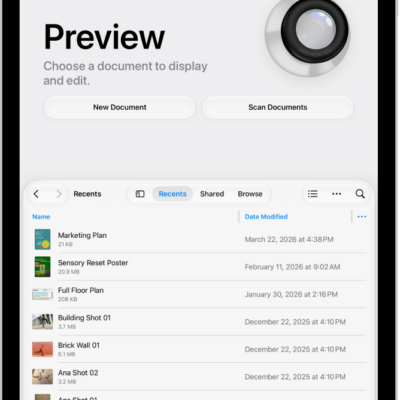
You can export a PDF or an image as an HEIC, JPEG, PDF, PNG, or TIFF file in the Preview app. You can compress the file, too. You can also manage PDFs and images, add, delete, rotate, move, or crop PDF pages, and edit an image in Preview.
- Go to the Preview app on your iPad.
- Open a PDF or image.
- Tap the Actions Menu button next to the filename. Then tap Export.
-
Select a file format.
Available formats are HEIC, JPEG, PDF, PNG, and TIFF.
- Optionally, use the slider to adjust the file size.
See also
- Manage PDFs and images in Preview on iPad
- Add, delete, rotate, move, or crop PDF pages in Preview on iPad
- Edit an image in Preview on iPad
Tag: Preview