Got a tip for us?

Abigail Shilets

Abigail is a staff writer for GeeksModo based in Pennsylvania. She covers news, how-tos, and user guides for iPhone, iPad, Mac, and Apple Watch. Before becoming a writer Abigail studied computer science at University and also worked at Apple for more than two years. When not creating masterpiece for GeeksModo, you can usually find Abigail hiking, climbing, or otherwise unplugged.

Abigail Shilets's Articles

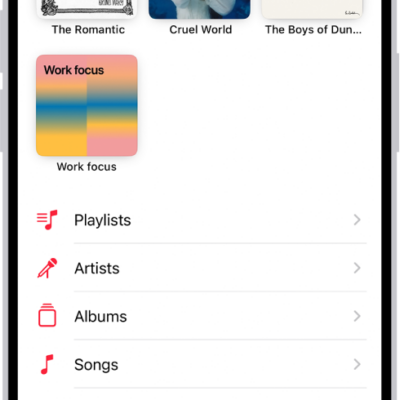
The Library tab showing a list of categories including Playlists, Artists, Albums, Songs, and Downloaded. The Recently Added heading appears below the list. The MiniPlayer showing the title of the current song and the Pause and Next buttons appear near the bottom.

How to transfer music from other music services to Apple Music on iPhone

You can transfer saved music and playlists from other music services to your library on iPhone if you subscribe to Apple Music.
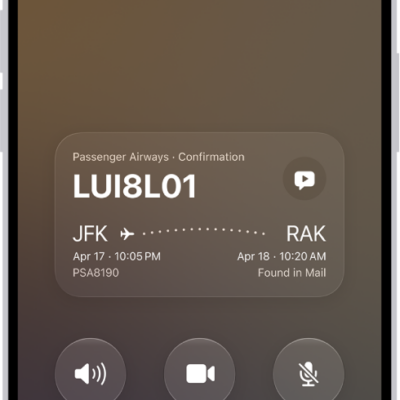
The call screen, showing a Call Context card with a flight confirmation.

How to answer or decline incoming calls on iPhone

You can answer, silence, or decline incoming calls on iPhone, reply with a text, send a call to voicemail, or ask a caller what they want.
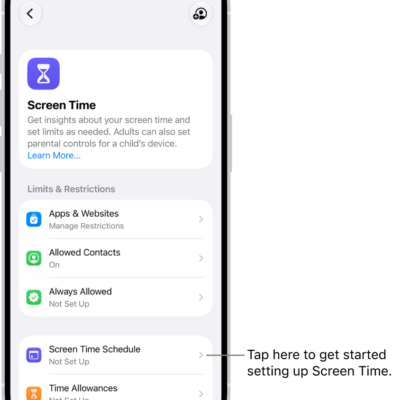
An image of Screen Time in Settings with options to set up Screen Time Schedules, Time Allowances, and more.

How to turn off and restrict access to Apple Intelligence features on iPhone

You can turn off Apple Intelligence features on iPhone, like Siri AI and summaries, or switch to Siri Classic.
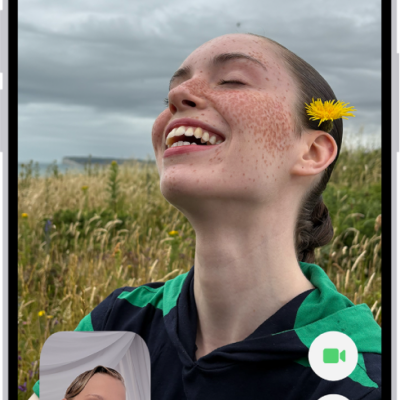
The FaceTime screen showing a call in progress. At the top of the screen is the name of the participant shown in the larger image. The other participant’s image appears in a small rectangle in the lower left, along with the Flip Camera button. The images of the other participants appear in tiles above it. Additional FaceTime controls are at the bottom right of the screen: Camera, Microphone, More, and End Call buttons.

How to take a Live Photo during a FaceTime call on iPhone

You can take a Live Photo during a FaceTime video call on iPhone to capture a moment, with sound, saved to Photos.
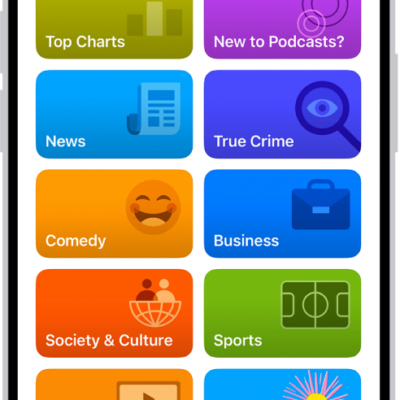
The Search tab in the Podcasts app, showing podcast categories. Toward the bottom of the screen is the MiniPlayer. Below that are the Home, New, Library, and Search buttons.

How to organize your podcast library on iPhone

You can organize your podcast library on iPhone, change episode order, set download limits, hide played episodes, and create stations.
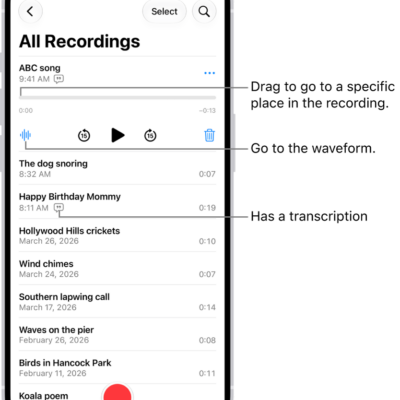
The Voice Memos list screen with a selected recording at the top. The recording timeline has a playhead, which you can drag to go to a specific place in the recording. The play controls are below the timeline.

How to keep recordings up to date in Voice Memos on iPhone

You can keep recordings up to date in Voice Memos on your iPhone, iPad, and Mac by turning on Voice Memos in iCloud.
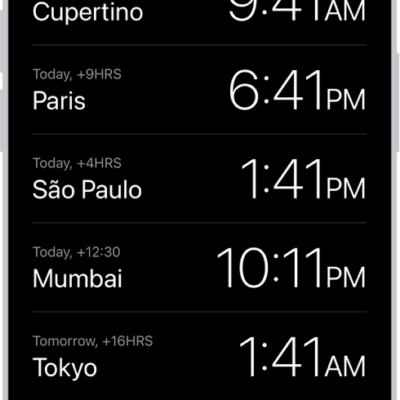
The World Clock tab, showing the time in various cities. The Edit button near the upper-left corner lets you reorder or delete clocks. The Add button near the upper-right corner lets you add more clocks. World Clock, Alarm, Stopwatch, and Timers buttons are along the bottom.

How to change the date and time on iPhone

You can change the date, time, and time zone on iPhone manually, and turn 24-hour time on or off.
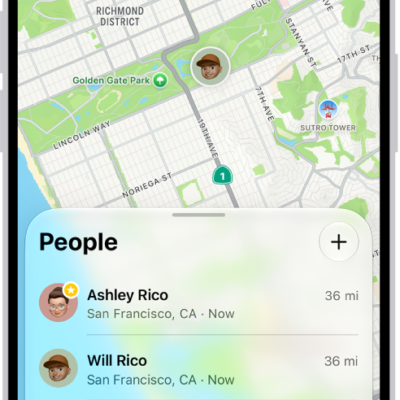
The Find My app showing locations of family members on a map.

How to use Precision Finding on iPhone to meet up with a friend

You can use Precision Finding in Find My to meet up with a friend, following an arrow to them on supported iPhone models.

A burgundy iPhone 18 Pro with coordinating case is paired with a magenta Crossbody Strap.

How to subscribe to Apple Arcade in the Apple Games app on iPhone

You can subscribe to Apple Arcade or Apple One in the Apple Games app on iPhone and play a curated collection of games across your devices.

The Accessibility screen in Settings showing the built-in features for Vision support.

How to tap the back of iPhone to perform actions or shortcuts

You can double-tap or triple-tap the back of iPhone to take a screenshot, run a shortcut, and more with Back Tap.