Got a tip for us?

Abigail Shilets

Abigail is a staff writer for GeeksModo based in Pennsylvania. She covers news, how-tos, and user guides for iPhone, iPad, Mac, and Apple Watch. Before becoming a writer Abigail studied computer science at University and also worked at Apple for more than two years. When not creating masterpiece for GeeksModo, you can usually find Abigail hiking, climbing, or otherwise unplugged.

Abigail Shilets's Articles

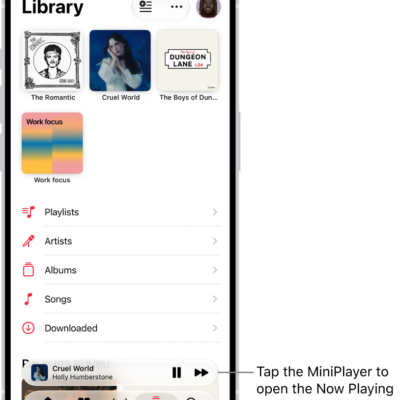
The Library tab, showing the MiniPlayer near the bottom. The MiniPlayer shows the title of the song that's playing. The Pause and Next Track buttons are to the right of the song title. Tap the MiniPlayer to open the Now Playing screen.

How to listen to radio stations in Music on iPhone

You can listen to Apple Music radio stations on iPhone, choose stations by genre, create your own, and play broadcast radio.
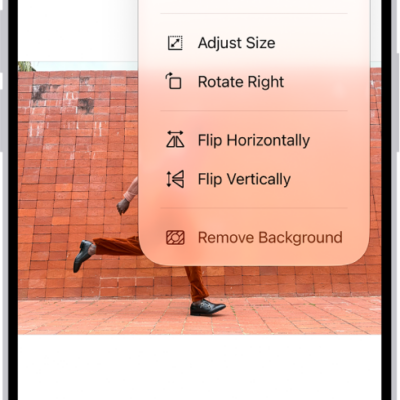
A screen showing an image with grapes in the foreground. A menu shows the Remove Background option. At the bottom of the screen are the Markup, Crop, Info, and Share buttons.

How to share PDFs or images in Preview on iPhone

You can share a PDF or image from Preview on iPhone to collaborate on it, send a copy, or copy it to paste into another app.
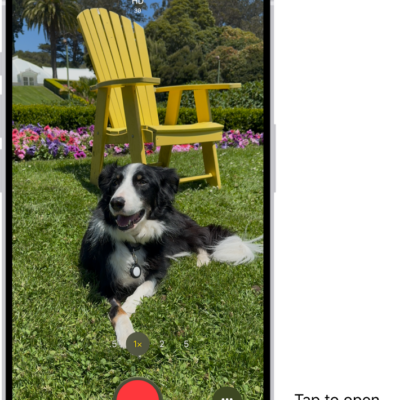
The Camera in Video mode. The Camera Controls button is in the top-right corner and the video format buttons are in the top-left corner. The Photo and Video Viewer button is in the bottom-left corner. The Record button is at the bottom center, and the Camera Chooser Back-Facing button is in the bottom-right corner.

How to record ProRes video with your iPhone camera

You can record ProRes video for higher color fidelity and less compression, on any camera on supported iPhone models.
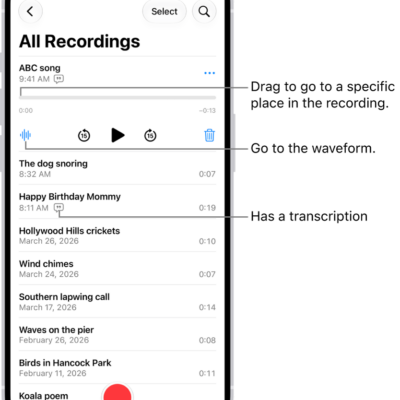
The Voice Memos list screen with a selected recording at the top. The recording timeline has a playhead, which you can drag to go to a specific place in the recording. The play controls are below the timeline.

How to organize recordings in Voice Memos on iPhone

You can mark recordings as favorites in Voice Memos on iPhone, organize them into folders, and delete or reorder folders.
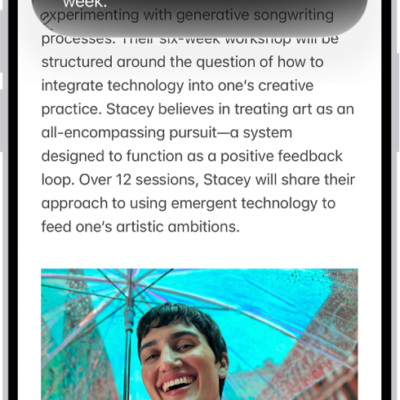
An iPhone showing Siri proofreading and giving feedback on text.

How to write and edit text with Siri AI on iPhone

You can have Siri compose, rewrite, proofread, and summarize text, or give feedback on your writing with Siri AI (Beta) on iPhone.
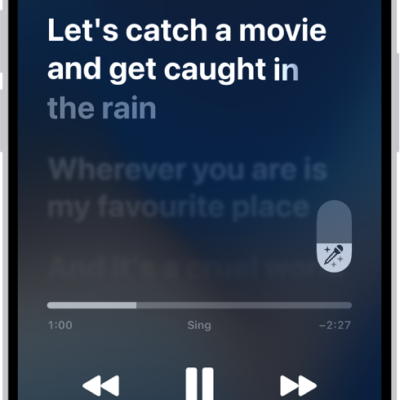
The Now Playing screen showing the Apple Music Sing slider to the right of the lyrics. The currently playing lyrics are highlighted.

How to show song credits and lyrics on iPhone

You can see song credits on iPhone, show time-synced lyrics, and share lyrics if you subscribe to Apple Music.
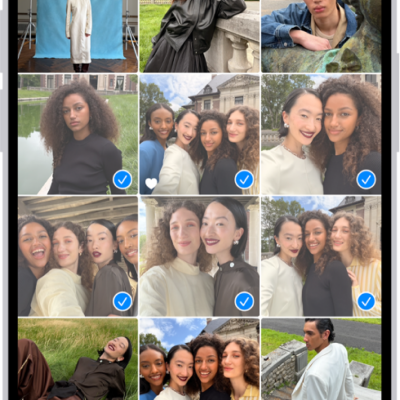
The iPhone screen is filled with a grid of photos, some of which are selected. At the bottom of the screen are the Share and Delete buttons.

How to add, delete, and find photos and videos in albums on iPhone

You can add photos and videos to albums in Photos on iPhone, remove them from an album, and search inside an album to find something fast.
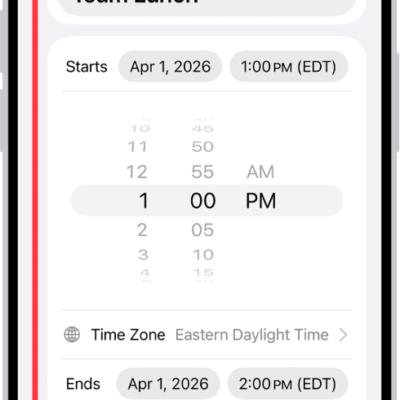
A calendar event showing settings for the time and time zone of the event.

How to schedule or display events in a different time zone in Calendar on iPhone

You can schedule an event in a different time zone in Calendar on iPhone, or always show your calendar in one specific time zone.
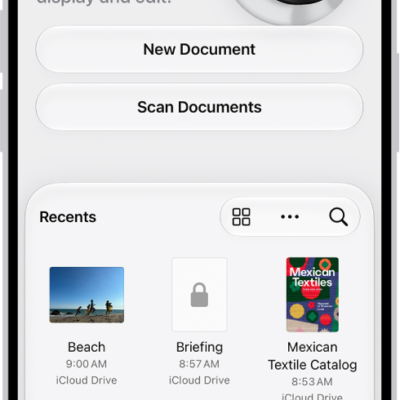
The main screen of the Preview app. The New Document and Scan Documents buttons are in the middle of the screen. At the bottom of the screen are the Recents, Shared, and Browse tabs.

How to get started with Preview on iPhone

You can use the Preview app on iPhone to fill out and sign PDF forms, scan documents into PDFs, and edit PDFs and images.
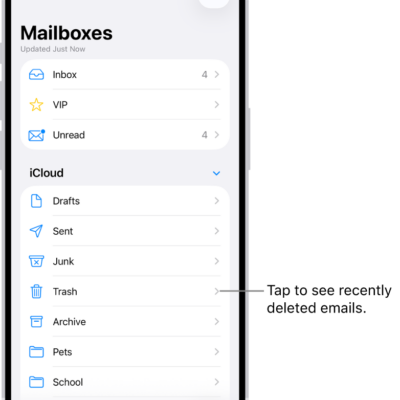
The Mailboxes screen. Below iCloud, mailboxes are listed from top to bottom, including the Trash mailbox. Tap it to see recently deleted messages.

How to use iCloud Mail rules to automatically apply actions to emails in Mail on iPhone

You can create iCloud Mail rules on iPhone to automatically move, delete, forward, or mark emails as read, and edit or reorder them.