









Emily Long
Emily Long's Articles

How to subscribe to iCloud+ on iPhone
You can subscribe to iCloud+ or Apple One on iPhone for more storage and features like iCloud Private Relay and Hide My Email.
How to change your Journal settings on iPhone
You can change Journal settings on iPhone, including Journaling Suggestions, their privacy settings, and your journaling schedule.

How to use buttons on the Apple TV 4K Remote on iPhone
You can use buttons instead of swipe gestures on the Apple TV 4K Remote on iPhone by turning on Directional Buttons.
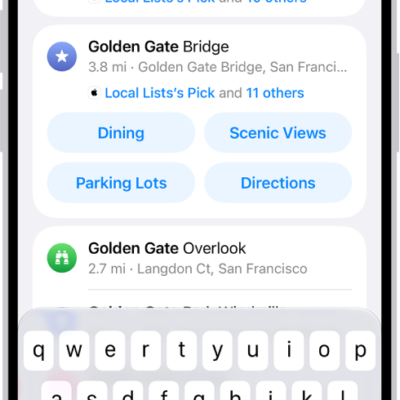
How to get information about places in Maps on iPhone
You can tap places in Maps on iPhone to see their address, phone number, website, reviews, and more, or get directions.
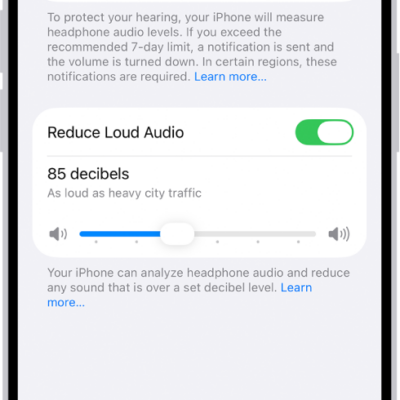
How to check your headphone audio levels on iPhone
You can check your live headphone audio levels in Control Center on iPhone and review your listening history and notifications in Health.
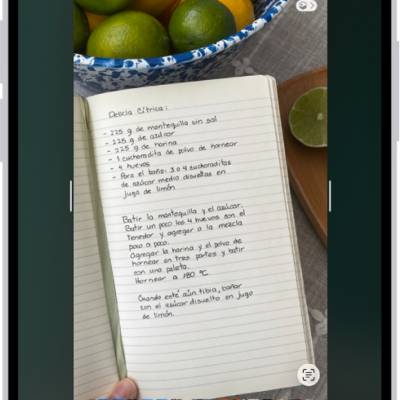
How to change the screen capture settings on iPhone
You can change how screenshots and screen recordings work on iPhone, including thumbnail previews, Visual Look Up, CarPlay screenshots, and SDR or HDR format.
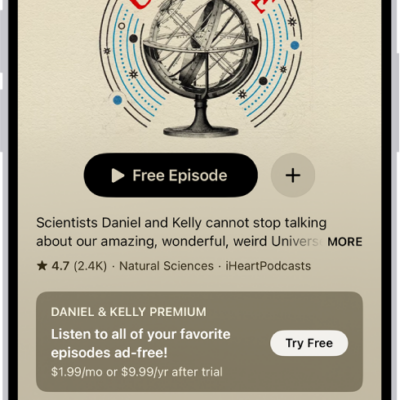
How to rate or review podcasts on iPhone
You can rate and review podcasts on iPhone, read other listeners' reviews, and edit or delete your own review.
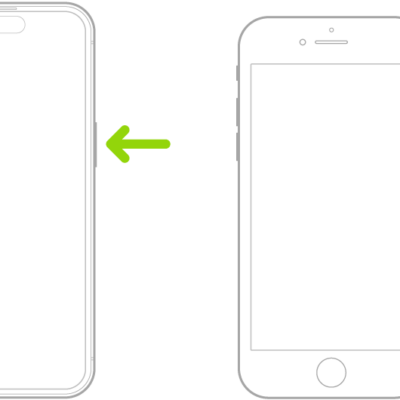
How to wake, unlock, and lock iPhone
You can wake iPhone with the side button or by raising it, unlock it with Face ID, Touch ID, or a passcode, and lock it again.
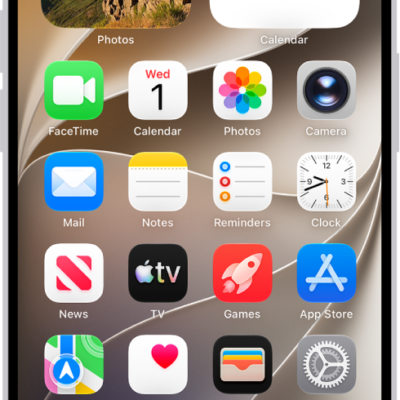
How to install or remove configuration profiles on iPhone
You can install configuration profiles for school or work networks on iPhone, see which ones are installed, and remove them.
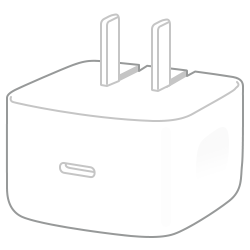
Which Apple power adapters work with iPhone
You can charge iPhone with these Apple power adapters, including the 40W adapter that fast charging on iPhone 17 models needs.