









Emily Long
Emily Long's Articles
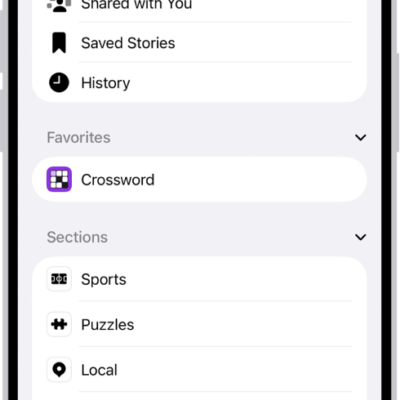
How to subscribe to individual channels in News on iPhone
You can subscribe to individual publications in News on iPhone, or use subscriptions you already bought from a publisher.
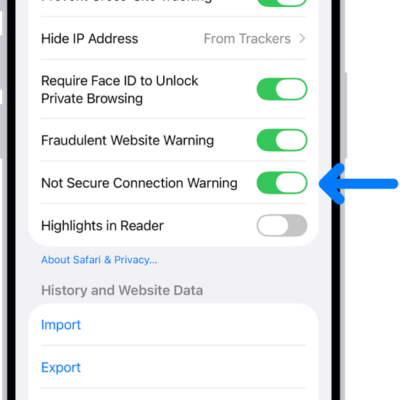
How to get a warning when you visit websites that use HTTP on iPhone
You can have Safari on iPhone warn you when you visit websites that use HTTP, which doesn't provide a secure connection.
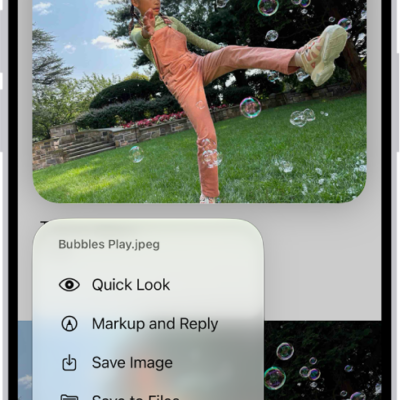
How to download email attachments in Mail on iPhone
You can save email attachments from Mail on iPhone to Photos or Files, open them in other apps, and find messages with attachments.
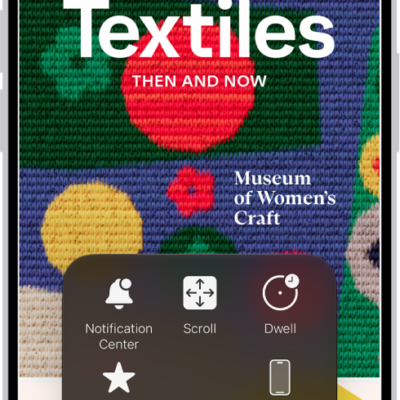
iPhone mobility accessibility features: Eye Tracking, Voice Control, and more
You can use accessibility features for mobility on iPhone, like Eye Tracking, Voice Control, Switch Control, external keyboards, and touch settings.

How to control your home remotely with iPhone
You can control your Home accessories from anywhere with iPhone once you have a home hub, such as Apple TV 4K or HomePod.
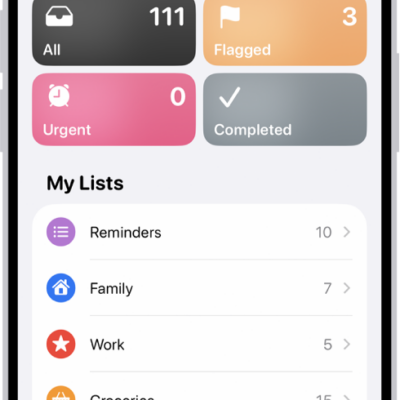
How to work with templates in Reminders on iPhone
You can save a Reminders list as a template on iPhone to reuse it, make new lists from it, and share templates with others.
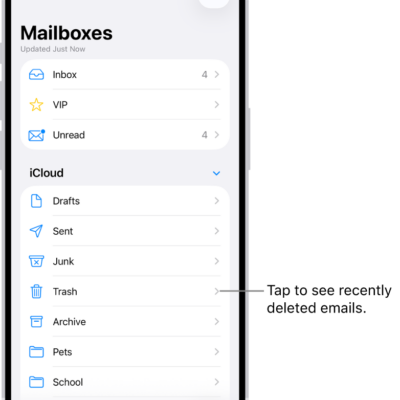
How to automatically clean up your iCloud Mail inbox on iPhone
You can use iCloud Mail Cleanup on iPhone to delete older messages, set cleanup recommendations, and unsubscribe from mailing lists in bulk.
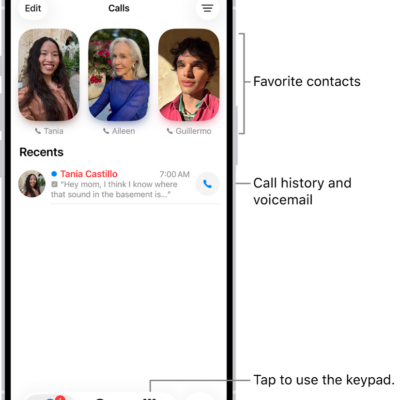
How to view and delete your call history on iPhone
You can view your call history on iPhone, filter it, see call details, and delete one call or all recent calls.
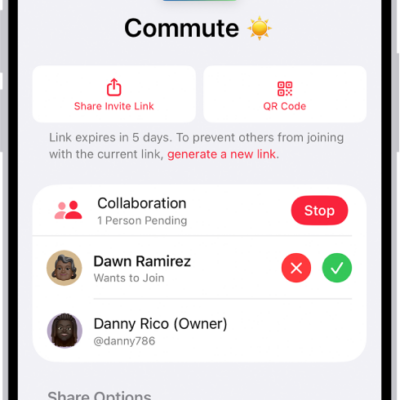
How to join a collaborative playlist in Music on iPhone
You can join a collaborative playlist on iPhone from an invite link, then add songs and react with emoji if you subscribe to Apple Music.
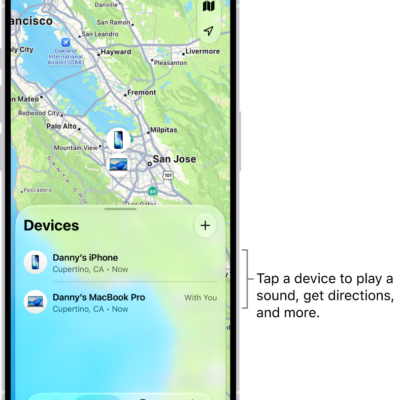
How to turn off Find My on iPhone
You can turn off Find My on iPhone if you no longer want to share your location or see your friends, devices, and items.