









Emily Long
Emily Long's Articles
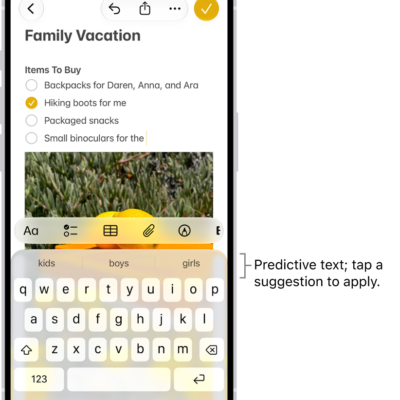
How to use predictive text on iPhone
You can use predictive text on iPhone to see word, emoji, and information suggestions as you type, and let inline predictions finish your sentence.
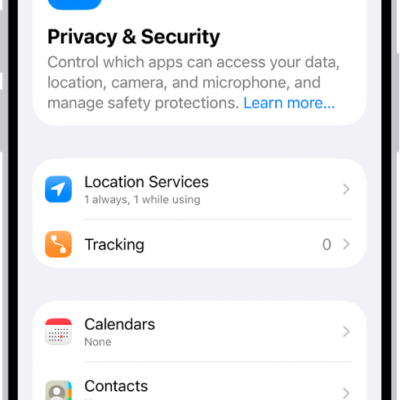
How to harden your iPhone from a cyberattack with Lockdown Mode
You can harden your iPhone with Lockdown Mode, an extreme protection meant only for people who might be targeted by a highly sophisticated cyberattack.
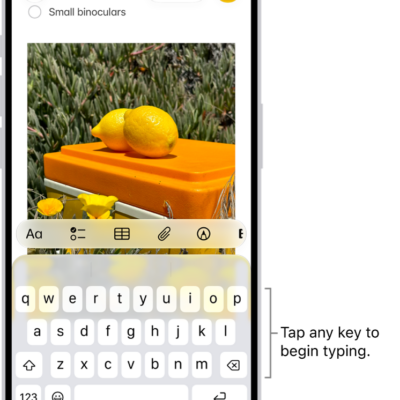
How to choose an alternative layout for Magic Keyboard with iPhone
You can enter letters and marks that aren't on the keyboard, such as diacritical marks with an alternative layout for Magic Keyboard with iPhone.

How to find recently saved photos and videos on iPhone
You can find photos and videos you saved from Messages, Safari, Mail, and AirDrop in the Recently Saved collection in Photos on iPhone.
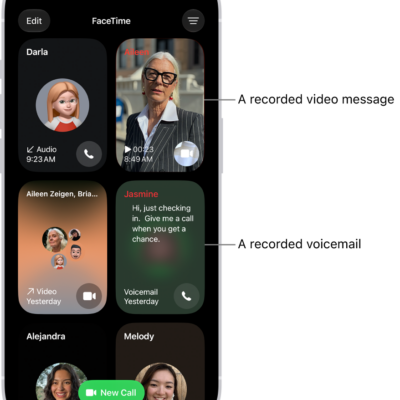
How to screen and filter FaceTime calls on iPhone
You can screen FaceTime audio calls from unknown numbers on iPhone, silence unknown callers, and filter calls identified as spam.
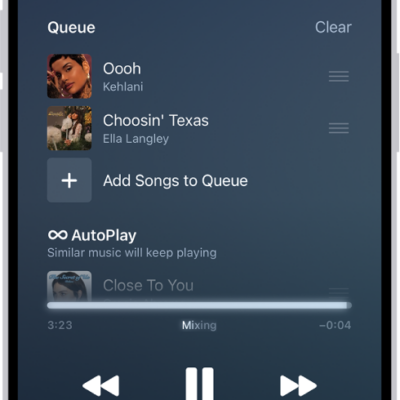
How to transition songs in Music on iPhone
You can use AutoMix or Crossfade in Music on iPhone to blend one song into the next, like a DJ.
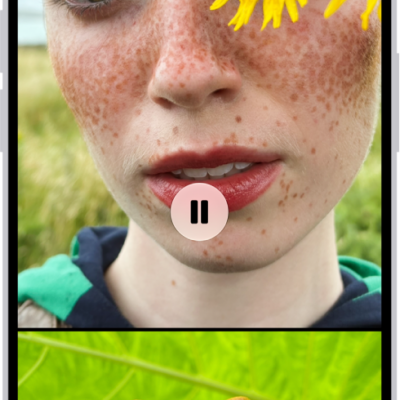
How to personalize your memory movies in Photos on iPhone
You can personalize memory movies in Photos on iPhone with Memory Looks, new songs, a new title, a different length, and other photos.

How to connect with friends in the Apple Games app on iPhone
You can invite friends, answer friend requests, and see what your friends are playing in the Apple Games app on iPhone.
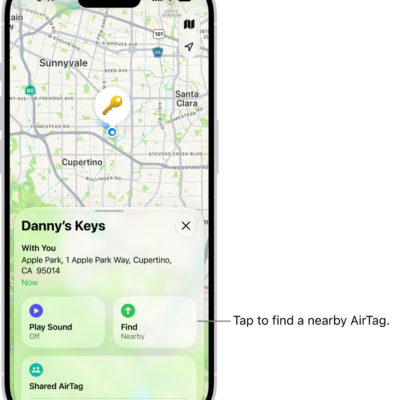
How to locate an AirTag or other item in Find My on iPhone
You can locate a missing AirTag or other registered item in Find My on iPhone, play a sound on it, and find its precise location.
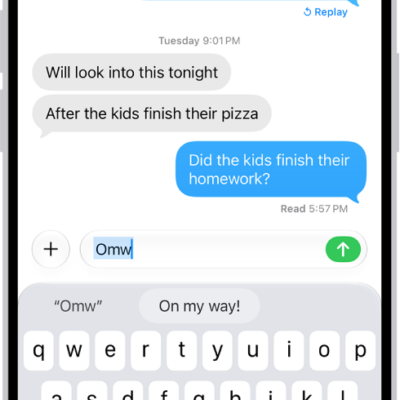
How to set up shorthand for frequently used text on iPhone
You can set up a text replacement on iPhone so a few keys enter long words and phrases, and sync your personal dictionary across devices.