






Kevin Hollington
Kevin Hollington's Articles
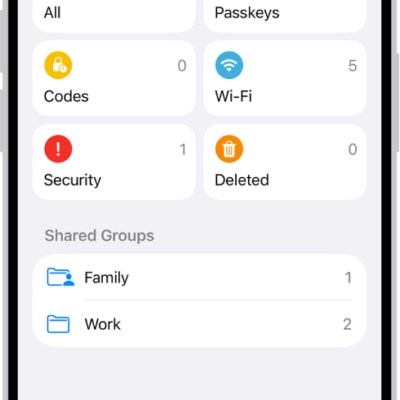
How to create a password for a website or app on iPhone
You can create a strong password for a website or app on iPhone in the Passwords app, or when you sign up for a new account.
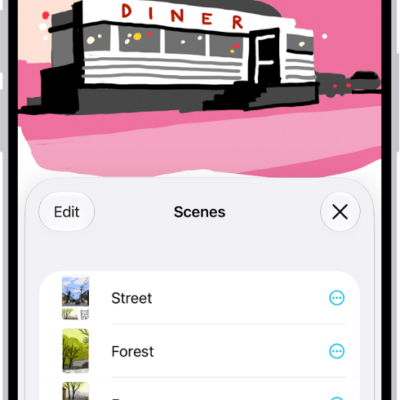
How to navigate and present scenes in your Freeform boards on iPhone
You can set up scenes in Freeform on iPhone to organize a board into sections, then navigate, present, print, or export them.
How to change weak or compromised passwords on iPhone
You can change weak or compromised passwords that iPhone flags, including ones found in data leaks, from the Security section of the Passwords app.
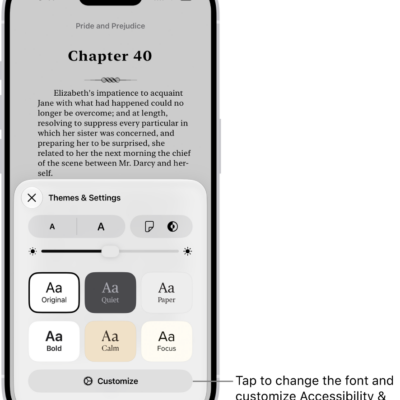
How to read books in the Books app on iPhone
You can read books in the Books app on iPhone, change the text and page appearance, bookmark pages, and turn on Line Guide.
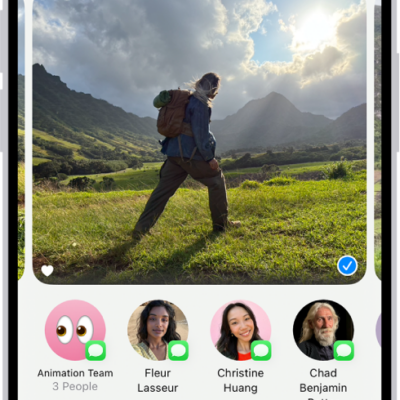
How to print photos on iPhone to an AirPrint-enabled printer
You can print one photo or several at once from the Photos app on iPhone to an AirPrint-enabled printer.
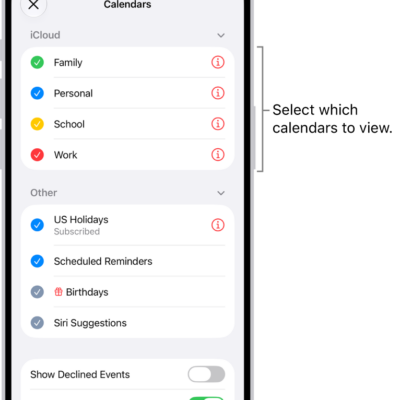
How to share iCloud calendars on iPhone
You can share an iCloud calendar on iPhone with other iCloud users, let them edit events, or share a read-only calendar with anyone.
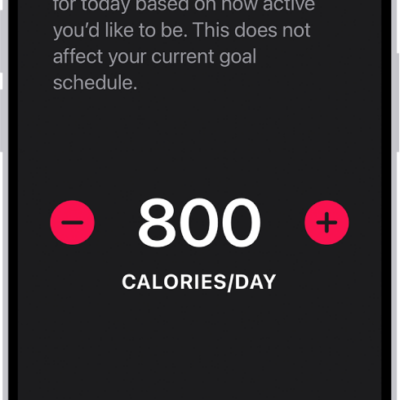
How to adjust your Activity ring goals in Fitness on iPhone
You can change your Activity ring goals in Fitness on iPhone, set a different goal for each day of the week, and pause your rings.
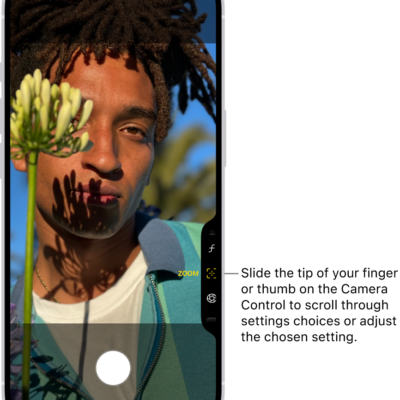
How to use the Camera Control on iPhone
You can use the Camera Control to open Camera, take photos and videos, and adjust camera settings on supported iPhone models.
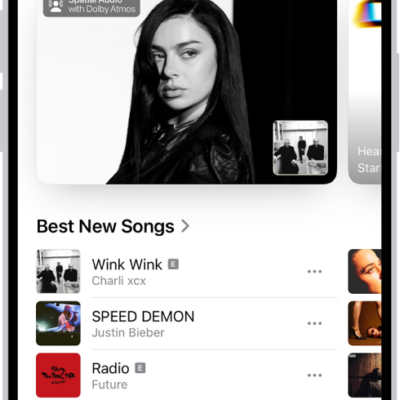
How to find new music with Apple Music on iPhone
You can find new music on iPhone, from new releases and expert playlists to upcoming concerts if you subscribe to Apple Music.
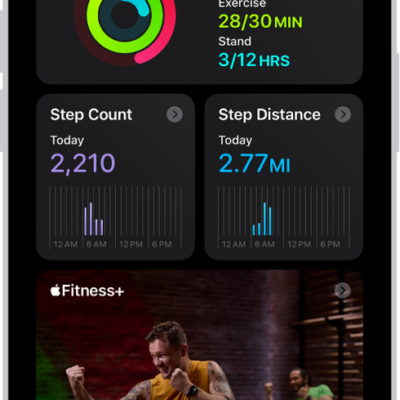
How to see your activity summary in Fitness on iPhone
You can see your daily activity, trends, and awards in Fitness on iPhone, and add, edit, move, or delete the metrics in your summary.