









Moses Johnson
Moses Johnson's Articles

How to keep the iPhone display on longer
You can change how long your iPhone display stays on before it dims and locks, and use the Always-On display on supported models.
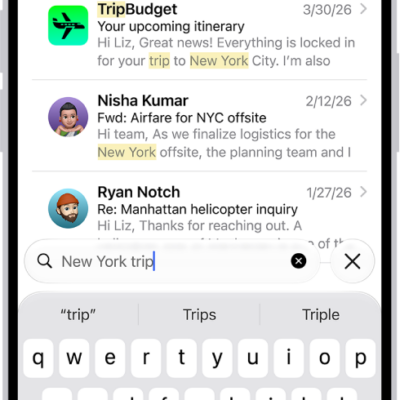
How to search for email in Mail on iPhone
You can search for email in Mail on iPhone by text, timeframe, or attributes, across all mailboxes or just the current one.
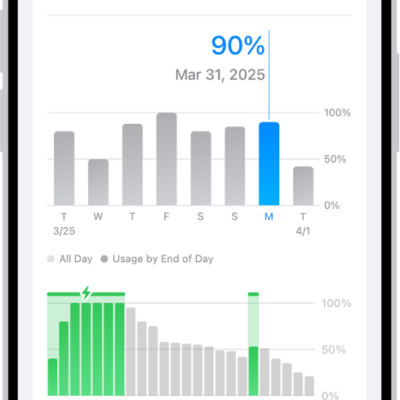
How to show the iPhone battery percentage
You can show the iPhone battery percentage in the status bar, and add a widget to see your accessories' battery levels too.
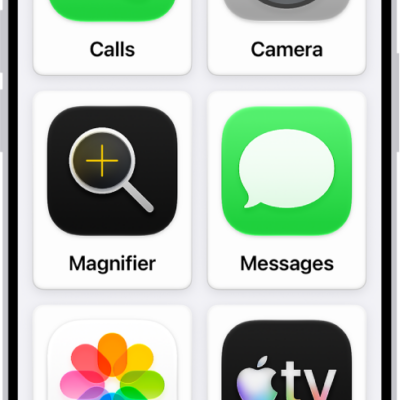
iPhone cognitive accessibility features: Assistive Access, Guided Access, and more
You can use built-in cognitive accessibility features on iPhone, from a simplified interface and single-app mode to tools that reduce sensory stimulus.
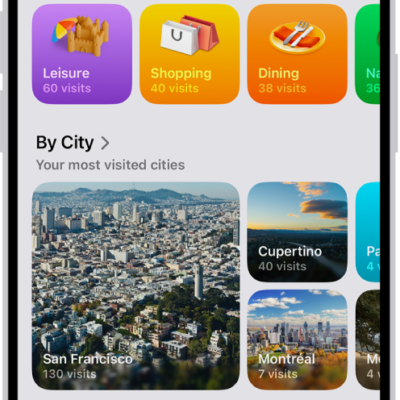
How to view Visited Places in Maps on iPhone
You can view Visited Places in Maps on iPhone to keep track of places you've been, end-to-end encrypted, and revisit or share them later.
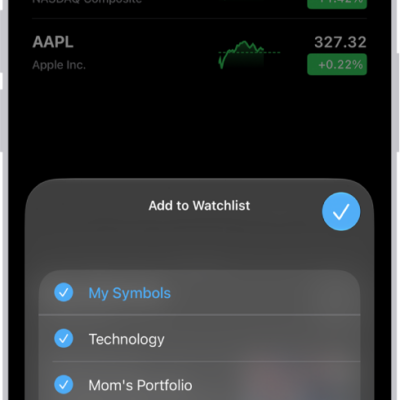
How to manage watchlists in Stocks on iPhone
You can create watchlists in Stocks on iPhone, add, sort, and remove symbols, and see your watchlists on all your devices.
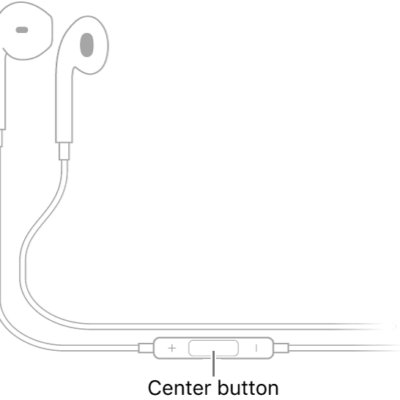
How to use iPhone as a remote microphone with Live Listen
You can stream sound from your iPhone microphone to hearing devices, AirPods, or Beats to hear better in noisy places with Live Listen.
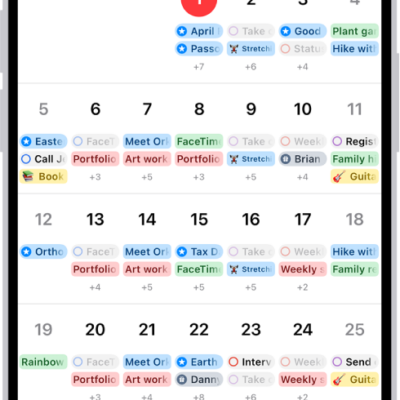
How to add earnings reports to your calendar in Stocks on iPhone
You can add a company's upcoming earnings report from Stocks to the Calendar app on iPhone as an all-day event, and delete it later.
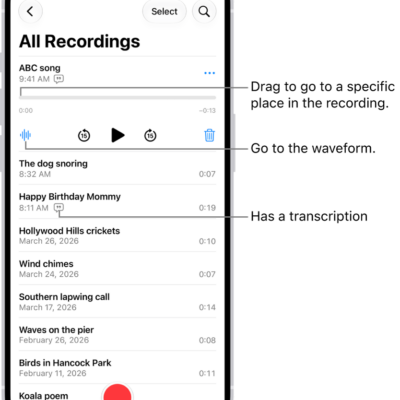
How to duplicate a recording in Voice Memos on iPhone
You can duplicate a recording in Voice Memos on iPhone, then edit and rename the copy while keeping the original.
How to have iPhone notify you when your name is called
You can have iPhone notify you when your name is called with Name Recognition, and teach it more than one name.