









Moses Johnson
Moses Johnson's Articles

How to operate iPhone when VoiceOver is on
You can operate iPhone when VoiceOver is on with special gestures to unlock it, go Home, open Control Center, switch apps, and more.
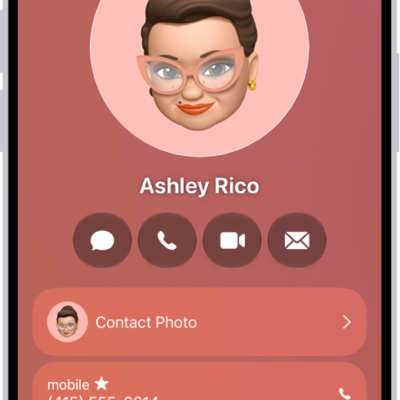
How to export contacts on iPhone
You can export some or all of your contacts on iPhone and send or save them to another device or app.
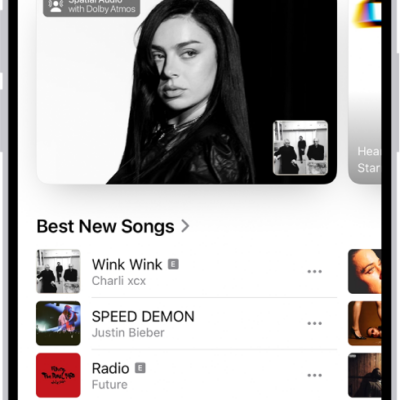
How to get music in the iTunes Store on iPhone
You can find and buy music in the iTunes Store app on iPhone, get ringtones, and see and manage all your purchases.
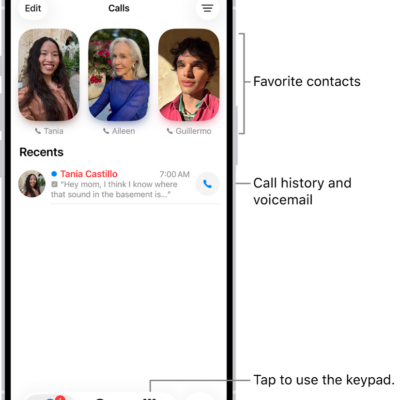
How to route and automatically answer calls on iPhone
You can send call audio on iPhone to the speaker, a Bluetooth headset, or a hearing device, and have iPhone answer calls automatically.
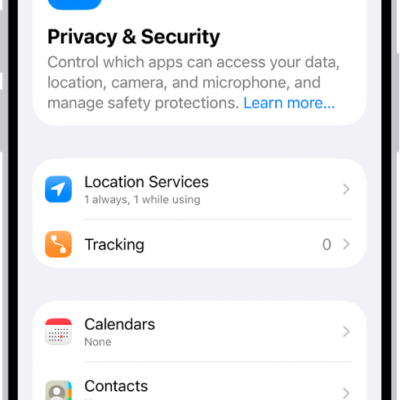
How to control access to your contacts on iPhone
You can control access to your contacts on iPhone, giving an app all of them or only the ones you choose, and change it later.

How to use a Stocks widget on your iPhone
You can add a Stocks widget to your iPhone Home Screen to check stocks at a glance, in the size and display you choose.
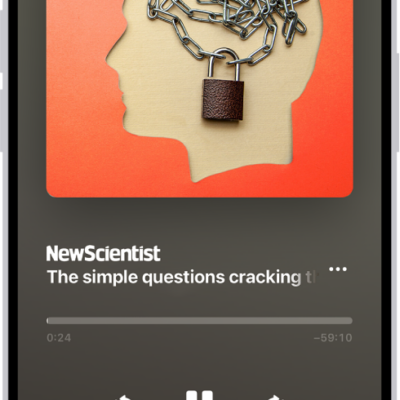
How to listen to News stories in News on iPhone
You can listen to audio stories in News on iPhone, add them to Up Next, and find them in Podcasts too if you subscribe to Apple News+.
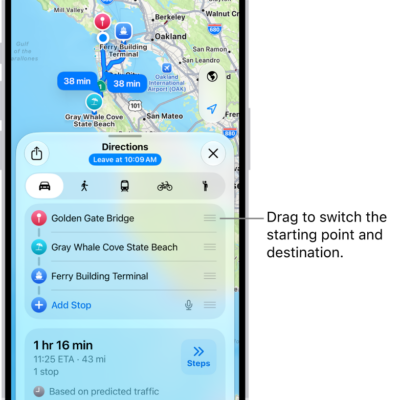
How to get weather info in Maps on iPhone
You can see the weather and air quality for the area shown in Maps on iPhone, and open the hourly forecast from the map.
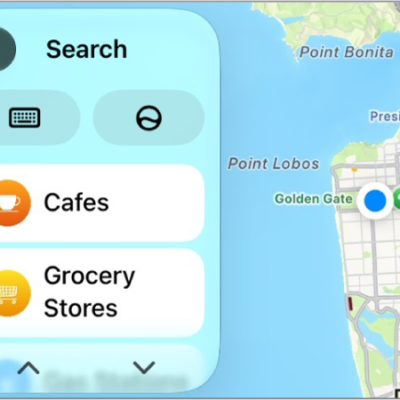
How to adjust CarPlay accessibility settings for vision
You can change CarPlay accessibility settings for vision, including color filters, grayscale, text size, bold text, and Voice Control.

How to show transcriptions for Intercom messages from HomePod on iPhone
You can show transcriptions for Intercom messages from HomePod on iPhone by turning on Show Audio Transcriptions.