









Stacey Butler
Stacey Butler's Articles
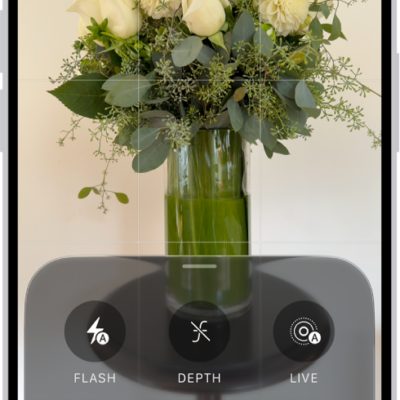
How to take panoramic photos with your iPhone camera
You can take panoramic photos with your iPhone camera in Pano mode, panning sideways or, in landscape, vertically.
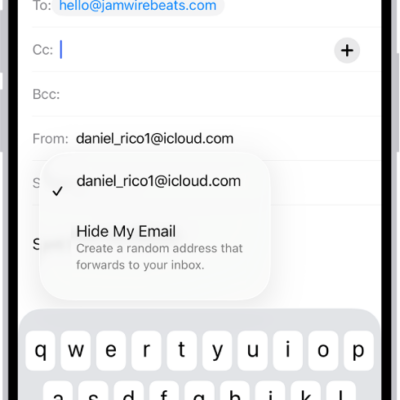
How to create and manage Hide My Email addresses in Settings on iPhone
You can create Hide My Email addresses on iPhone that forward to your inbox, and deactivate them when you're done with iCloud+.
How to adjust how iPhone responds to your touch
You can change Touch Accommodations, Haptic Touch, Tap to Wake, and Shake to Undo so your iPhone responds better to your touch.

How to write with your finger in VoiceOver on iPhone
You can write characters with your finger, enter your passcode silently, and open apps with handwriting mode in VoiceOver on iPhone.
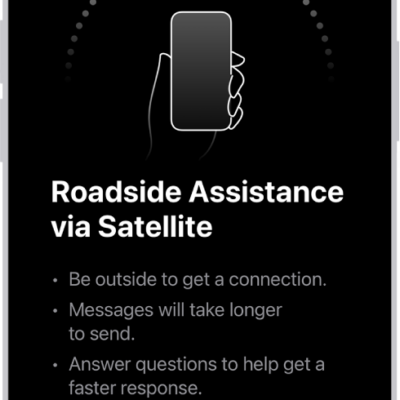
How to request Roadside Assistance via satellite on your iPhone
You can request Roadside Assistance via satellite from Messages on iPhone when you're outside cellular and Wi-Fi coverage on supported models.
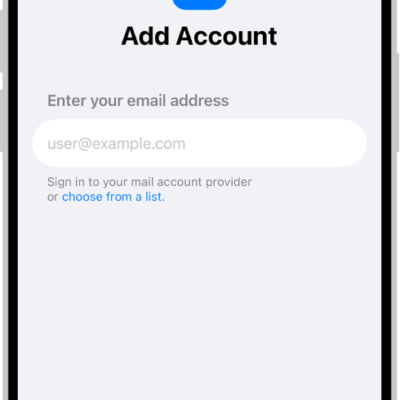
How to set up a custom email domain with iCloud Mail on iPhone
You can add or buy a custom email domain for iCloud Mail on iPhone and create addresses for it if you subscribe to iCloud+.
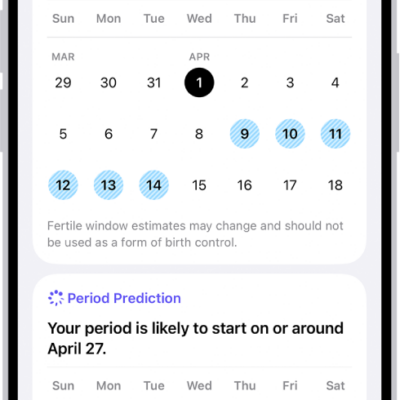
How to track menopause stages in Health on iPhone
You can track perimenopause and menopause stages in Health on iPhone, log symptoms and bleeding, and find educational resources.
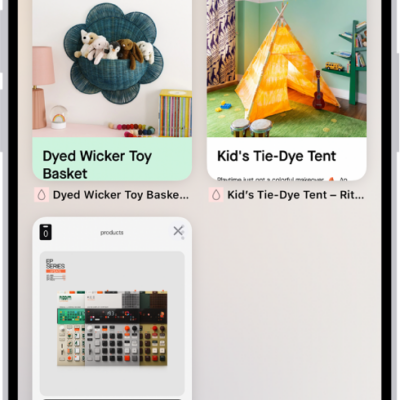
How to organize your tabs in Safari on iPhone
You can organize tabs in Safari on iPhone into Tab Groups, pin and reorder tabs, and let Apple Intelligence sort them into topics.
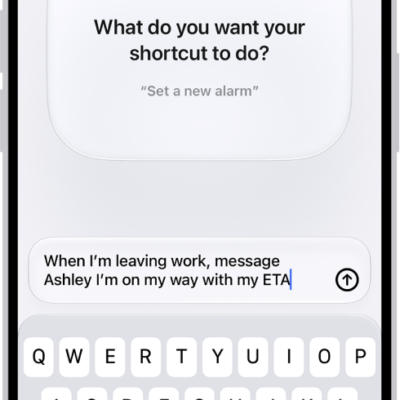
How to use Shortcuts to automate tasks on iPhone
You can use Shortcuts to automate tasks on iPhone with a tap or Siri, using ready-made shortcuts from the Gallery or your own.
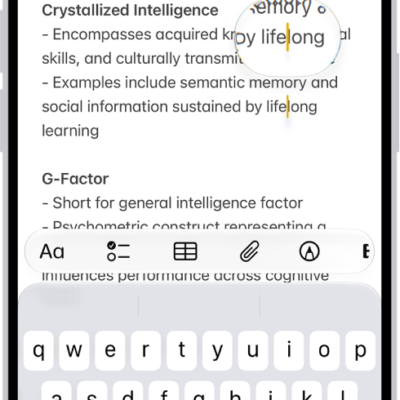
How to view a larger version of text you’re reading or typing on iPhone
You can see larger versions of text under the pointer or text you're typing with Hover Text and Hover Typing on iPhone.