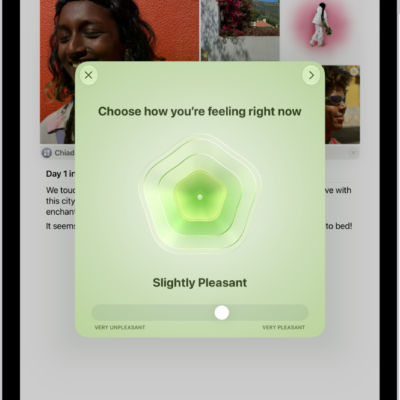
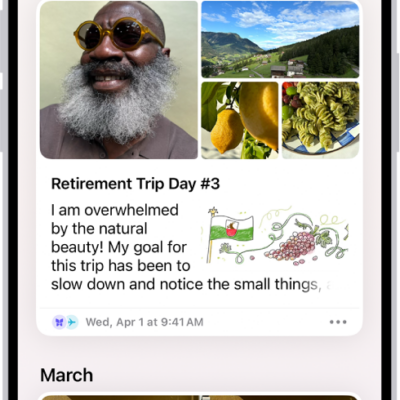
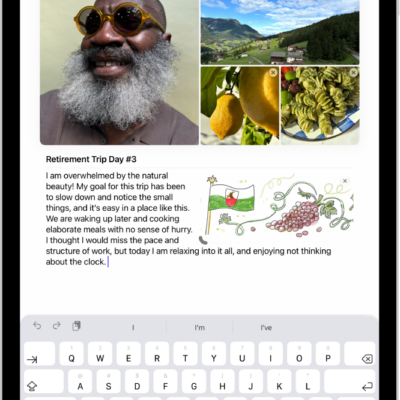
With the Journal app, you can keep track of your journaling goals and build new habits.
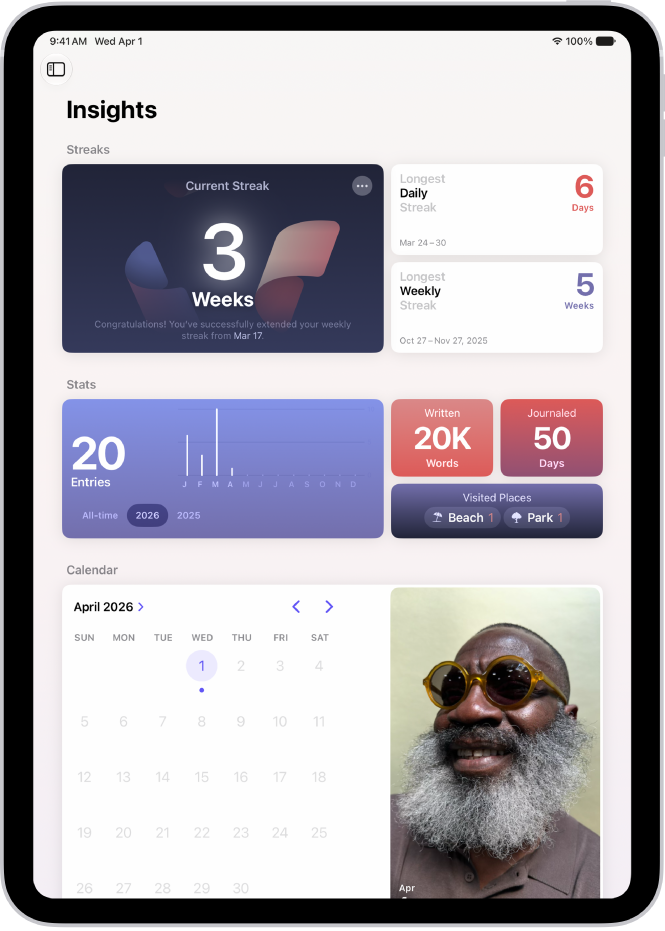
The sidebar shows your current streak, which is the number of consecutive days or weeks you’ve journaled, plus other insights. You can set a journaling schedule to be reminded to write, and add a Journal widget to your Home Screen or Lock Screen with your streak or writing prompts that change throughout the day.
Here’s how to build a habit with Journal on iPad.
Track journaling goals with Insights
-
Open the Journal app on your iPad.
Your current streak—the number of consecutive days or weeks you’ve journaled—and other insights are in the sidebar.
-
Tap Insights. Then tap any tile to see more details.
Tip: Tap the Toggle Sidebar button to open and close the sidebar.
Set a journaling schedule
You can be reminded to write with journaling notifications.
- Open the Journal app on your iPad.
- In the sidebar, tap the More button, then tap Notifications.
- Tap Custom and then set a weekly schedule.
Use the Journal widget
A widget on your Home Screen or Lock Screen can show your current streak or writing prompts that change throughout the day, helping you reflect on what’s going on in the moment.
- On the iPad Home Screen or Lock Screen, add a Journal widget.
- To change the widget, touch and hold the widget and then tap Edit Widget.
- Tap the widget to select from different writing prompts, start a new entry, or see details about your current streak.
See also