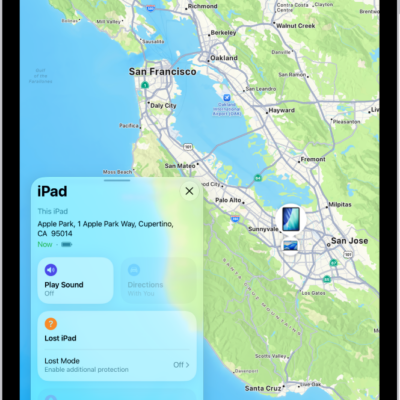
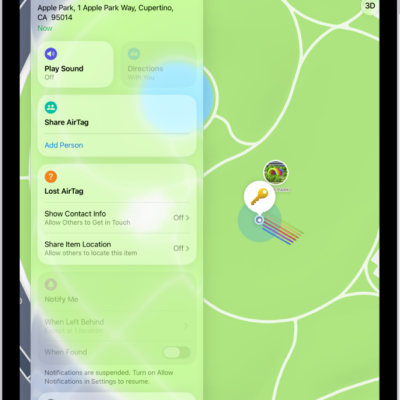
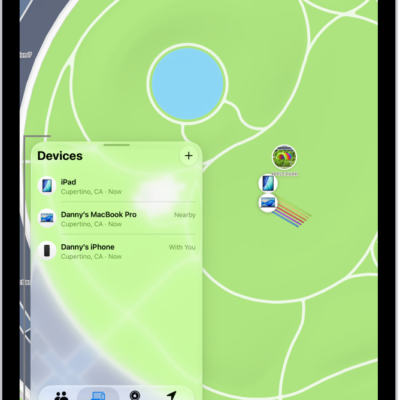
In the Find My app, you can turn on separation alerts for an AirTag or other item so you don’t accidentally leave it behind. You receive an alert every time the device sharing your location separates from the item, unless you’re in a Trusted Location where you’ve chosen not to get one.
You can also mark an AirTag or other item as lost, and set separation alerts in case you leave a device behind.
Important: In order to receive separation alerts, make sure you allow notifications for the Find My app. See Change the frequency of notifications.
- Open the Find My app on your iPad.
- Tap Items at the bottom-left side of the screen, tap the name of the item you want to set an alert for, and tap the more button.
- Tap When Left Behind and then turn on Notify When Left Behind.
- If you want to add a Trusted Location, you can choose a suggested location, or tap New Location, select a location on the map.
- Tap the Done button.
See also
- Mark an AirTag or other item as lost in Find My on iPad
- Set separation alerts in case you leave a device behind in Find My on iPad
Tag: Find My