









GeeksModo Story Archive - October 2026
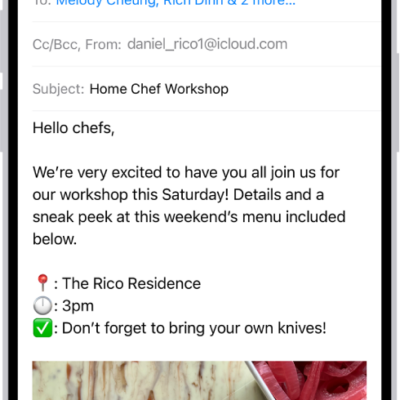
How to send email in Mail on iPhone
You can write, format, and send email in Mail on iPhone, add links and recipients, and schedule messages with Send Later.
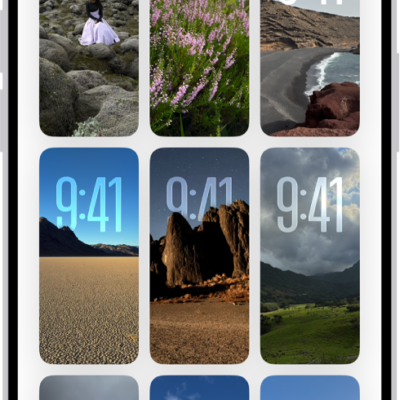
How to get wallpaper suggestions in Photos on iPhone
You can get wallpaper suggestions in Photos on iPhone that stylize photos of your favorite people and pets for your Lock Screen and Home Screen.
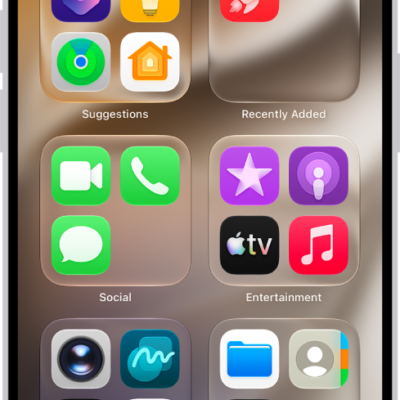
How to find and use your apps in App Library on iPhone
You can find and use your apps in App Library on iPhone, where they're sorted into categories, and search it or add apps to your Home Screen.
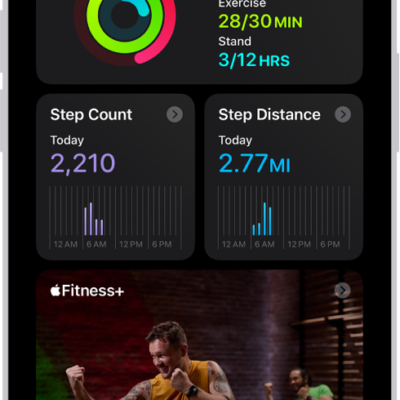
How to sync a third-party workout app to Fitness on iPhone
You can sync a compatible third-party workout app to Fitness on iPhone, and its workouts count toward closing your Move ring.
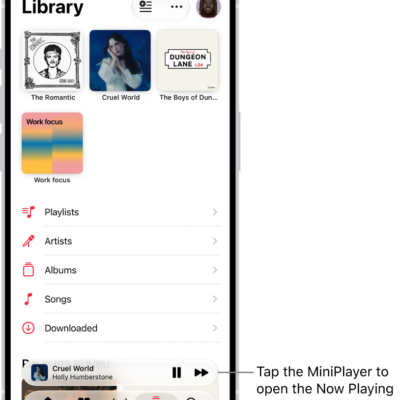
How to listen to radio stations in Music on iPhone
You can listen to Apple Music radio stations on iPhone, choose stations by genre, create your own, and play broadcast radio.
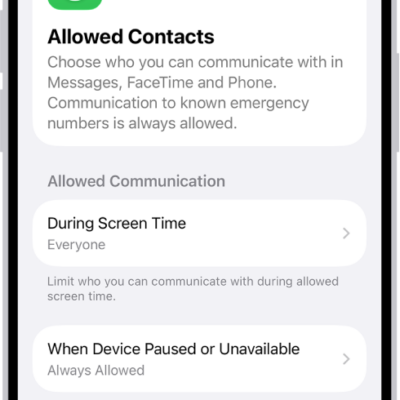
How to prevent contacts from communicating with you on iPhone
You can block contacts on iPhone so they can't reach you in Phone, Messages, or FaceTime, and unblock them later.
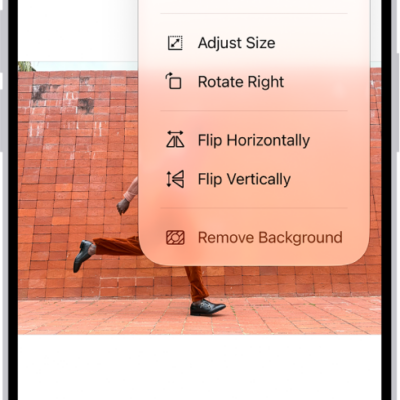
How to share PDFs or images in Preview on iPhone
You can share a PDF or image from Preview on iPhone to collaborate on it, send a copy, or copy it to paste into another app.
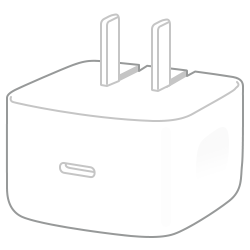
Which Apple power adapters work with iPhone
You can charge iPhone with these Apple power adapters, including the 40W adapter that fast charging on iPhone 17 models needs.
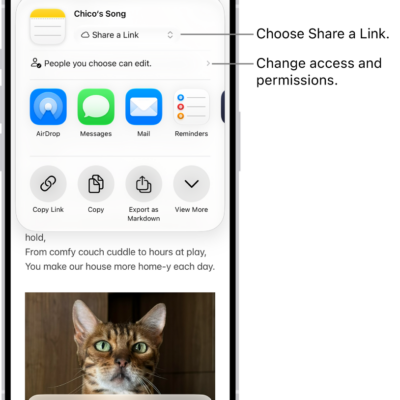
How to share content in Messages on iPhone
You can share images and links in Messages on iPhone, and find content shared with you in Shared with You in apps like Photos and Music.

How to operate iPhone when VoiceOver is on
You can operate iPhone when VoiceOver is on with special gestures to unlock it, go Home, open Control Center, switch apps, and more.