









GeeksModo Story Archive - October 2026
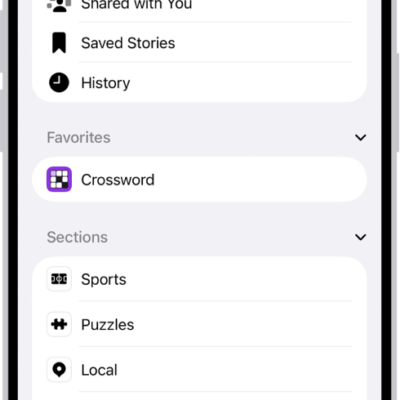
How to subscribe to individual channels in News on iPhone
You can subscribe to individual publications in News on iPhone, or use subscriptions you already bought from a publisher.
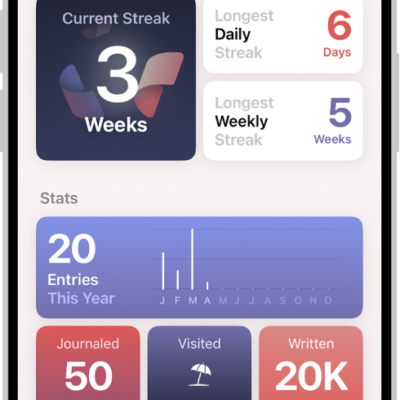
How to build a habit with Journal on iPhone
You can track your journaling streak, set reminders to write, and add a Journal widget to build a writing habit on iPhone.

How to view and manage your game library in the Apple Games app on iPhone
You can browse Apple Arcade, view your games, check events and achievements, and delete games in the Apple Games app on iPhone.
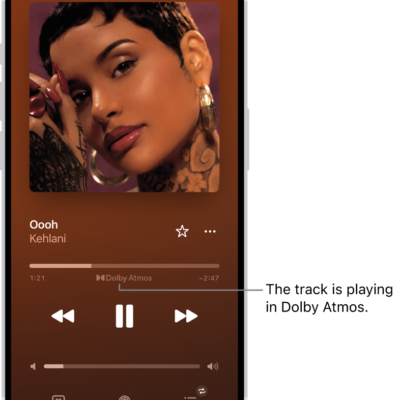
How to play music in Spatial Audio with Dolby Atmos on iPhone
You can play tracks in Dolby Atmos on iPhone for immersive Spatial Audio, and download them too if you subscribe to Apple Music.

How to add more homes with iPhone
You can add another home in the Home app on iPhone, such as a small office, and switch between your homes at any time.
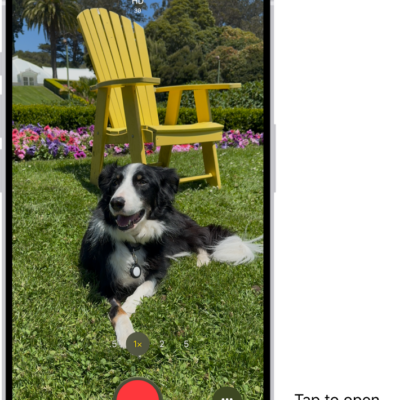
How to record ProRes video with your iPhone camera
You can record ProRes video for higher color fidelity and less compression, on any camera on supported iPhone models.
How to export contacts on iPhone
You can export some or all of your contacts on iPhone and send or save them to another device or app.
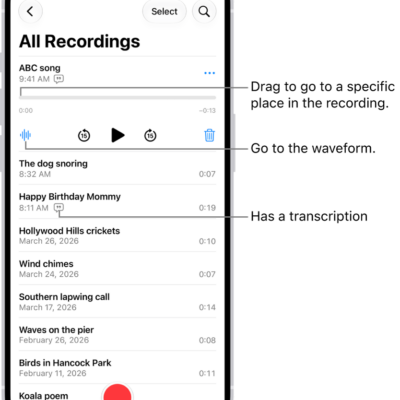
How to organize recordings in Voice Memos on iPhone
You can mark recordings as favorites in Voice Memos on iPhone, organize them into folders, and delete or reorder folders.
How to book rides in Maps on iPhone
You can request a ride from Maps on iPhone with a compatible ridesharing app, and stop sharing your location with those apps.
How to change your Notes settings on iPhone
You can change Notes settings on iPhone, including the default account, a password for locked notes, mention notifications, and viewing options.