









GeeksModo Story Archive - October 2026
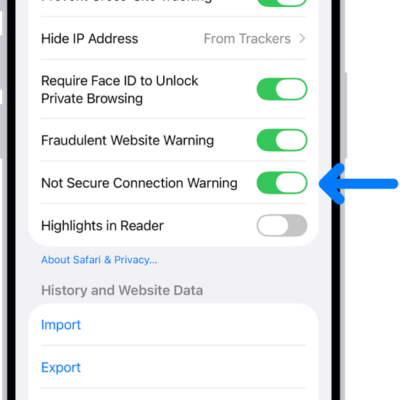
How to get a warning when you visit websites that use HTTP on iPhone
You can have Safari on iPhone warn you when you visit websites that use HTTP, which doesn't provide a secure connection.
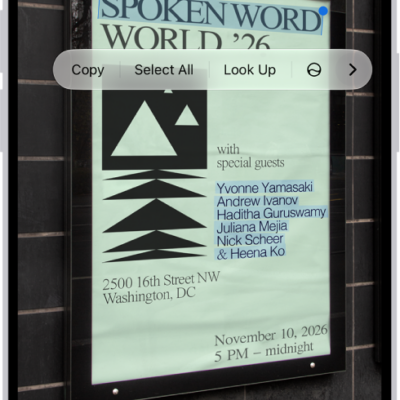
How to interact with text in an image in Preview on iPhone
You can use Live Text in Preview on iPhone to copy, translate, or look up text in an image, and call, email, or open a website.
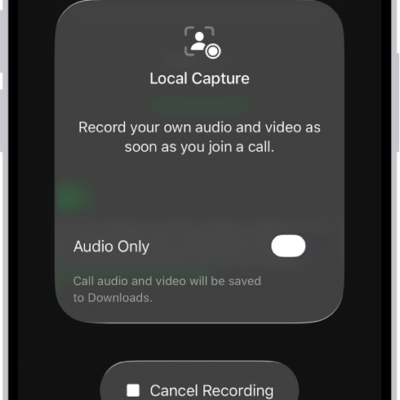
How to improve audio and record video calls on iPhone
You can choose a mic input, use Voice Isolation, and adjust audio and video capture settings to improve recordings and video calls on iPhone.
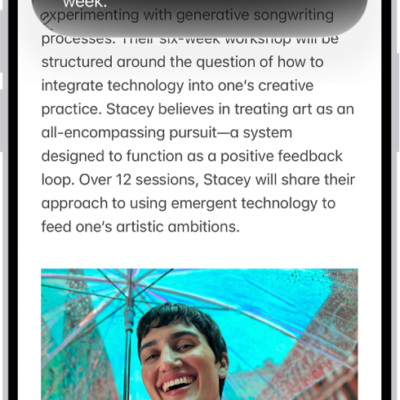
How to write and edit text with Siri AI on iPhone
You can have Siri compose, rewrite, proofread, and summarize text, or give feedback on your writing with Siri AI (Beta) on iPhone.
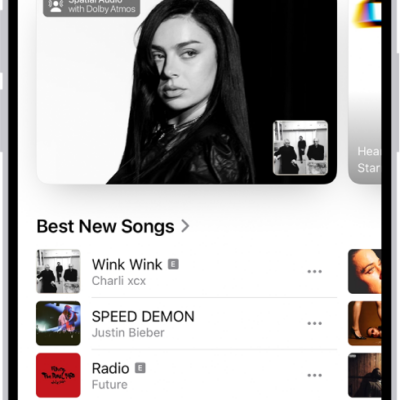
How to get music in the iTunes Store on iPhone
You can find and buy music in the iTunes Store app on iPhone, get ringtones, and see and manage all your purchases.
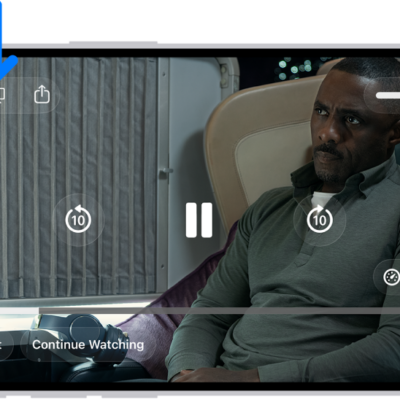
How to watch TV in the Apple TV app on iPhone
You can stream TV shows, movies, and sports, and download movies, episodes, or full seasons in the Apple TV app on iPhone.
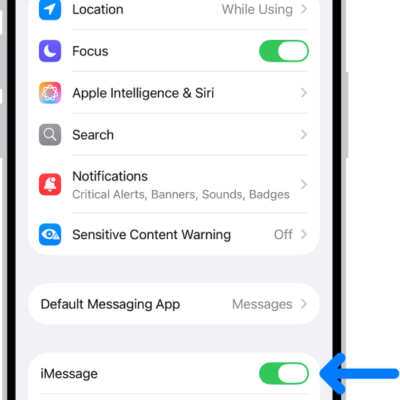
How to set up Messages on iPhone
You can set up Messages on iPhone, turn on iMessage, sync messages across devices, and share your name and photo.
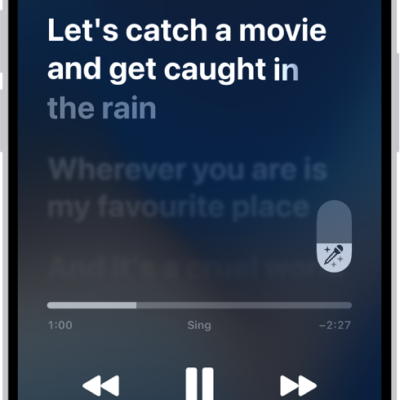
How to show song credits and lyrics on iPhone
You can see song credits on iPhone, show time-synced lyrics, and share lyrics if you subscribe to Apple Music.
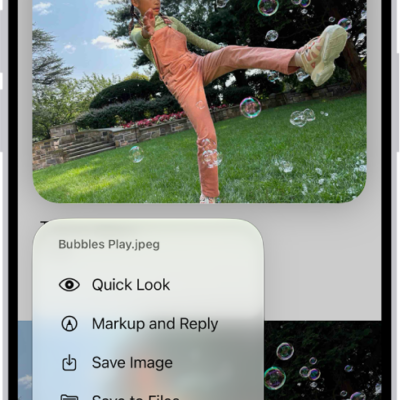
How to download email attachments in Mail on iPhone
You can save email attachments from Mail on iPhone to Photos or Files, open them in other apps, and find messages with attachments.
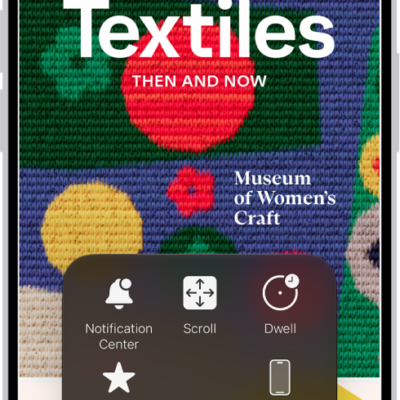
How to make the pointer easier to see when using a mouse or trackpad with iPhone
You can change the size, color, and contrast of the pointer on iPhone so it's easier to see when you use a mouse or trackpad.