Apple Watch can track your activity and workouts, and encourage you to lead a more active life through gentle reminders and friendly competitions.
It’s how your watch keeps track of how much you move, how often you stand, and how long you exercise, and you can pause your rings if you need a break.
Close each ring
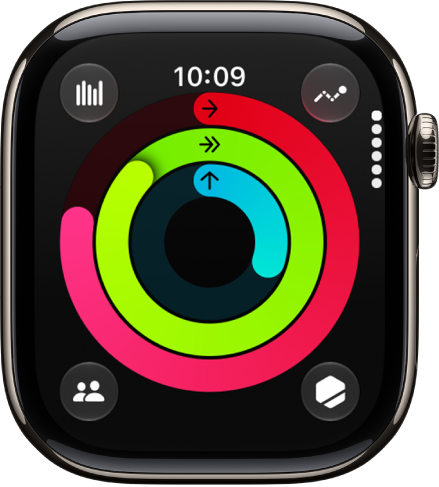
Each day, your Apple Watch tracks how much you move, how long you exercise, and how often you stand up. You set goals in the Activity app and check your progress throughout the day, scrolling down for more details like your total steps and distance. When you’ve completed a goal, Apple Watch lets you know.
Start a workout
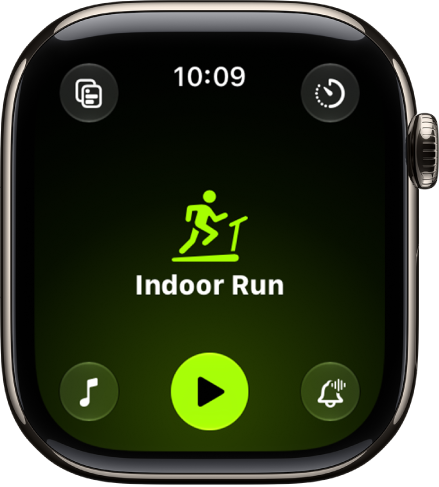
In the Workout app, turn the Digital Crown to the workout you want, whether it’s a daily workout like a run or swim or a multisport workout for your next triathlon. You can customize your workout view to keep the metrics you want to track a glance away. And if you forget to start your workout on Apple Watch for some common types of workouts, you’ll get a reminder to record one and get credit for the exercise you’ve already done.
View metrics during a workout
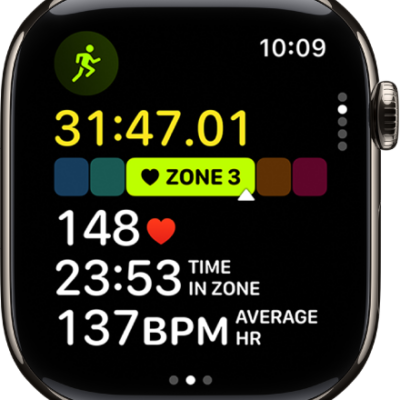
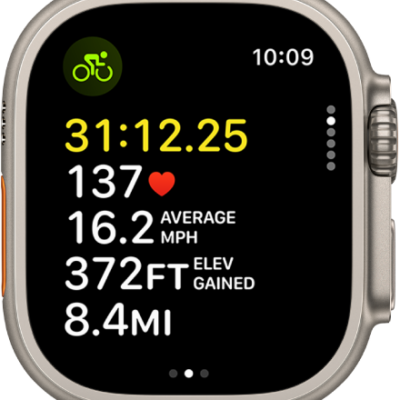
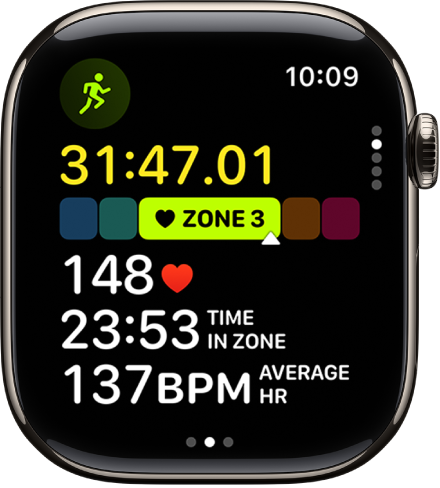
To help you monitor your progress during a workout, Apple Watch displays metrics like active calories, heart rate, and distance. Raise your wrist to see how you’re doing.
Check your progress during a workout
Pause your rings
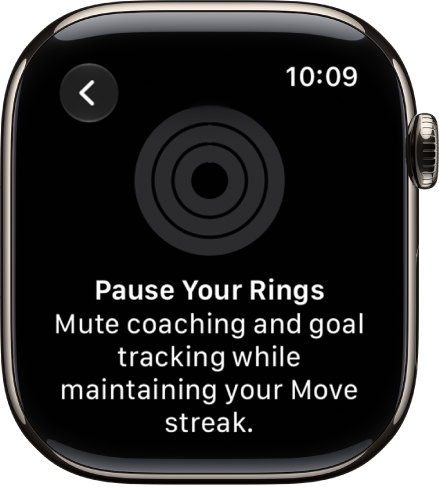
If you need to take a break, you can pause your Activity rings for a day, week, month, or more—without breaking your award streak. You can pause your rings for up to 90 days and resume at any time. Tap the Weekly Summary button, turn the Digital Crown to scroll to the bottom of the screen, then tap Pause Rings.