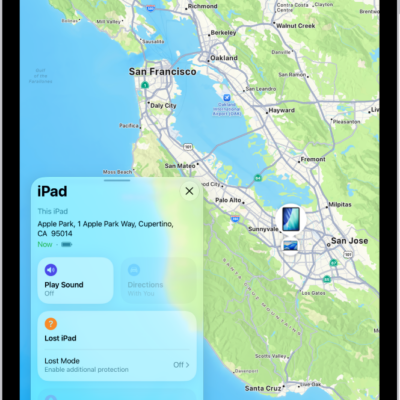
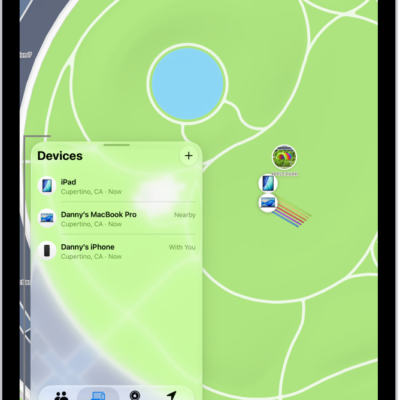
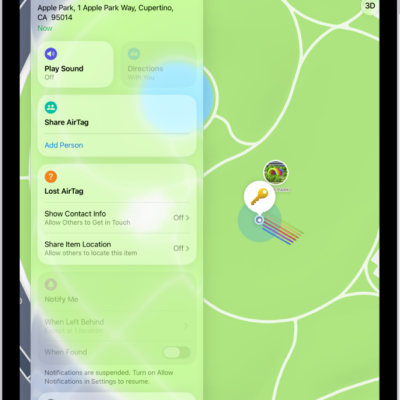
Separation alerts in the Find My app let you know when you’ve left a device behind. You can set them up for your iPhone, iPad, Mac, or AirPods, and add Trusted Locations, where you can leave a device without getting an alert.
If you have an iPhone Wallet with MagSafe and Find My support, you can get an alert when it detaches from your iPhone, too.
Here’s how to set separation alerts in case you leave a device behind in Find My on iPad.
Important: In order to receive separation alerts, make sure you allow notifications for the Find My app. See Change notification settings on iPad.
Set up alerts for your iPhone, iPad, Mac, or AirPods
Separation alerts work with AirPods that have the Find My network turned on, a Mac with Apple silicon and macOS 12 or later, and an iPad, iPhone, or iPod touch with iPadOS 15, iOS 15, or later.
Separation alerts can only be set up from the device sharing your location, and you’ll get an alert every time it separates from the device you set an alert for.
- Start the Find My app on your iPad.
- Tap Devices at the bottom-left side of the screen, tap the name of the device you want to set up an alert for, and tap the More button.
- Tap When Left Behind, turn on Notify When Left Behind, and follow the onscreen instructions.
- If you want to add a Trusted Location, you can choose a suggested location, or tap New Location, select a location on the map, and then tap Done.
- Tap the Done button.
Get notified when your iPhone Wallet with MagSafe detaches from your iPhone
If your iPhone and your iPhone Wallet with MagSafe and Find My support are apart for one minute, you can get an alert. After that, you’ll see its last known location on a map in the Find My app.
- Start the Find My app on your iPad.
- Tap Devices at the bottom-left side of the screen and tap the name of your iPhone Wallet with MagSafe. Tap the More button.
- Tap Notify When Detached.
- Turn off or on Notify When Detached and tap the Done button.
See also
- Mark a device as lost in Find My on iPad
- Set separation alerts in case you leave an AirTag or item behind in Find My on iPad