Got a tip for us?

Emily Long

Emily is a staff writer at GeeksModo, and is interested in all things Apple. This includes its best products such as the iPad, iPhone, Mac, AirPods, and Apple Watch. When she’s not tinkering with the latest Apple gear, you’ll find her watching movies, taking pictures on her Sony A7 and exploring the great outdoors.

Emily Long's Articles

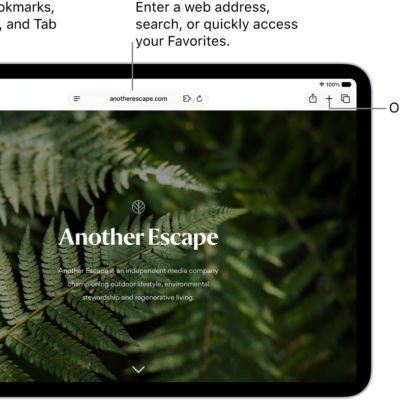
An open webpage. Along the top, from left to right, are the Sidebar button, the Previous button, the search field, the Share button, the New Tab button, and the Tab Overview button.

How to listen to a webpage in Safari on iPad

You can listen to a webpage in Safari on iPad, have supported webpages read aloud, and pause or resume listening.
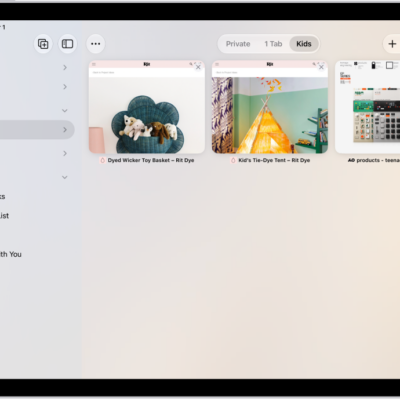
In Safari, a Tab Group is selected, with previews of its three open tabs visible.

How to work with multiple tabs in the sidebar in Safari on iPad

You can work with multiple tabs in the sidebar in Safari on iPad, and copy, duplicate, move, or close them together.
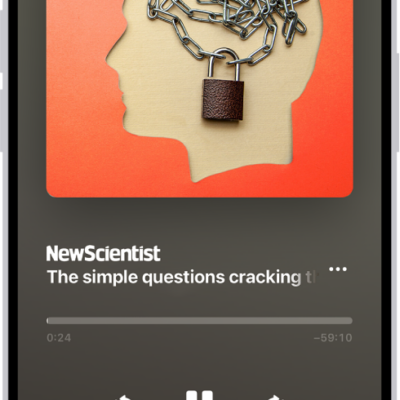
The audio player for a story in Apple News+, with playback controls and a volume slider.

How to listen to Apple News Today on iPad

You can listen to Apple News Today on iPad, an audio briefing of the day's top stories, and get show notes notifications.
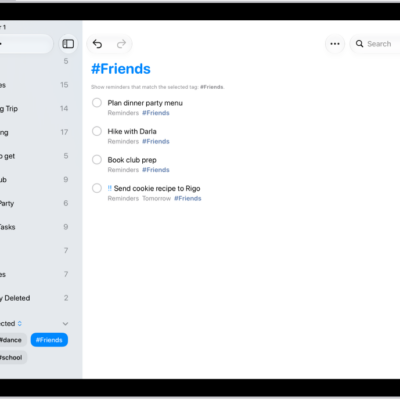
A Reminders screen showing the Tag Browser at the bottom left with All Tags selected. On the right is a list of all items with tags.

How to use keyboard shortcuts in Reminders on iPad

You can use keyboard shortcuts in Reminders on iPad with an iPad keyboard to create lists, add reminders, and more.
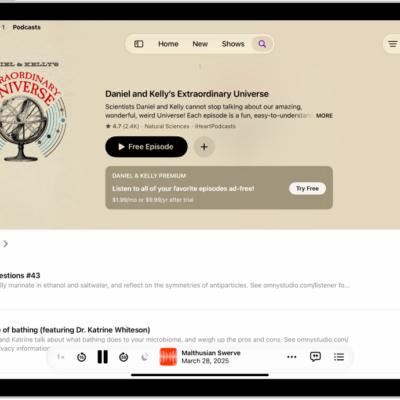
A show page in the Podcasts app showing two episodes with summaries of each and the MiniPlayer at the bottom.

How to rate or review podcasts on iPad

You can rate or review podcasts on iPad, give a show 1 to 5 stars, write or edit a review, and delete your review.

A list of all accounts with passwords that are stored in the Passwords app.

How to see the FileVault recovery key for your Mac in Passwords on iPad

You can see the FileVault recovery key for your Mac in Passwords on iPad and copy it to reset a forgotten Mac password.
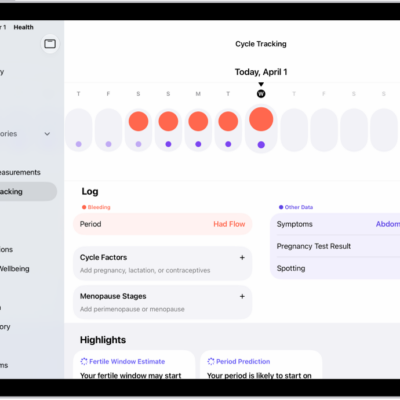
The Cycle Tracking screen showing the timeline for a week at the top of the screen. Solid red circles and purple dots mark the first 5 days on the timeline. Below the timeline are options to add information about periods, symptoms, and more.

How to track menopause stages in Health on iPad

You can track menopause stages in Health on iPad with Cycle Tracking, log related symptoms, and find support with educational resources.
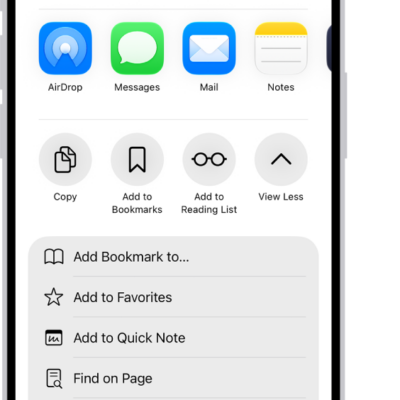
In Safari, the Share button on a PDF has been tapped, revealing a list of options including Save to Files near the bottom of the screen.

How to download a PDF from Safari to your iPad

You can download a PDF from Safari to your iPad, save it in Files to read later, and share it with others.
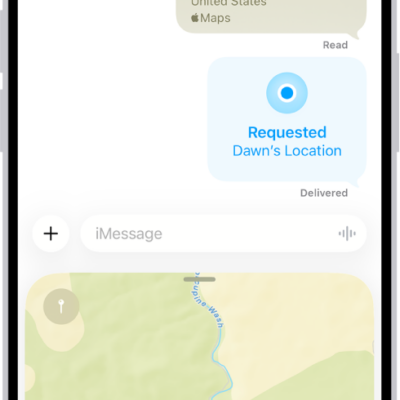
A Messages conversation with a dropped pin, a location request, and a location about to be sent.

How to share places in Maps on iPad

You can share places in Maps on iPad by message or email, so people know where to meet you.
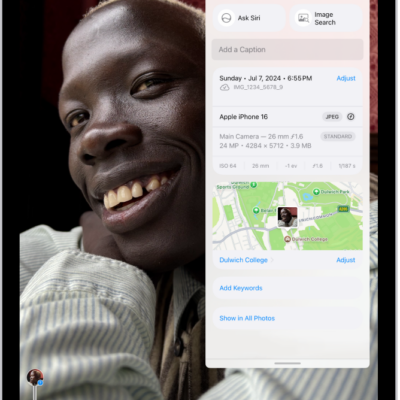
A photo is open in the Photos app. Metadata information appears over the photo including, from top to bottom, the date and time the photo was taken, the filename, the iPhone model and camera settings, and a map of the location where the photo was taken.

How to browse photos and videos by location on iPad

You can browse photos and videos by location on iPad, view your library on a map, and check where a photo or video was taken.