







Kevin Hollington
Kevin Hollington's Articles
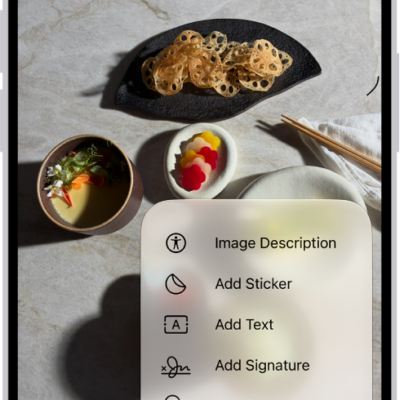
How to annotate a PDF or image in Preview on iPhone
You can annotate a PDF or image in Preview on iPhone: highlight, underline, or strike through text, and add stickers, signatures, shapes, or text.
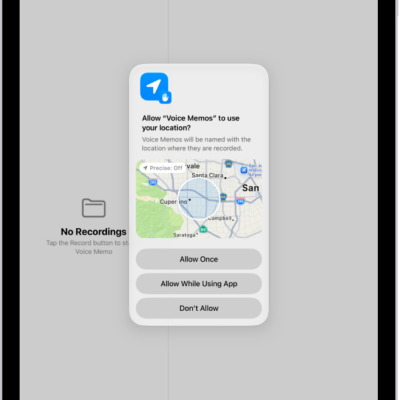
How to control the location information you share on iPad
You can control the location information you share on iPad, turn Location Services on or off, and see which apps use your location.
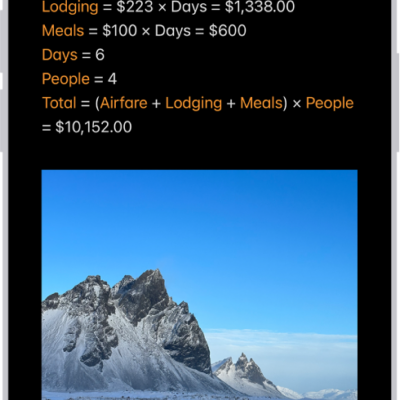
How to solve math with Math Notes in Calculator on iPhone
You can solve expressions, use variables, and graph equations with Math Notes in Calculator on iPhone, with results as you write.
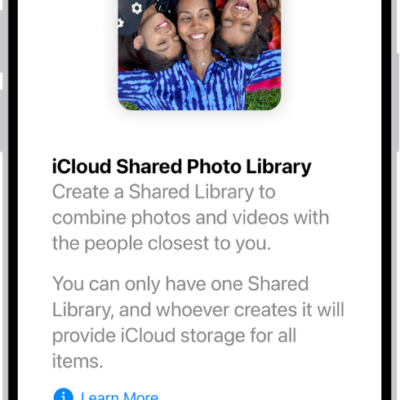
How to set up or join an iCloud Shared Photo Library on iPhone
You can set up or join an iCloud Shared Photo Library on iPhone to share photos and videos with up to five friends or family members.
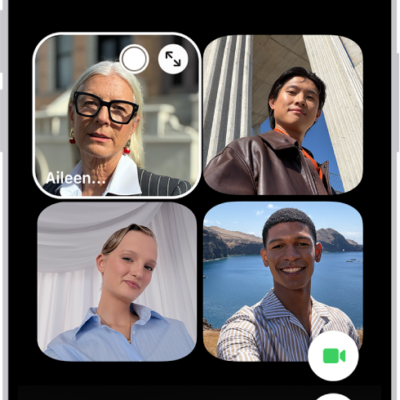
How to share your screen in a FaceTime call on iPhone
You can share your screen to bring apps and webpages into the call, or ask to see someone else's during a FaceTime call on iPhone.
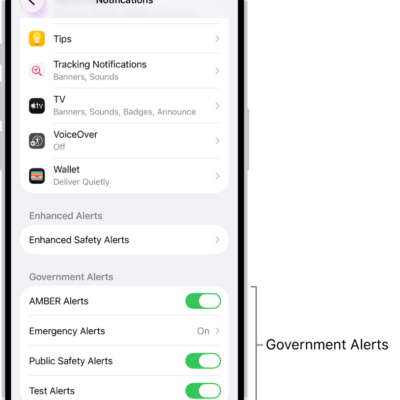
How to change notification settings on iPhone
You can choose how and when notifications appear on iPhone, which apps send them, what they sound like, and turn on government alerts.
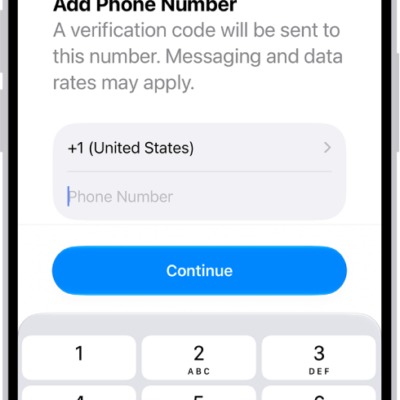
How to view or change cellular data settings on iPhone
You can turn cellular data on or off on iPhone, manage roaming, and see and limit how much data each app uses.
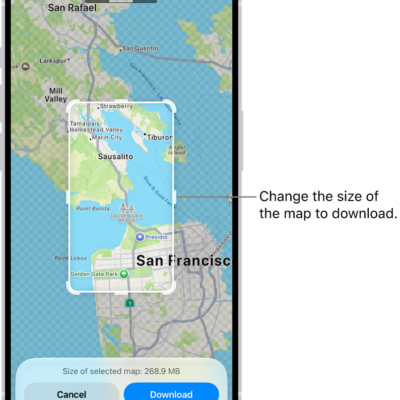
How to download offline maps on iPhone
You can download offline maps on iPhone to get directions, see place details, and check your arrival time without Wi-Fi or cellular.
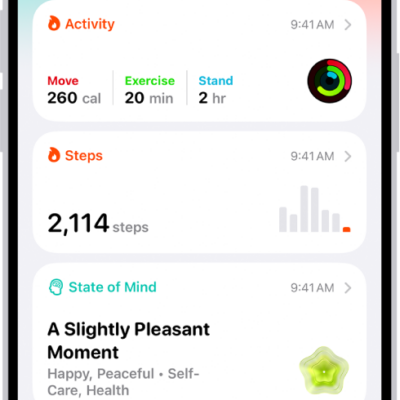
How to download health records on iPhone
You can download health records to the Health app on iPhone with a QR code or link, or set up automatic downloads from your provider.
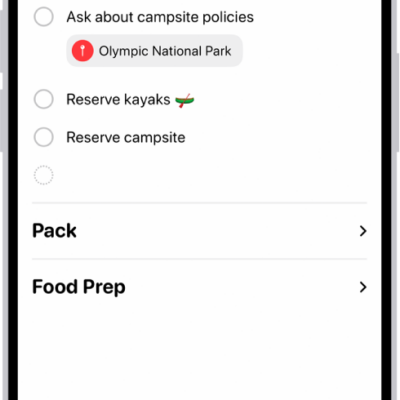
How to delete or recover items in Reminders on iPhone
You can delete items in Reminders on iPhone, undo a deletion right away, or recover items from Recently Deleted within 30 days.