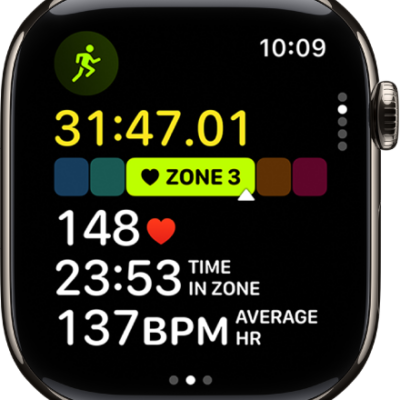
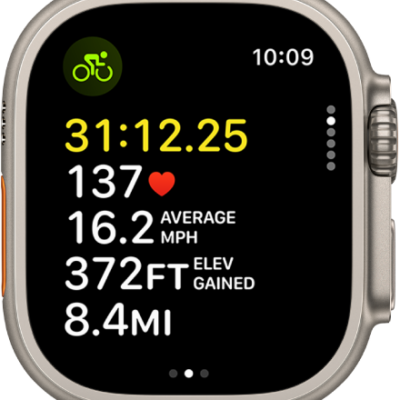
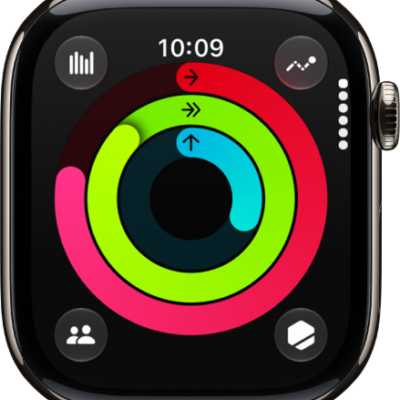
Your Apple Watch can help you track your running workouts. When you start a running workout in the Workout app, you can use several different workout views, with metrics like heart rate, average pace, running power and more. You can include prebuilt workout views that focus on Heart Rate Zones, elevation, power, Activity rings, and more.
When you’re ready to go for a run, you can set a running pace, race your last or best time on a route, or get accurate lap times on a track. You can also create a custom workout that suits your fitness needs, and afterward, training load in the Activity app shows how the intensity of your workouts may affect your body over time. And with the Action button on Apple Watch Ultra models, you can quickly start a running workout and mark segments.
Start a running workout
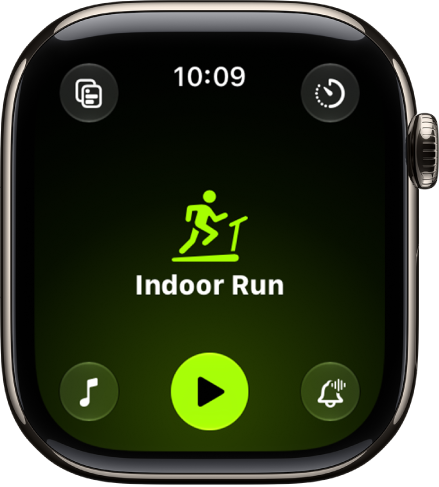
When you’re ready to start running, go to the Workout app on your Apple Watch, turn the Digital Crown to Outdoor Run or Indoor Run, then tap the Start button. After you complete your run, you can view completed workouts in the Activity app or in the Fitness app on iPhone.
Start a workout on Apple Watch
See your workout, meditation, and dive history
Customize workout views
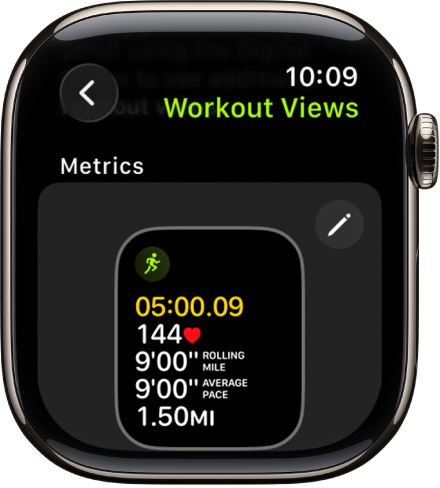
You can choose the workout views you want to see during your run (like Segment, Elevation, and Split) and then reorder them based on your preferences. Turn the Digital Crown to Outdoor or Indoor Run, then tap the Views button. Scroll through the workout views, then tap Include next to the workout views you want to appear during the workout.
Workout views feature metrics like heart rate, average pace, vertical oscillation, ground contact time, stride length, running power, and more. To edit the metrics you want to see in the Metrics workout views, tap the Edit button.
Run your way
You can set up the running workout that works best for you in the Workout app. Pacer helps you set a running pace and see if you’re ahead or behind, for example, while Race Route lets you race your last or best time on a route, and Track Detection gets you accurate lap times on a track.
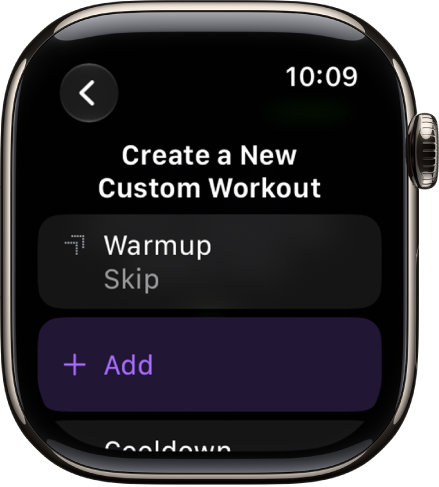
If you want to customize your workout, turn the Digital Crown to Outdoor or Indoor Run, tap the Goals button, tap Custom, then tap the Add button. You can add warmup and cooldown times, set alerts, add work and recovery intervals, and more.
Track your training load
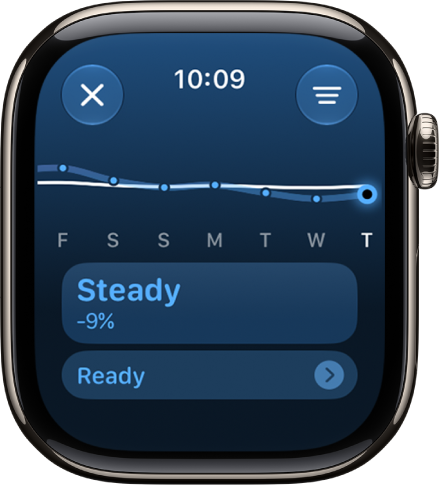
Use training load on your Apple Watch to see how the intensity of your workouts may impact your body over time. Go to the Activity app, tap the Workload button, then turn the Digital Crown to view your training load over the last 7 days. You can also see your overnight vitals for additional insights.
Run with Apple Watch Ultra
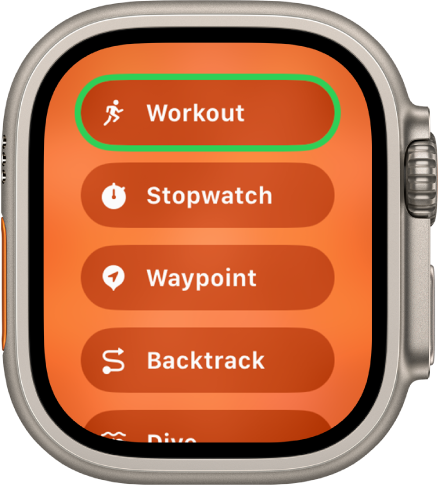
The Action button on Apple Watch Ultra models can start a running workout and mark a segment.
You can also use Precision Start to start a workout without a countdown. After selecting a running workout, swipe left and tap Start (or press the Action button if you’ve set it to Workout).
Turn Precision Start on or off
And more…
-
Use a third-party app
When you complete a running workout with a third-party app, you can view a summary in the Fitness app on iPhone. You can also view workouts you complete in the Workout app in a compatible third-party app.
-
Play audio
During your workout, you can listen to music, podcasts, and audiobooks, and control playback on your Apple Watch.
-
Start a Check In
You can use Check In to automatically notify a friend when a workout session is completed, after a specific period of time has passed, or when you arrive at your destination.
-
Send messages
Send and respond to messages while you’re out on a run.
-
Make phone calls
Use the Phone app to make and answer phone calls while you’re running.
-
Purchase items
You can use your Apple Watch to buy items like bottled water.
See also
- Get started with health features on Apple Watch
- Stay active with Apple Watch
- Track daily activity with Apple Watch
- Workout views and running metrics on Apple Watch